SMS
24
Draft folder
You can store up to 20 messages in the Draft folder.
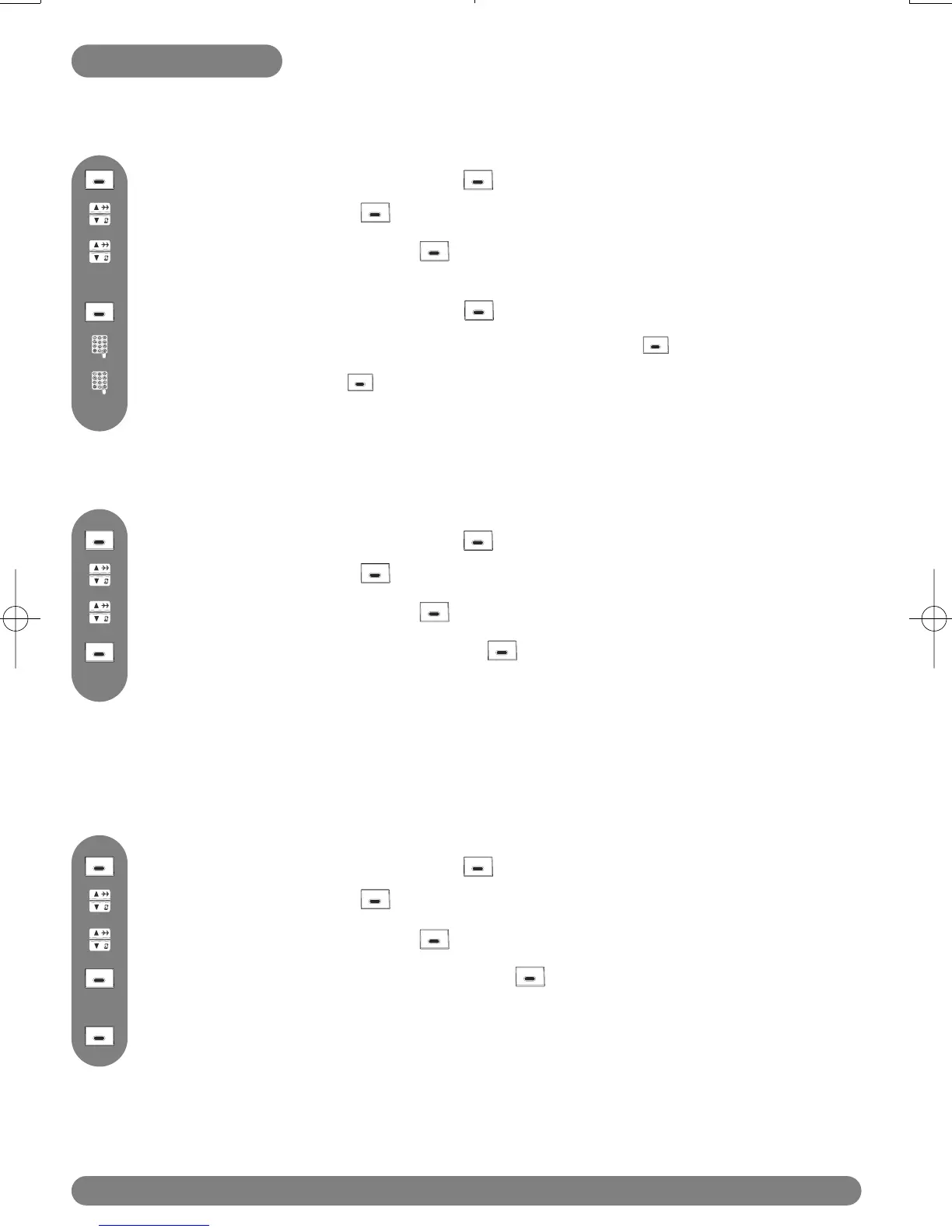
Press MENU, scroll to Edit and press SELECT.
Browse the list of SMS and press VIEW to select the one you want to edit
and send.
You can modify the text if necessary (see page 18) and press OK.
To edit and send an SMS stored in the draft folder
Scroll to Draft and press SELECT.
Press to reach the menu list and press SELECT.
Enter the number, press OK and select Send or retrieve the number from the
phonebook (see page 30).
To delete an SMS from the Draft folder
Press MENU, scroll to Delete and press SELECT.
Browse the list of SMS and press VIEW to select the one to be deleted.
Scroll to Draft and press SELECT.
Press to reach the menu list and press SELECT.
The selected message will then be deleted immediately.
This option enables you to delete all SMS in the Draft folder list.
Press SELECT to confirm or BACK if you do not want to delete all your SMS
list.
Once selected, a confirmation is required : “Delete All?”.
To delete all SMS from the Draft folder
Press MENU, scroll to Delete All and press SELECT.
Scroll to Draft and press SELECT.
Press to reach the menu list and press SELECT.
Browse the list of SMS and press VIEW.



 To Next Page