Call log
33
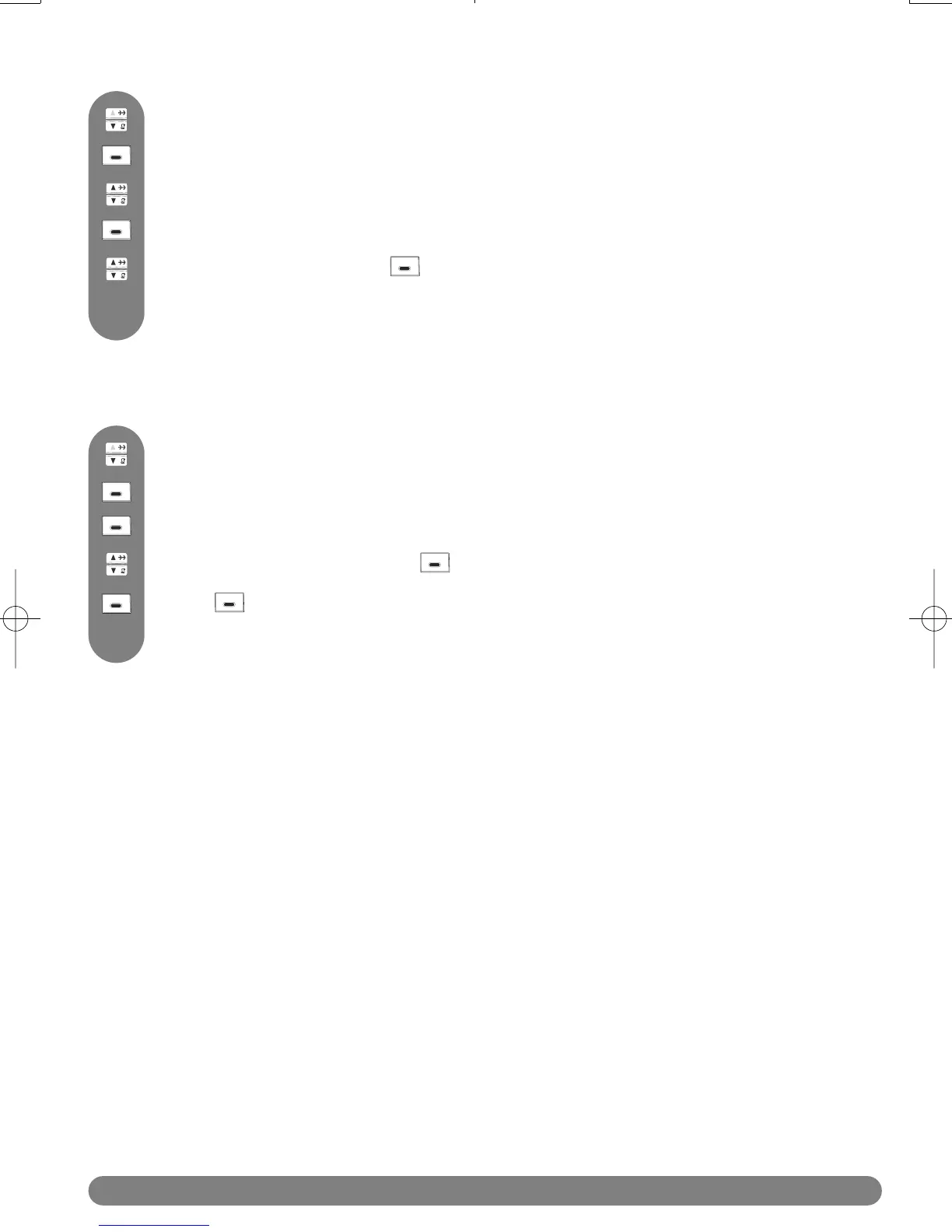
To delete a name or a number
Press MENU to access the menu.
Browse to view the wanted entry.
Press to directly reach the call log.
Scroll to Delete and press OK.
A confirmation tone is heard and the screen will show the call log again.
To delete all call log entries
Press SELECT to select Call log.
Press to directly reach the call log.
Scroll to Delete All and press OK.
Press OK to confirm deletion of the complete call log list.
A confirmation tone is heard and then the phone returns to the idle mode.
Press SELECT to select Call log.
Press MENU to access the menu.



 To Next Page