Personalize
38
Wallpaper
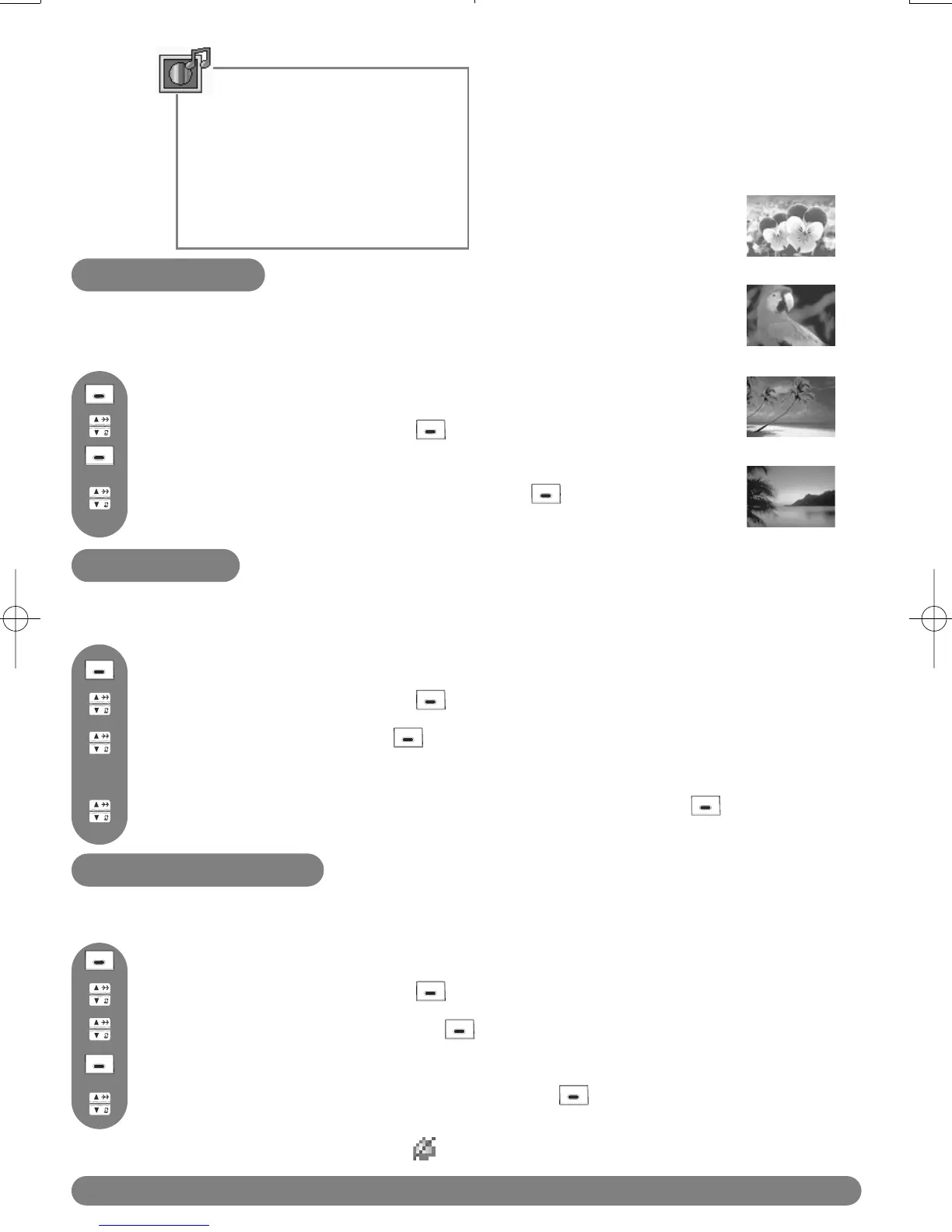
This feature allows you to specify the wallpaper that is displayed in idle mode.
There are 4 wallpapers pre-installed in your phone.
Personalize
Wallpaper
Contrast
Handset Tones
Handset name
Auto Answer
Language
Press to select Wallpaper. The currently selected wall paper is shown.
Scroll to Personalize and press SELECT.
Press to reach the menu list.
Scroll to view the wallpaper pictures and press to SELECT your
chosen wallpaper.
To specify a wallpaper
Scroll to Contrast and press SELECT.
Scroll to Personalize and press SELECT.
Press to reach the menu list.
The currently selected contrast level is highlighted.
Browse through the contrast levels to see the difference and press to SELECT
the appropriate one.
To set the display contrast
Contrast
Three display contrast levels are available.
To set the handset ring volume or silence mode
Handset Tones
Three ring volume levels and Ring Off (silence) are available.
Scroll to Handset Tones and press SELECT.
Scroll to Personalize and press SELECT.
Press to reach the menu list.
Browse through the levels to hear them and press to SELECT the
appropriate one.
Press to select HS Ring Volume. The current level is heard.
Note :When Ring Off is selected, this icon is shown in the idle mode.



 To Next Page