Phonebook
31
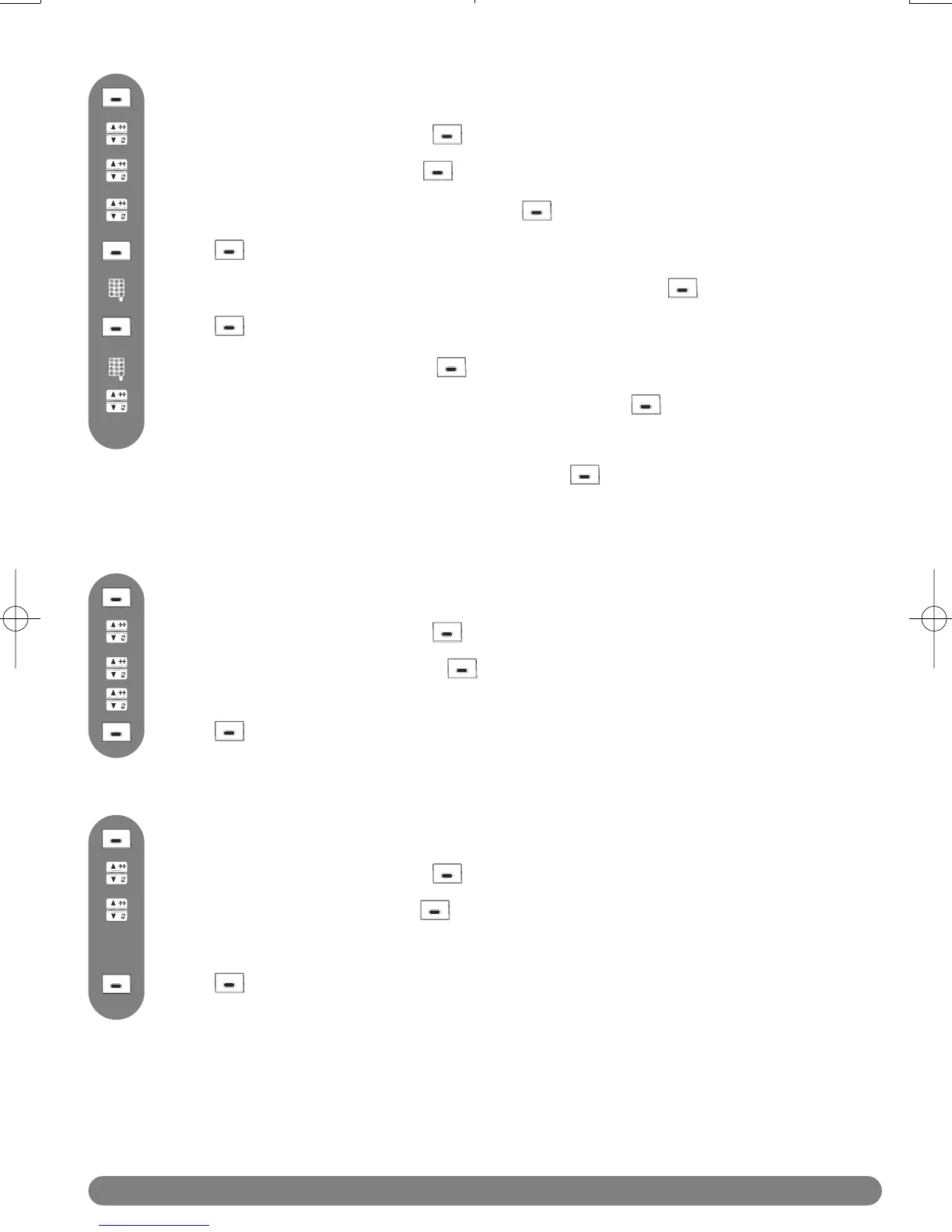
Scroll to Delete Entry and press SELECT.
Scroll to Phonebook and press SELECT.
Press to reach the menu list.
To delete an entry
Browse through the list of names.
Press SELECT to delete the selected entry.
Scroll to Delete All and press SELECT.
Scroll to Phonebook and press SELECT.
Press to reach the menu list.
To delete whole phonebook list
Press SELECT to confirm deletion of the complete phonebook list.
Scroll to Edit Entry and press SELECT.
Enter the new name (see page 18,“Editing system”) and press OK.
Scroll to Phonebook and press SELECT.
Press to reach the menu list.
Enter the new number and press OK.
Browse through the list to hear the ring tones and select your chosen group ring
tone for this entry.
To edit an entry
Browse through the list of names and press SELECT.
Press CLEAR to delete character by character.
Press CLEAR to delete digit by digit.
Note : If, for example, only the number is to be changed, press OK until the number is shown on
the display and modify it.
Once selected, a confirmation is required :“Delete All ?”.



 To Next Page