EasyManua.ls Logo

Philips DECT 629 - Phonebook Management; Personalization Options; Advanced Settings

Philips DECT 629
58 pages
Print Icon
To Next Page IconTo Next Page
To Previous Page IconTo Previous Page
Loading...
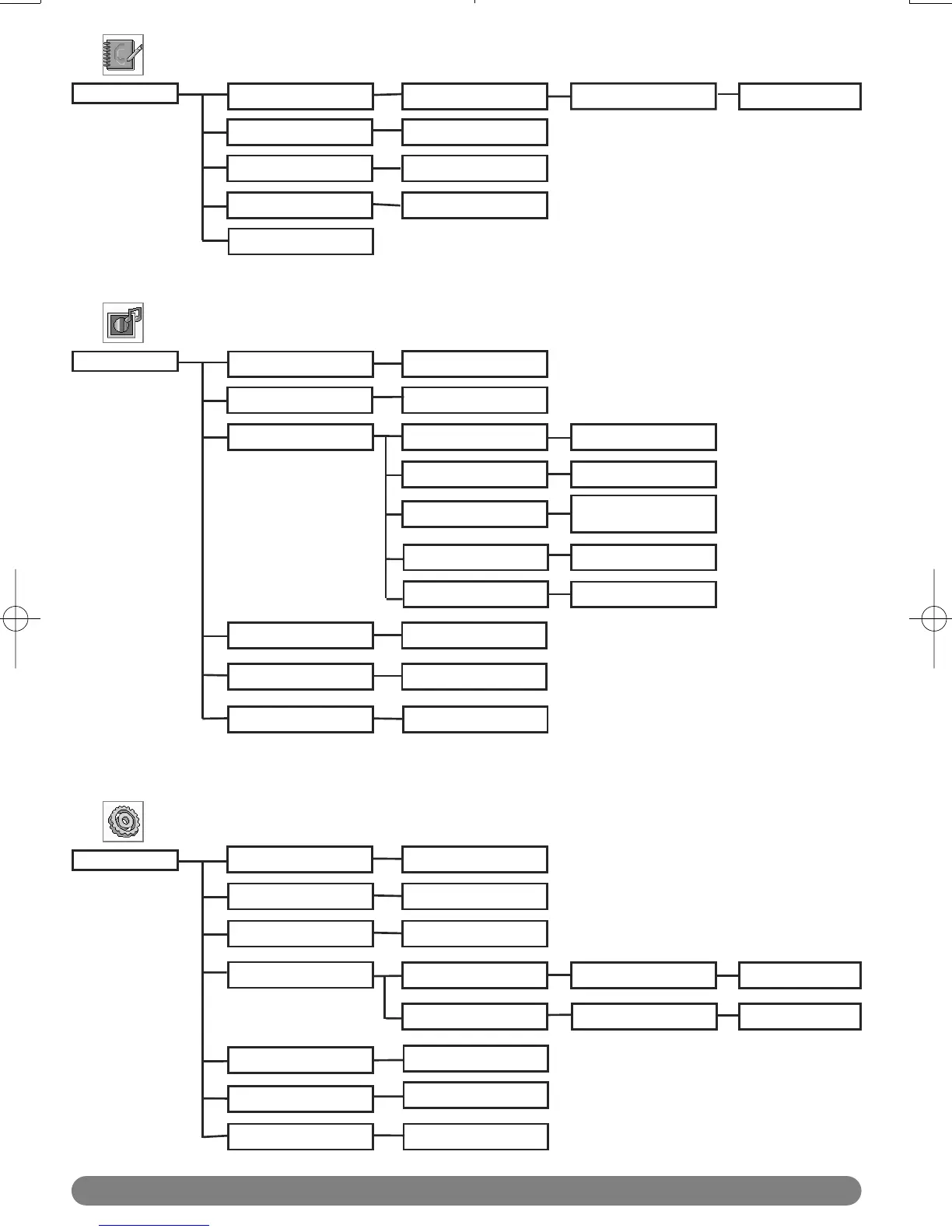
Menu structure
8
Phonebook
New Entry
Edit Entry
Delete All
List Entry
Delete Entry
Level 1/2/3/Off
Melody names
On / Off
On / Off
Personalize
Wallpaper
Handset Tones
Handset name
Enter HS name
Wallpaper 1/2/3/4
Contrast
Auto Answer
Language
Enter name Enter number
List of names
List of names
List of names
Level 1/2/3
HS Ring Volume
HS Ringtone
Key Tone
SMS Tone
On / Off
List of languages
Enter PIN
Adv. Settings
Flash Time
Dial Mode
Tone / Pulse
Short/Medium/Long
Change PIN
Enter PIN
Handset list
Select Group
Security
Registration
Unregistration
Reset
Call Barring
Enter PIN
Nr. 1/2/3/4
Yes / No
Enter new PIN
Group Melody
Select melody for
group A / B /C
Voice Lang.
Language list
DECT623_627_GBIE_part1.qxd 14.07.2005 16:05 Seite 8

Related product manuals