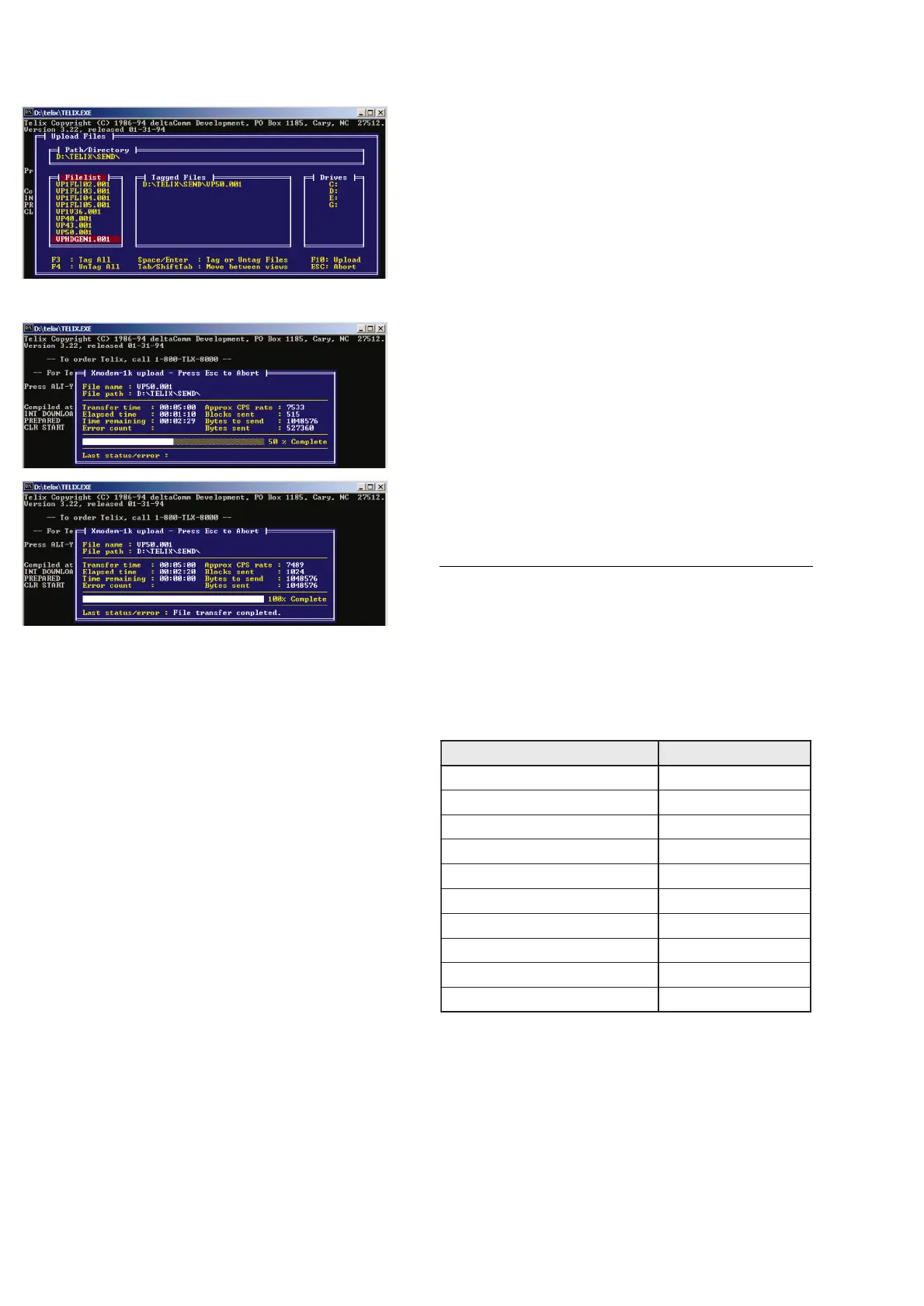
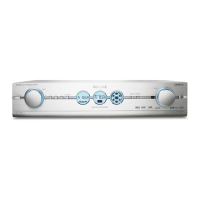
11. Now select the supplied firmware-file and press <Enter>.
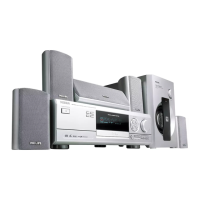
12. Press <F10> and wait until the download has finished.
If the message “Telix Warning, upload was aborted”
appears during download, check connections and restart at
point 6.
13. To program another board, restart at point 6 or press
<Alt> + <x> to close Telix.
SERVICE TEST PROGRAM
The Digital A/V Receiver DFR9000 is equipped with
comprehensive service & diagnostic features. The set
internal service mode provides following test loops:
• EEPROM test
• EEPROM format
• Display test
• Key/RC/Rotary test
• I2C & SPI communication test
• DAB bit error rate test
• Audio switch test
• Video switch test
• Video test patterns
• Temperature & fan test
1. Entering the service mode
To enter the service mode hold the button <PREVIOUS>
depressed while connecting mains.
The set will enter the main menu of the service mode and
display the following message:
Left part of LCD Middle part of LCD
L xx yy mm dd.dd
L...........Country code (E=EU, U=US, O=OS)
xx..........Version of front processor firmware
yy..........Version of Video Processing Board firmware
mm.......Version of Audio-DSP firmware
dd.dd....Version of DAB tuner firmware
From the main menu various test loops can be executed by
pressing dedicated keys (see table below).
To exit a certain test loop press <OK>.


 To Next Page