24 25
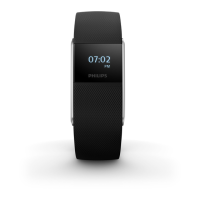
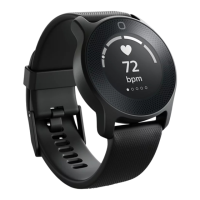
Pairing and personalizing the Philips health watch
The device is equipped with Bluetooth
®
. You can sync your personal health data to iOS
®
and Android
TM
smartphones and tablets using Bluetooth wireless technology. Download
the Philips HealthSuite health app from the App Store or Google Play. Use the search
term ‚Philips HealthSuite health‘. The app is available for iOS
®
8.0+ and Android
TM
4.4.2+
operating systems.
It is very important that you provide the right prole data in the app to enable
accurate measurements.
1 Place the health watch in the charging cradle and charge the device.
2 Download the Philips HealthSuite health app on your mobile device.
3 Open the app and the setup wizard will guide you through the steps to create a user
prole. In the page ‚Add a device‘ select the Health watch from the list of devices.


 To Next Page