30 31
If you want to use the other strap:
1 Turn the watch upside down.
2 Release the pin of the strap (Fig. 4).
3 Gently remove the strap.
4 Position the watch correctly, lock one side of the new strap in the watch, unlock the
pin
of the new strap and lock the strap in the watch (Fig. 5).
User interface
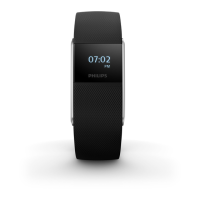
The Philips health watch has a touch sensitive ring around the display.
You can use the touch sensitive ring to navigate the menus.



 To Next Page