48 49
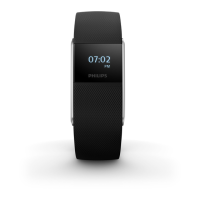
You can select analog or digital clock in the settings menu.
Note: You cannot change the time on the device. The time is synced with your mobile
device settings when you connect the watch to your mobile device.
Settings
Select settings from the main menu. Settings can be adapted to your preference.
Swipe left or right at the bottom of the touch ring and tap to start to set user settings,
to select ight mode, regulatory information or to reset the device to the factory settings.
- User settings: Swipe left or right to select the active view, to invert screen colors or
select the type of clock displayed (analog or digital) and to set up backlight and
vibrations.
ENGLISH



 To Next Page