50 51
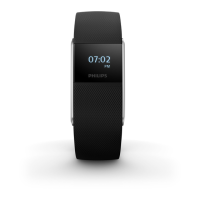
- Active view: When this function is enabled, the screen goes to the activity screen
when an activity is detected.
- Invert colors: Select either black or white as your standard screen color.
- Clock: Select analog or digital display of the clock time.
- Backlight: When you enable backlight, the display lights up briey when you
touch the touch ring to improve visibility.
- Vibration: Turn vibration on or o. The alarm will still vibrate in case vibration is
turned o.
- Flight mode: When you select the ight mode, Bluetooth automatically switches o.
Select ‚turn o ight mode‘ to return to normal mode.
- Regulatory information and serial number.


 To Next Page