23
Play from an external device
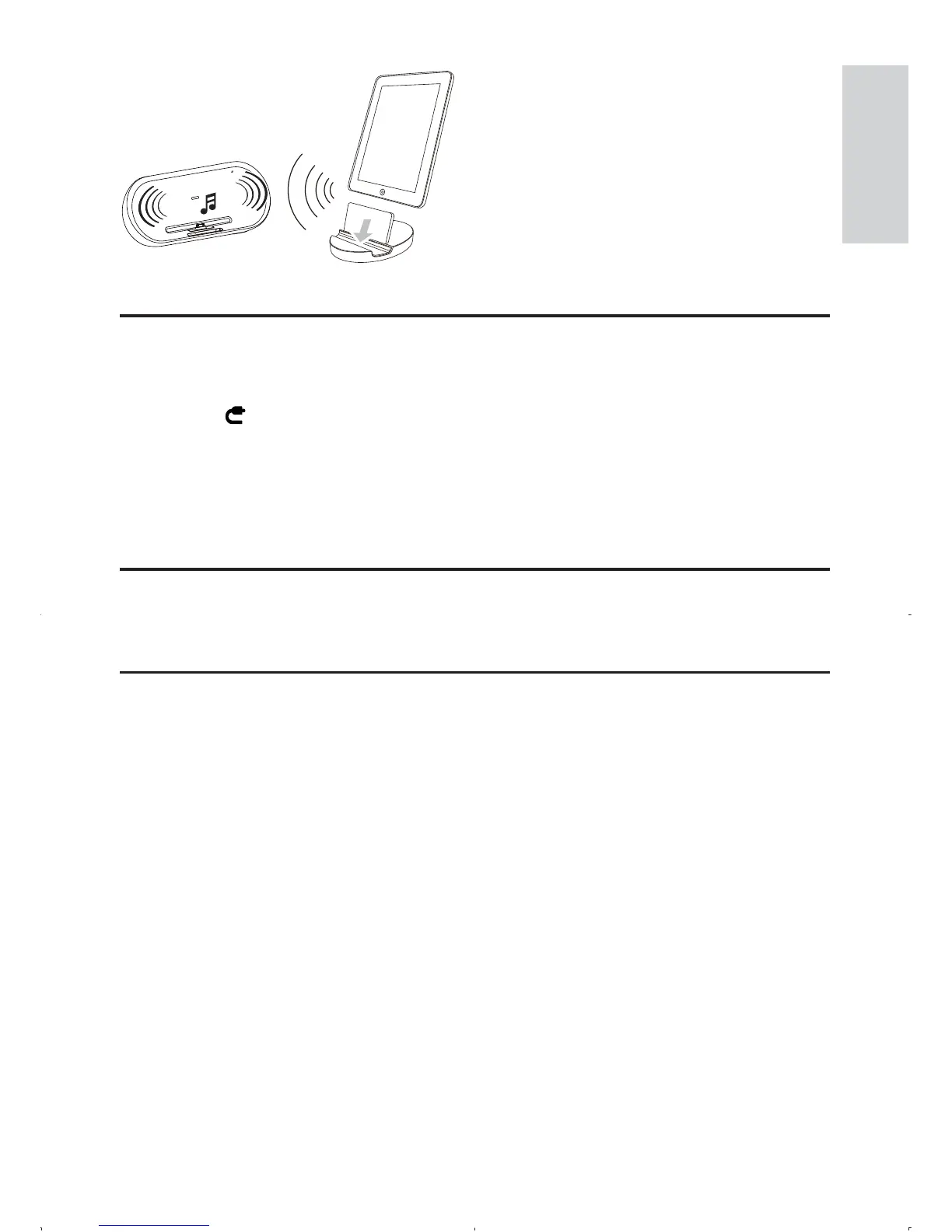
You can also listen to an external audio device through this unit.
1 Press to select Aux-in mode.
2 Connect the supplied Aux-in link cable to:
the • AUX IN jack (3.5mm) on the back of the unit.
the headphone jack on an external device.•
3 Start to play the device (see the device user manual).
Adjust volume level
1 During play, press VOL +/- to increase/decrease the volume level.
Mute sound
1 During play, press MUTE to mute/unmute sound.
English
EN



 To Next Page