11EN
4 Play
Play from disc
1 Press CD/ID3on the remote control or
tap SRC repeatedly on the main unit to
select CD source.
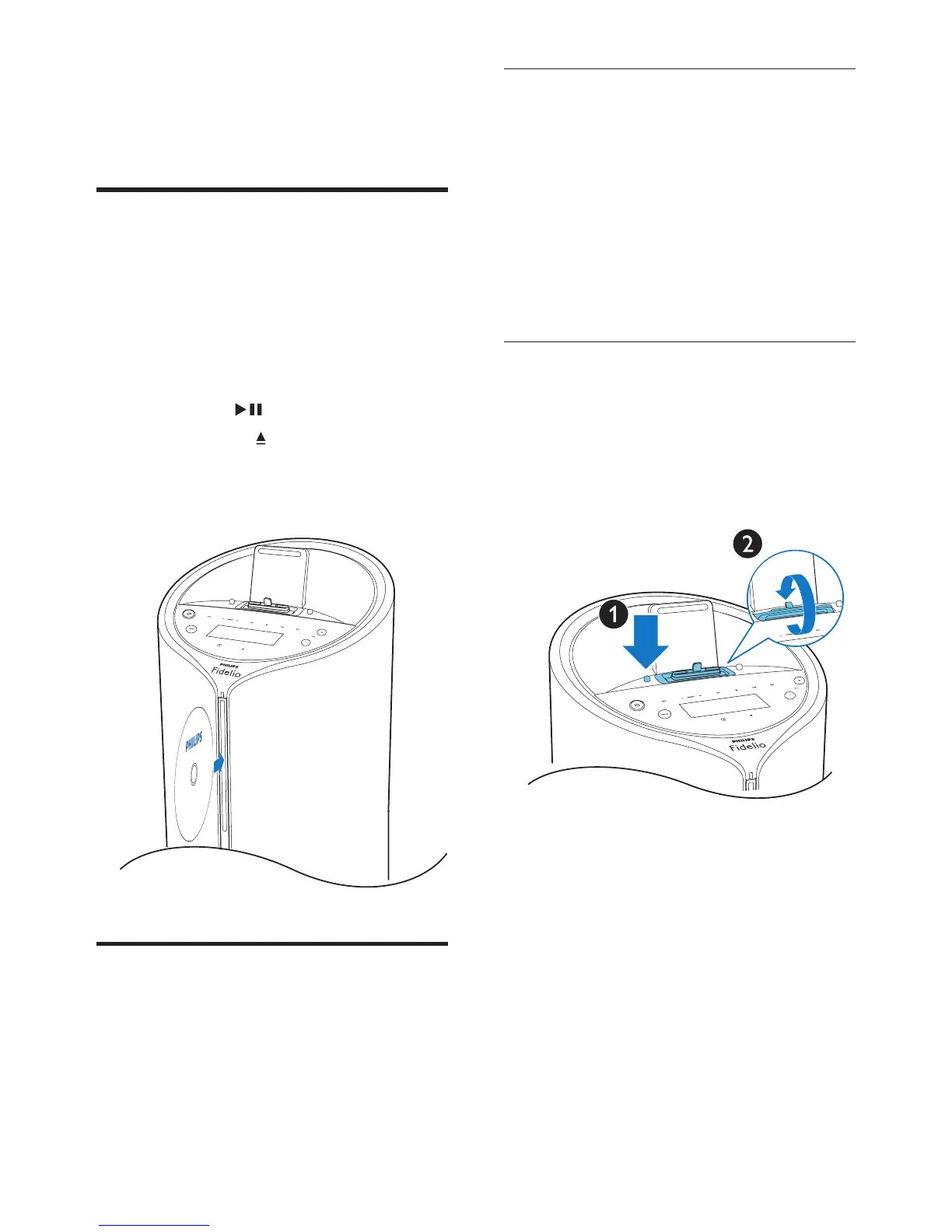
2 Insert a disc into the disc compartment
with the printed side facing right.
» The le starts playing automatically. If
not, press .
• Press EJECT to take the disc out of
the disc tray.
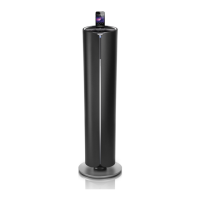
Play iPod/iPhone/iPad
You can enjoy audio from iPod/iPhone/iPad
through this docking system.
Compatible iPod/iPhone/iPad
The docking system supports the following
iPod/iPhone/iPad models.
iPod models:
• iPod touch 5th generation / iPod nano
• iPhone models:
• iPhone 5S/iPhone 5C/iPhone 5 /
iPhone4S / iPhone 3GS
• iPad models:
• All iPad
Switch the dock
You can switch the dock between 30-pin
connector and lightning connector.
1 Press the button on the left side of the
docking system.
2 Rotate the center to switch the dock.


 To Next Page