5EN
2 Your Docking
Entertainment
System
Congratulations on your purchase, and
welcome to Philips! To fully benet from the
support that Philips offers, register your product
at www.philips.com/welcome.
Introduction
With this unit, you can:
• enjoy audio from discs, USB devices, iPod/
iPhone/iPad, Bluetooth devices, and other
external devices
• listen to radio stations
You can enrich sound output with these sound
effects:
• Dynamic Bass Boost (DBB)
• Digital Sound Control (DSC)
• Living Sound
The unit supports the following media
formats:
What's in the box
Check and identify the contents of your
package:
• Main unit
• Remote control with two AAA batteries
• Power cords
• MP3 link cable
• FM antenna
• Short User manual
• Safety & Notice sheet
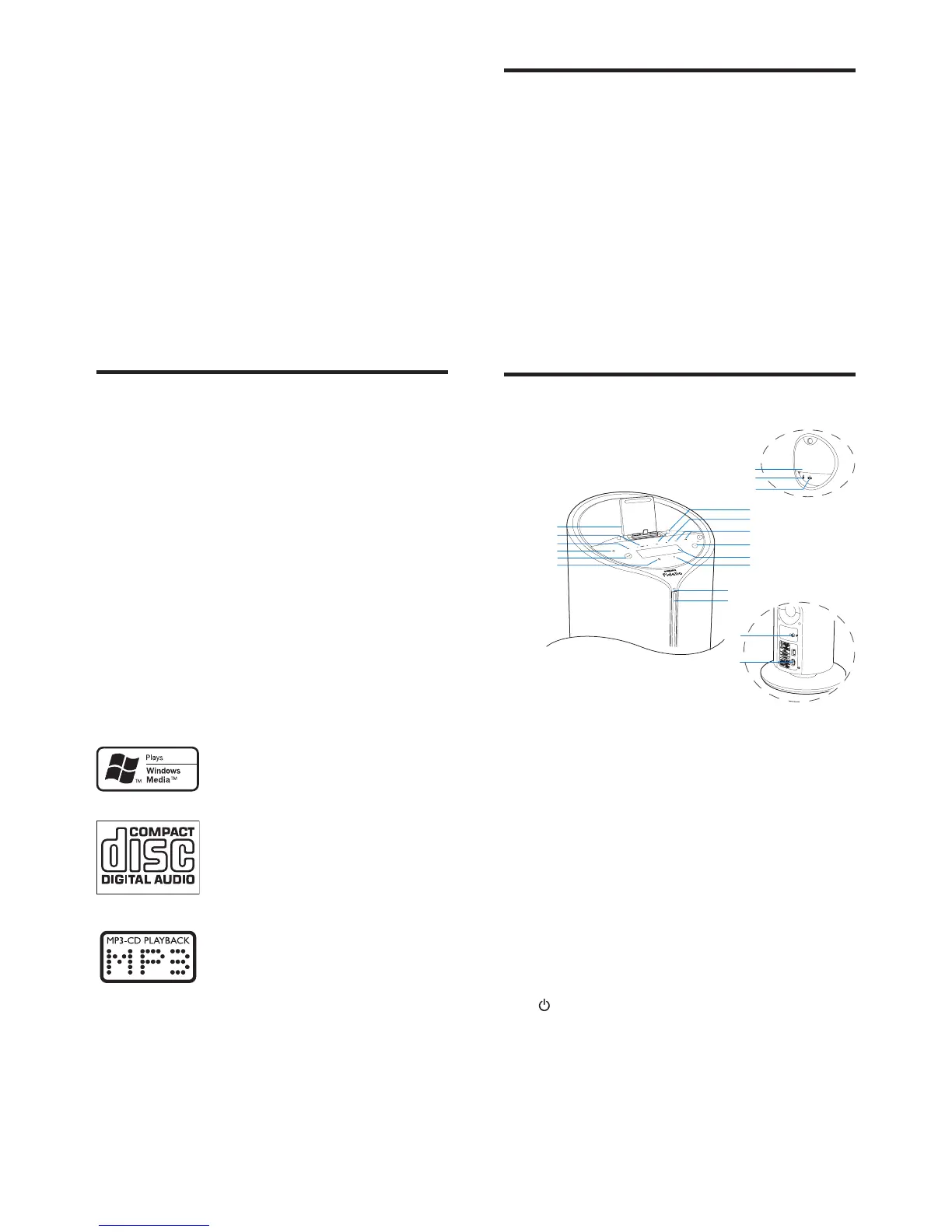
Overview of the main unit
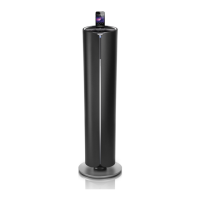
a DOCK
• Dock for iPod/iPhone/iPad.
b PRESET +/-
• In tuner source, tap to select a preset
radio station.
• In Disc/USB source, tap to skip to the
previous/next album.
c SRC
• Select a source: DISC, FM TUNER,
DOCK, USB, AUX or BT.
d
• Turn the unit on.
• Switch to standby mode or Eco power
standby mode.
o
p
q


 To Next Page