English
22
Step 3: Installation and Setup (continued)
Select the country of your
residence
Select the country of your area for auto
channel tuning.
A
Press SETUP on the remote control.
The system setup menu appears on
the TV.
B
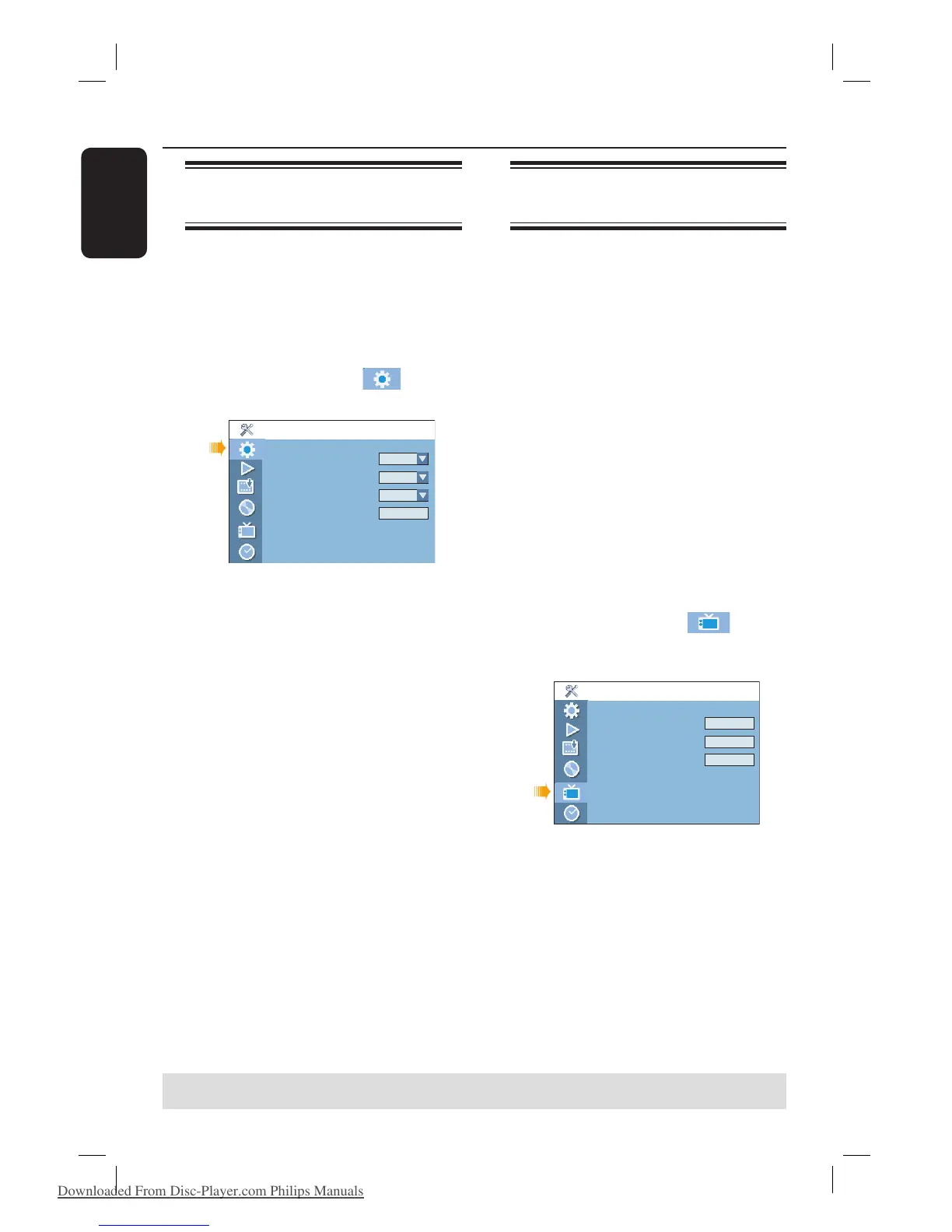
Use ST keys to highlight
{ Setup - General } and press X.
Setup - General
Screen Saver
Country
Video Output Selection
Restore Factory Settings
On
Germany
SCART RGB
OK
C
Select { Country } and press OK.
D
Use ST keys to select the country of
your residence and press OK to con rm.
Setting the TV channel
programmes
Before the recorder is able to start
recording the TV channel programmes,
you need to search for the available TV
channels and store them in the recorder.
Language settings can only be
changed when the disc stops playing
or when there is no disc in the disc
tray.
Before you start...
Make sure you have successfully made all
the required connections to the
recorder, the TV and Satellite Receiver/
Cable Box (if any) and turned them on.
A
Press SETUP on the remote control.
The system setup menu appears on
the TV.
B
Use ST keys to highlight
{ Setup - Channel Setup } and press
X.
Channel Search
Modify Channel Information
Sort Channels
Setup - Channel Setup
Search
Edit
Sort
C
Select { Channel Search } and press OK.
The automatic TV channel search starts.
This process may take several minutes.
Once complete, the total number of
channels found and stored appears on the
TV.
To modify or sort the TV channels,
see the chapter “Setup Options -
Channel Setup settings”.
TIPS: Press X to access the options of an item in the menu.
Press SETUP to exit the menu.
DVDR3510V_eng_26244.indd 22DVDR3510V_eng_26244.indd 22 2007-08-01 1:46:17 PM2007-08-01 1:46:17 PM
Downloaded From Disc-Player.com Philips Manuals















 To Next Page