English
32
Preview Function (JPEG)
This function shows the content of the
current folder or the whole disc.
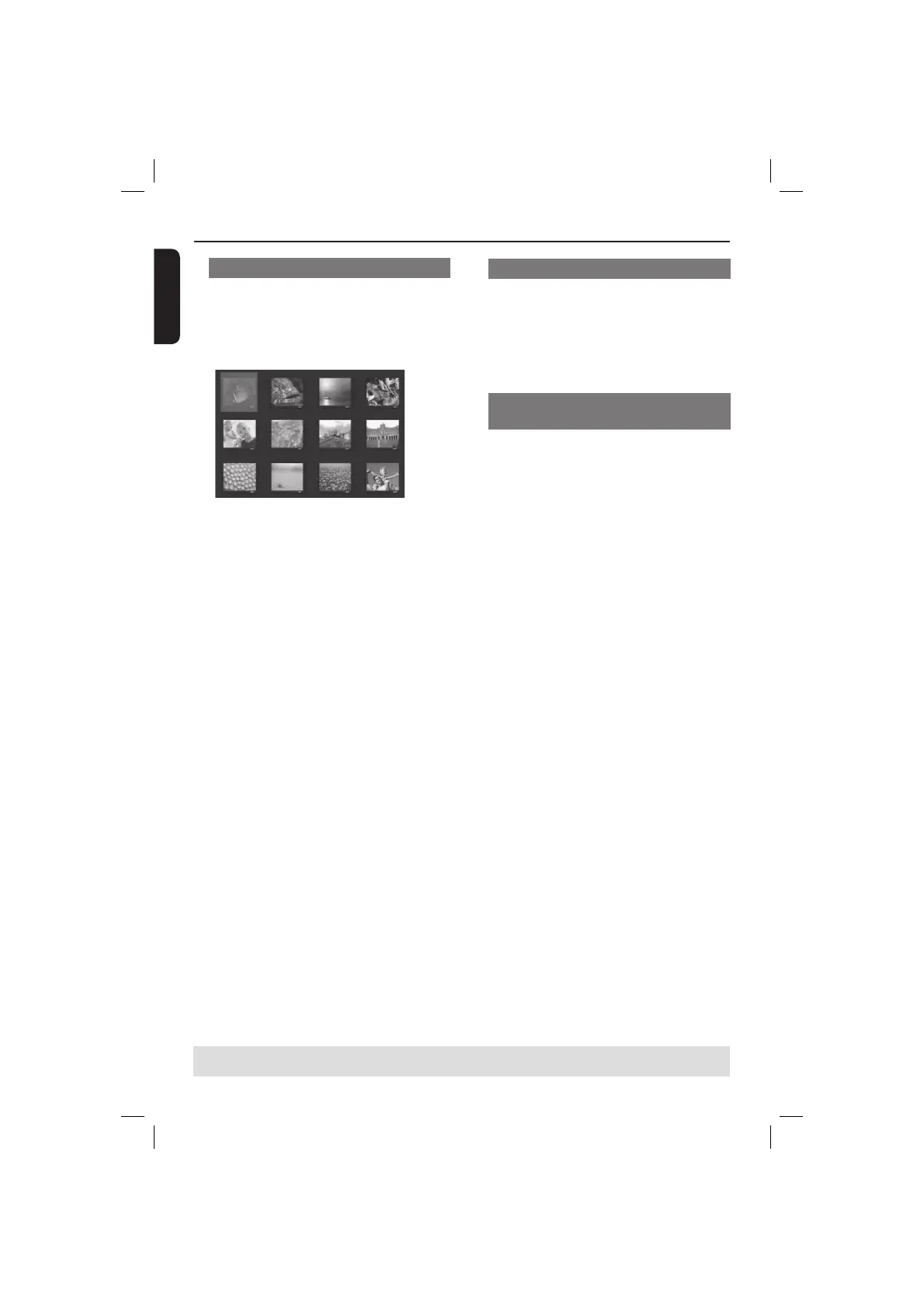
A Press DISPLAY during playback.
12 thumbnail pictures will appear on
the TV screen.
B Press PREV í / NEXT ë to display
the other pictures on the previous / next
page.
C Press S T W X to select one of the
picture and press OK to start playback.
D Press DISC MENU to return to Picture
CD menu.
Zoom picture (JPEG)
During playback, press ZOOM
repeatedly to display the picture with
different scales.
Use S T W X to view the zoomed
picture.
Playing MP3/WMA music and JPEG
picture simultaneously
A
Load a disc that contains MP3/WMA
music and JPEG picture les.
The disc menu appears on the TV
screen.
B Select an MP3/WMA track.
C During MP3/WMA music playback, select
a picture le on the TV screen and press
OK.
A slide show will start at the same
time as the MP3/WMA audio le is
playing.
D To quit simultaneous playback, press
STOP Ç to stop the slide show.
E Press STOP Ç again to stop the audio.
Tips:
– Some les on Kodak or JPEG disc may be
distorted during playback due to the
con guration and characteristics of the disc.
– During simultaneous playback, fast
forward / reverse or slow forward is not
available.
Playback Features (continued)
TIPS: The operating features described here might not be possible for certain discs.
Always refer to the instructions supplied with the discs.
01-53_dvp3960_37_eng2.indd 3201-53_dvp3960_37_eng2.indd 32 2006-12-28 11:24:48 AM2006-12-28 11:24:48 AM



 To Next Page