EasyManua.ls Logo

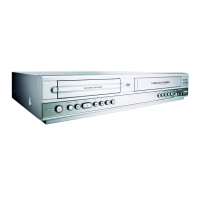
Philips DVP620VR - Automatic & Direct Recording Functions

Philips DVP620VR
104 pages
Print Icon
To Next Page IconTo Next Page
To Previous Page IconTo Previous Page
Loading...
PREPARATION
FOR
SERVICING
How
to
Enter
the
Service
Mode
About
Optical
Sensors
Caution:
An
optical
sensor
system
is
used
for
the
Tape
Start
and
End
Sensors
on
this
equipment.
Carefully
read
and
follow
the
instructions
below.
Otherwise
the
unit
may
operate
erratically.
What
to
do
for
preparation
Insert
a
tape
into
the
Deck
Mechanism
Assembly
and
press
the
PLAY
button.
The
tape
will
be
loaded
into
the
Deck
Mechanism
Assembly.
Make
sure
the
power
is
on,
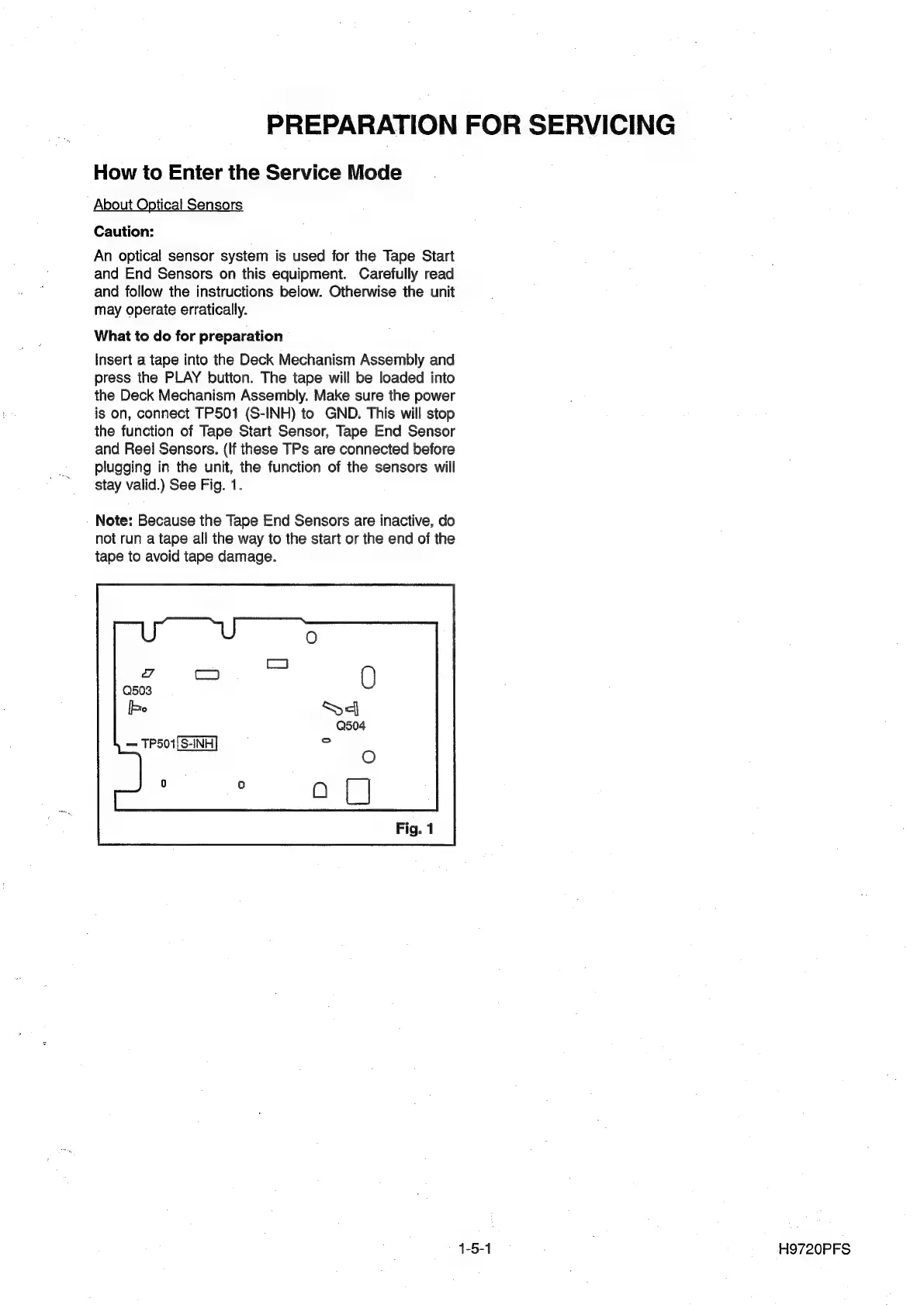
connect
TP501
(S-INH)
to
GND.
This
will
stop
the
function
of
Tape
Start
Sensor,
Tape
End
Sensor
and
Reel
Sensors.
(If
these
TPs
are
connected
before
plugging
in
the
unit,
the
function
of
the
sensors
will
stay
valid.)
See
Fig.
1.
Note:
Because
the
Tape
End
Sensors
are
inactive,
do
not
run
a
tape
all
the
way
to
the
start
or
the
end
of
the
tape
to
avoid
tape
damage.
4
Co)
[be
TP501|S-INH
1-5-4
H9720PFS

Other manuals for Philips DVP620VR

Related product manuals