Page 100 E
VERFLO
TM
SERVICE & TECHNICAL INFORMATION 1039055, VER. 06
13. Repeat step 1-3 to load the Manifest ZIP file from my.respironics.com.
14. Then unzip file into location where EverFlo Service Upgrade tool was installed. For example:
C:\Program Files (x86)\EverFlo Service Tool.
11.1.3 Context Definitions for Main Screen:
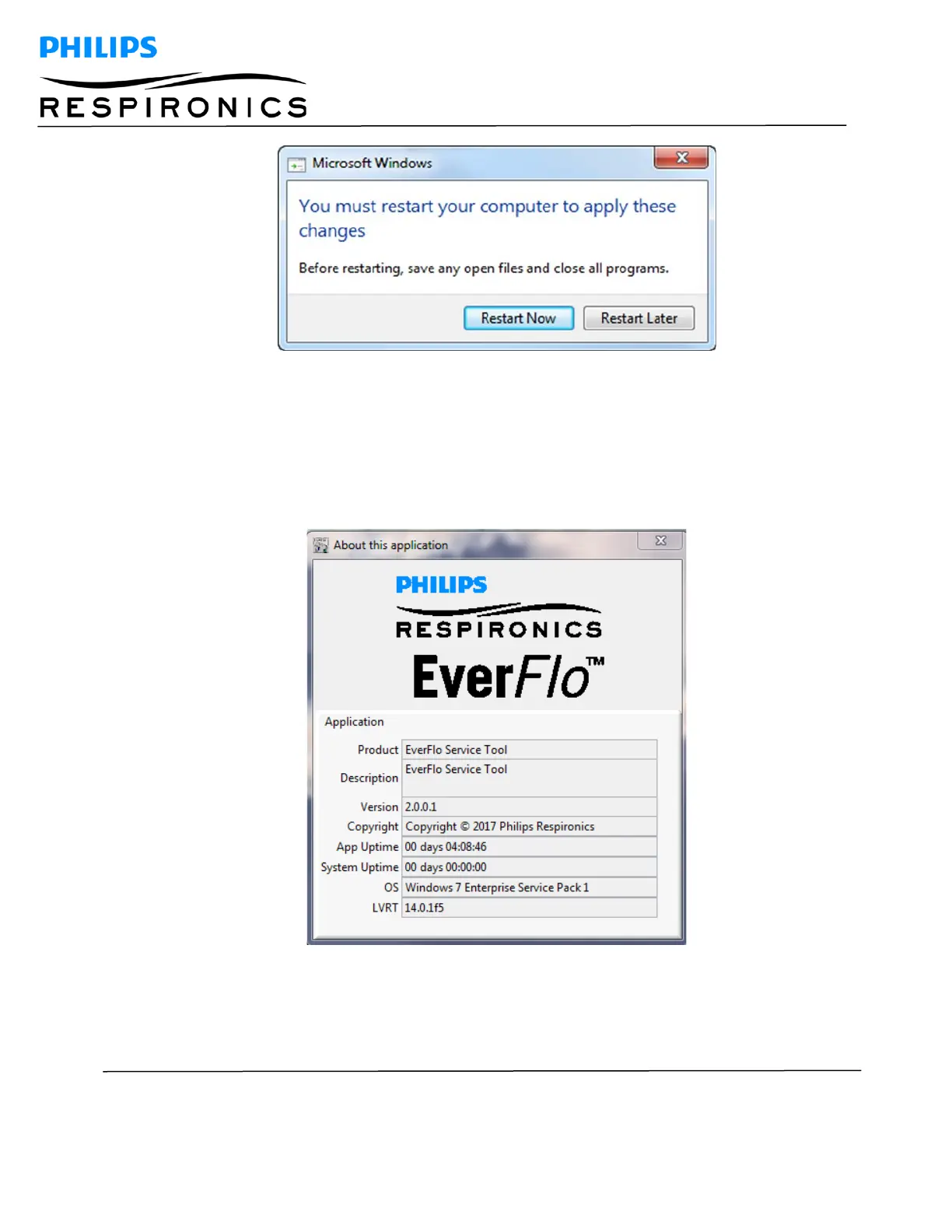
Click on the “Help” tab and select the “About” option. This will display the Service Upgrade Tool flash screen
1. Enter Device manager and set the COM port advanced settings to the proper latency setting.




 To Next Page