English
Video Cassette Playback 17
• Other tape playback features are
on pages 31-34.
• If AUTO REPEAT is ON, playback
will begin when you insert a tape,
even when the record tab is
intact. Details are on page 31.
•You must connect the DVD/VCR
to a TV using the RF coaxial
cable or the audio/video cables in
order to use the VCR features.
These hookups are explained on
pages 9 and 12.
Helpful Hints
Read and follow the steps below to play a tape.
1
Turn on the TV. Set it to channel 3 or 4 or its
AUDIO/VIDEO IN channel. This depends on how you
connected the DVD/VCR to a TV.
Details are on pages 8-14.
2
With the DVD/VCR power off, insert a tape in the
cassette compartment of the DVD/VCR. VCR light
will appear on the front of the DVD/VCR. If the tape’s
record tab has been removed, playback will start
automatically.
If the DVD/VCR power is already on, press VCR to put the
DVD/VCR in VCR mode if necessary.VCR light will appear
on the front of the DVD/VCR.
3
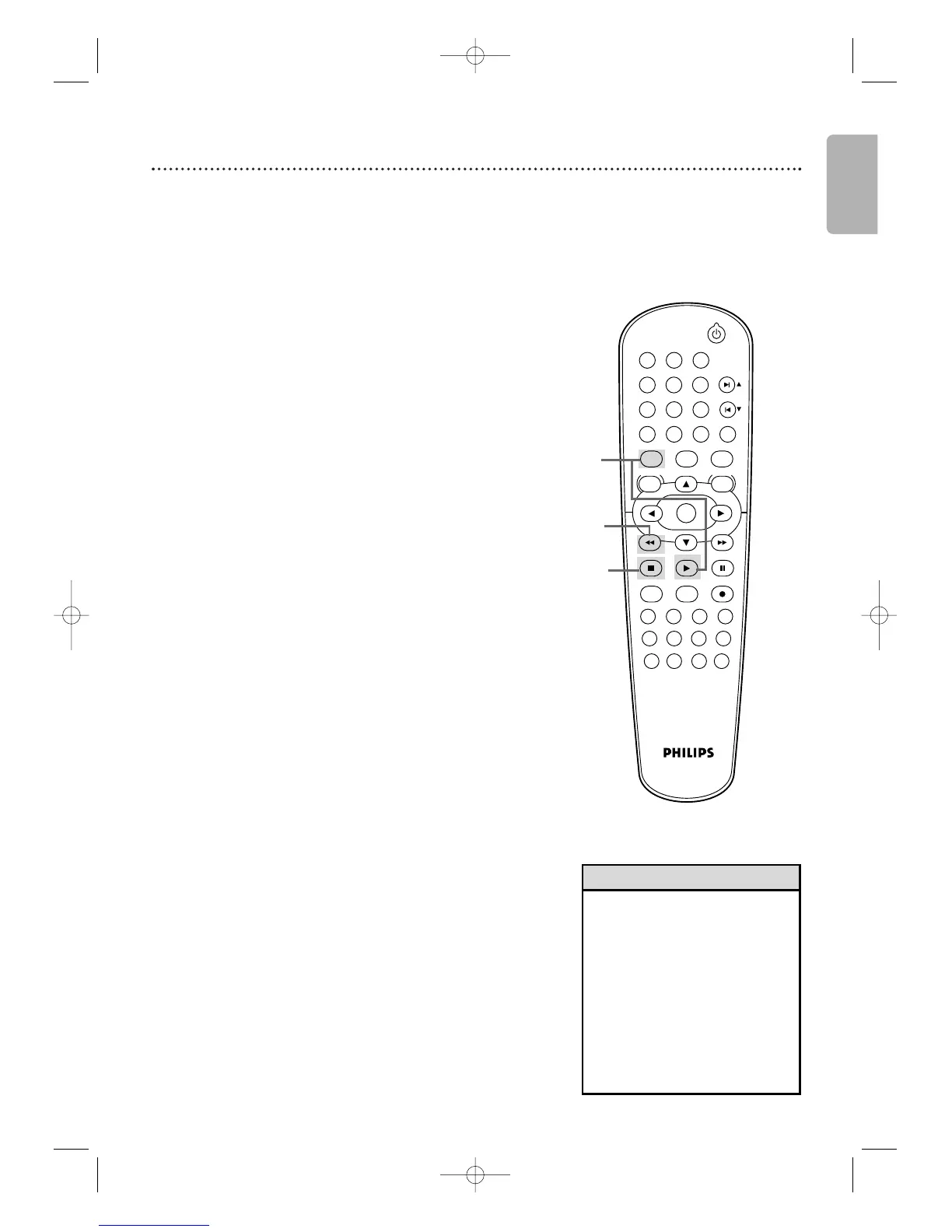
If playback does not start automatically, press VCR,
then press PLAY B.
4
Press STOP C to stop playback.
5
Press h to rewind the tape.
6
After the tape stops, press STOP/EJECT CA on the
front of the DVD/VCR to remove the tape.
1
2
6
Press STOP/EJECT C A
on the DVD/VCR.
Turn on the TV.
Insert a tape in the
DVD/VCR.









 To Next Page