Adding/Deleting Channels
You may want to add or delete TV channels if your channel lineup
changes or if you no longer watch some channels.
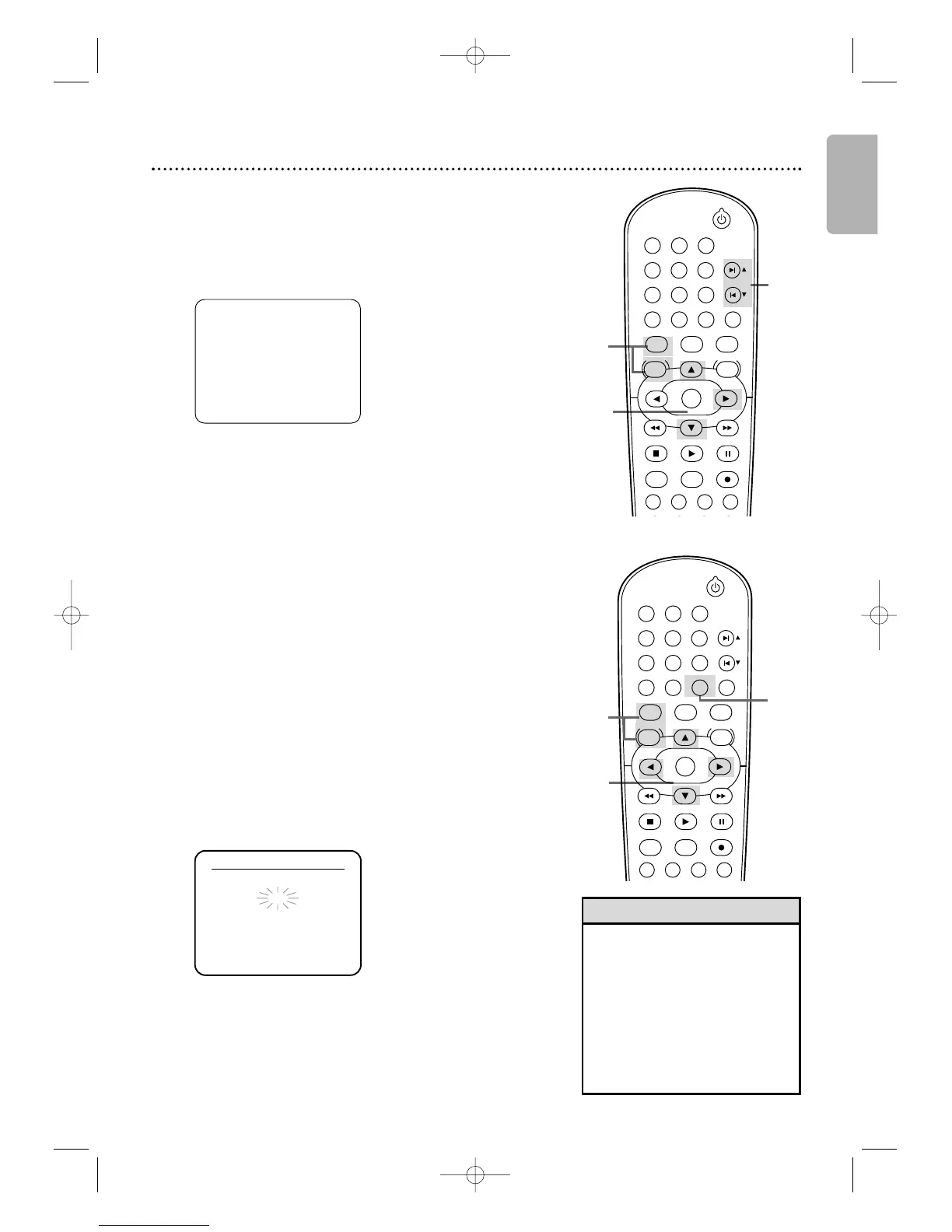
1
Follow the steps 1-2 above.
2
Press K or L to select MANUAL SET UP.
Then press B.
3
Press K or L until the channel number you
want to add or delete appears on the screen.
4
Press s or B so ADD or DELETE flashes on the
screen.
5
While your choice is flashing, press CLEAR/RESET.
The channel you added or deleted will be the current
channel.Added channels are available when you flip through
channels using SKIP ∑/CH
K
and SKIP w/ CH
L
.You still
can select deleted channels with the Number buttons.
2-4
5
Channel Setup 21
- M E N U -
B TIMER PROGRAMMING
AUTO REPEAT [OFF]
CHANNEL SET UP
CLOCK SET
LANGUAGE SELECT
AUDIO OUT
TV STEREO [ON]
SAP
•You cannot program channels if
you are using a Cable Box or
Satellite Receiver.
• If you have an antenna, channels
2-69 will be possible. If you have
Cable TV, channels 1-125 will be
possible.
•To stop Channel Setup, press
DISC/VCR MENU while AUTO
SET UP is flashing.
Helpful Hints
Although your DVD/VCR may automatically memorize the
channels you receive when you turn it on for the first time, you
can set up the channels again.
1
Press VCR, then press DISC/VCR MENU so MENU
appears. If the clock has never been set, the CLOCK SET
menu may appear when you press DISC/VCR MENU. If so,
follow the instructions from step 3 on page 22.
2
Press K or L to select CHANNEL SET UP.
Then, press B.
3
Press K or L to select AUTO SET UP.
Then press B.
4
AUTO SET UP will flash while the DVD/VCR sets up the
available channels.When setup is complete, the lowest available
channel will appear on the TV.
Now when you press SKIP
∑∑
/CH
KK
or
SKIP
ww
/CH
LL
,you will scan only through available channels.
You still can select any channel using the Number buttons.
2-3
1
1
4









 To Next Page