English
Repeat Playback 31
Follow the steps below to play a videotape repeatedly.
1
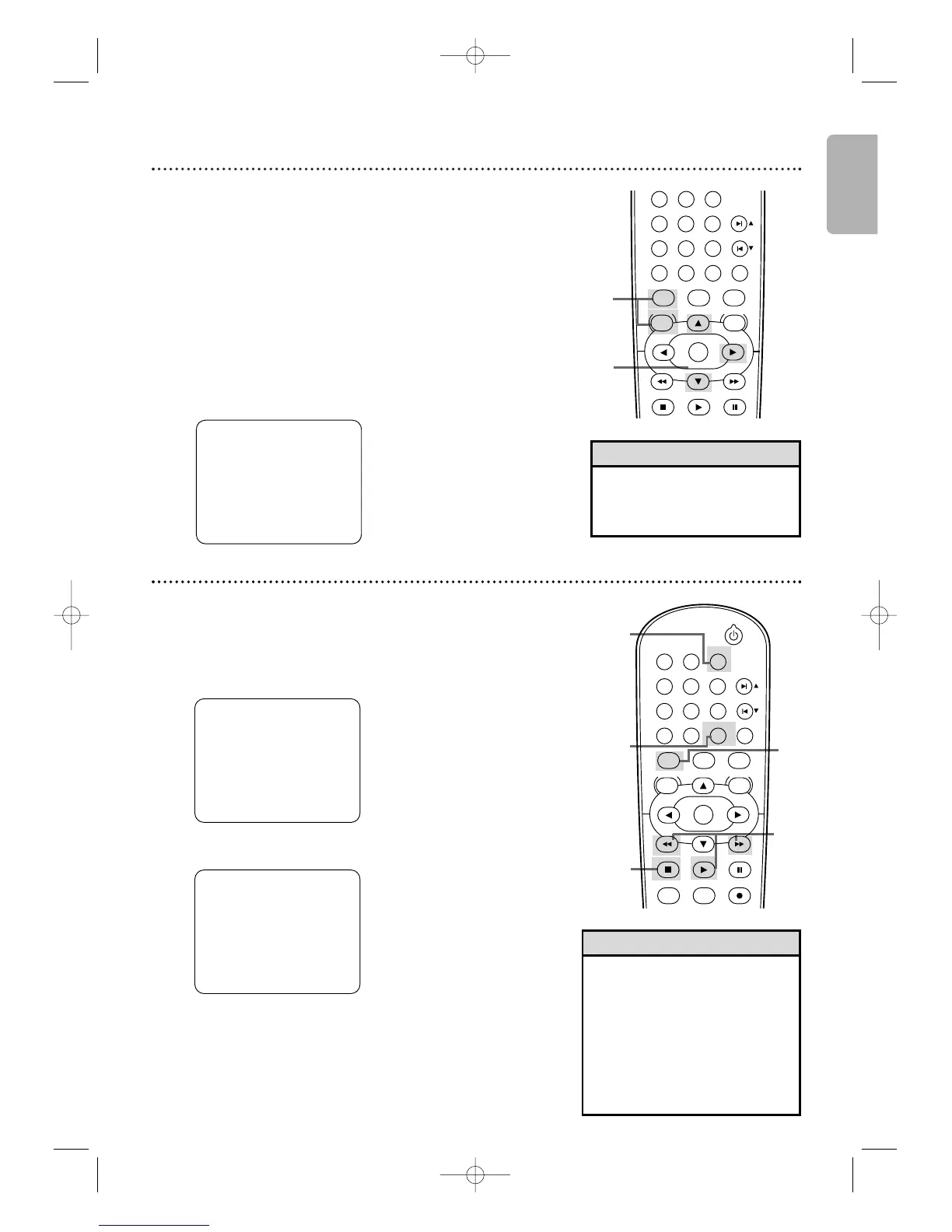
Press VCR, then press DISC/VCR MENU so MENU
appears.
2
Press K or L to select AUTO REPEAT.
3
Press B so ON appears next to AUTO REPEAT. Tap e
playback will begin immediately.AUTO REPEAT B will appear on
the TV screen briefly. (If you are fast forwarding or rewinding the
tape, press CLEAR/RESET to remove the menu, then press PLAY
B to begin tape playback.) The tape will play to the end, rewind,
then play again. (TV programming will appear on the screen while
the tape is rewinding.)
- M E N U -
TIMER PROGRAMMING
B AUTO REPEAT [ON]
CHANNEL SET UP
CLOCK SET
LANGUAGE SELECT
AUDIO OUT
TV STEREO [ON]
SAP
•To cancel Auto Repeat, follow
steps 1-2. At step 3, press B
so OFF appears beside AUTO
REPEAT. Press CLEAR/RESET.
Helpful Hint
2-3
1
PLAY
DVD
VCR VCR/TV
OK
MENU MENU
DISC/VCR
RETURN TITLE
A-B
CLEAR/RESET SLOW
SUBTITLE ZOOM
ANGLE
REPEAT REPEAT
AUDIO
SKIP / CH
SYSTEM
PAUSESTOP
Tape Counter
•You may only set the counter to
0 at one location at a time.
Setting the counter to zero at a
second location will erase the
previous 0 setting.
• If you remove the tape, the
counter will reset to 0 at the
point at which you last stopped
playback whenever you reinsert
the tape.
Helpful Hints
2,4
4
1
1
3
STANDBY-ON
PLAY
DVD
VCR VCR/TV
OK
MENU MENU
DISC/VCR
RETURN TITLE
A-B
CLEAR/RESET SLOW
SUBTITLE ZOOM
ANGLE
REPEAT REPEAT
AUDIO
SEARCH MODE
DISPLAY
SKIP / CH
SYSTEM
PAUSESTOP
MARKER RECORDTIMER SET
SPEED
STOP
SLP 1 : 23 : 45 HIFI
Follow the steps below to reset the VCR’s real-time tape counter
to 0 at a tape location you want to refer to later.
1
Press VCR, then play, fast forward or rewind a tape
to the location that you would like to refer to later.
Press STOP C to stop the tape.
2
Press DISPLAY to see the status display.
3
While the counter is on the screen, press
CLEAR/RESET to reset the counter to 0.
STOP
SLP 0 : 00 : 00 HIFI
4
When you later want to return to this point on the
tape, press DISPLAY so you can see the counter
(while tape playback is stopped). Press h or g.
As the tape rewinds or forwards, watch the counter.When
it reaches 0, press PLAY B to play the tape.
H982NUD_EN1 3/2/06 6:56 PM Page 31









 To Next Page