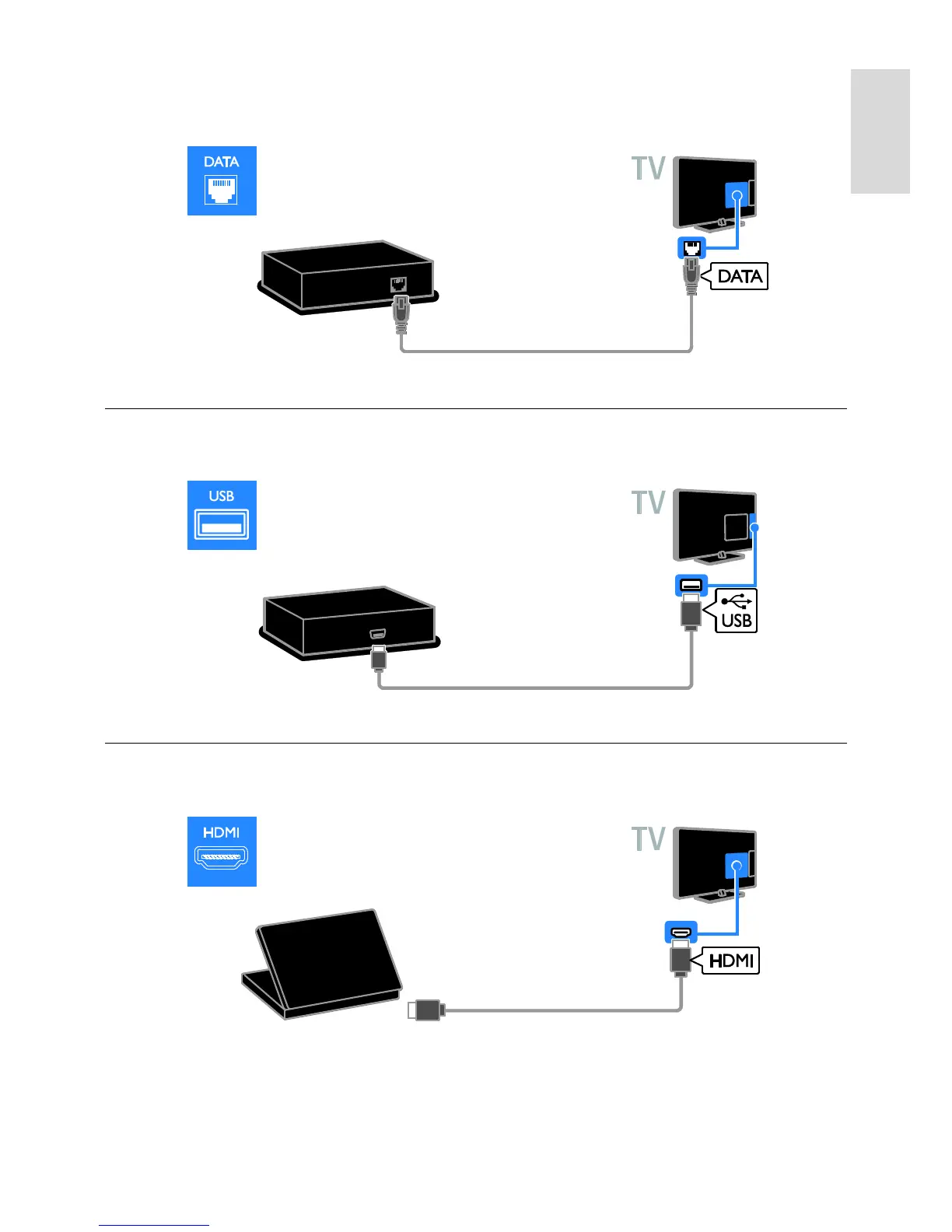
If required, you can power the set-top box by connecting a power cable to the 12V DC OUT
connector at the rear of the TV. The power connector is not available on 32-55HFL7007 sets
(inclusive of 42" and 47" sets).
USB hard drive
Connect the USB hard drive with a USB cable to the TV.
Computer
Connect the computer with an HDMI cable to the TV.






 To Next Page