36
3139 115 2xxx1
English
IMPORTANT!
Make sure the FM and MW
antennas are connected.
Tuning to radio stations
1 Press TUNER on the remote (or press
SOURCE control at the front panel) to
select “FM” or “MW”.
2 Press 3 / 4 briefly on the remote.
➜ The display panel will show "SEARCH"
until a radio station with sufficient signal
strength is found.
3 Repeat step 2 if necessary until you find
the desired radio station.
4 To tune to a weak station, press 1 / 2
briefly and repeatedly until an optimal
reception is found.
Presetting radio stations
You can store up to 40 FM and 20 MW
preset radio stations in the memory.
Helpful Hints:
– The system will exit presetting mode if no
button is pressed within 20 seconds.
– If no valid frequency is detected during
Plug and Play,"PLEASE CHECK FM/MW
ANTENNA" appears.
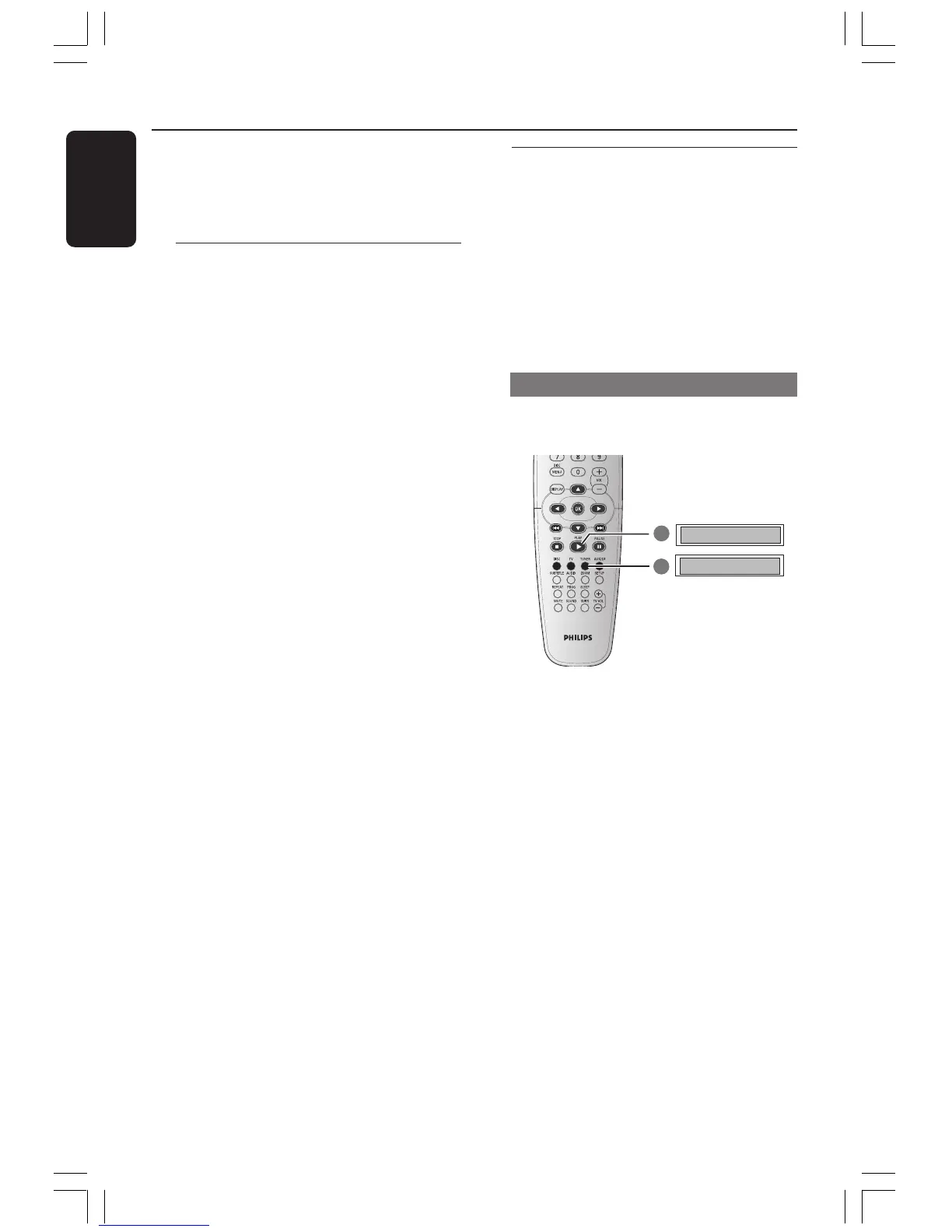
Using the Plug and Play
Plug and Play allows you to store all
available radio stations automatically.
1 For first time setup, press TUNER.
➜ "AUTO INSTALL PRESS PLAY"
appears.
2 Press PLAY B until "START ..." appears
on the display panel.
➜ The system will start searching from
FM band and followed by MW band.
All the available radio stations with strong
signal strength will be stored
automatically.
➜ Once complete, the last tuned radio
station will play.
Tuner Operations
DVD system’s
display panel



 To Next Page