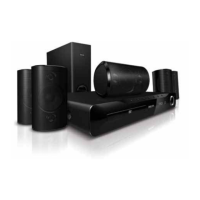
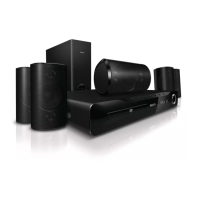
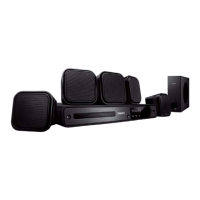
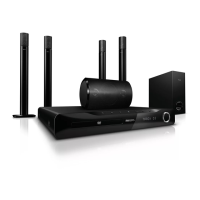
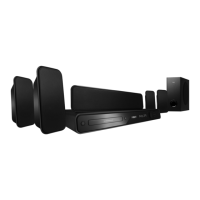
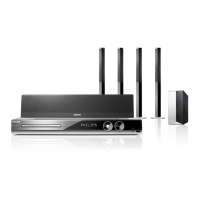
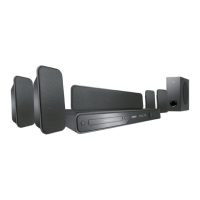
Your home theater
Congratulations on your purchase, and welcome
to Philips! To fully benefi t from the support that
Philips offers, register your home theater at www.
philips.com/welcome.
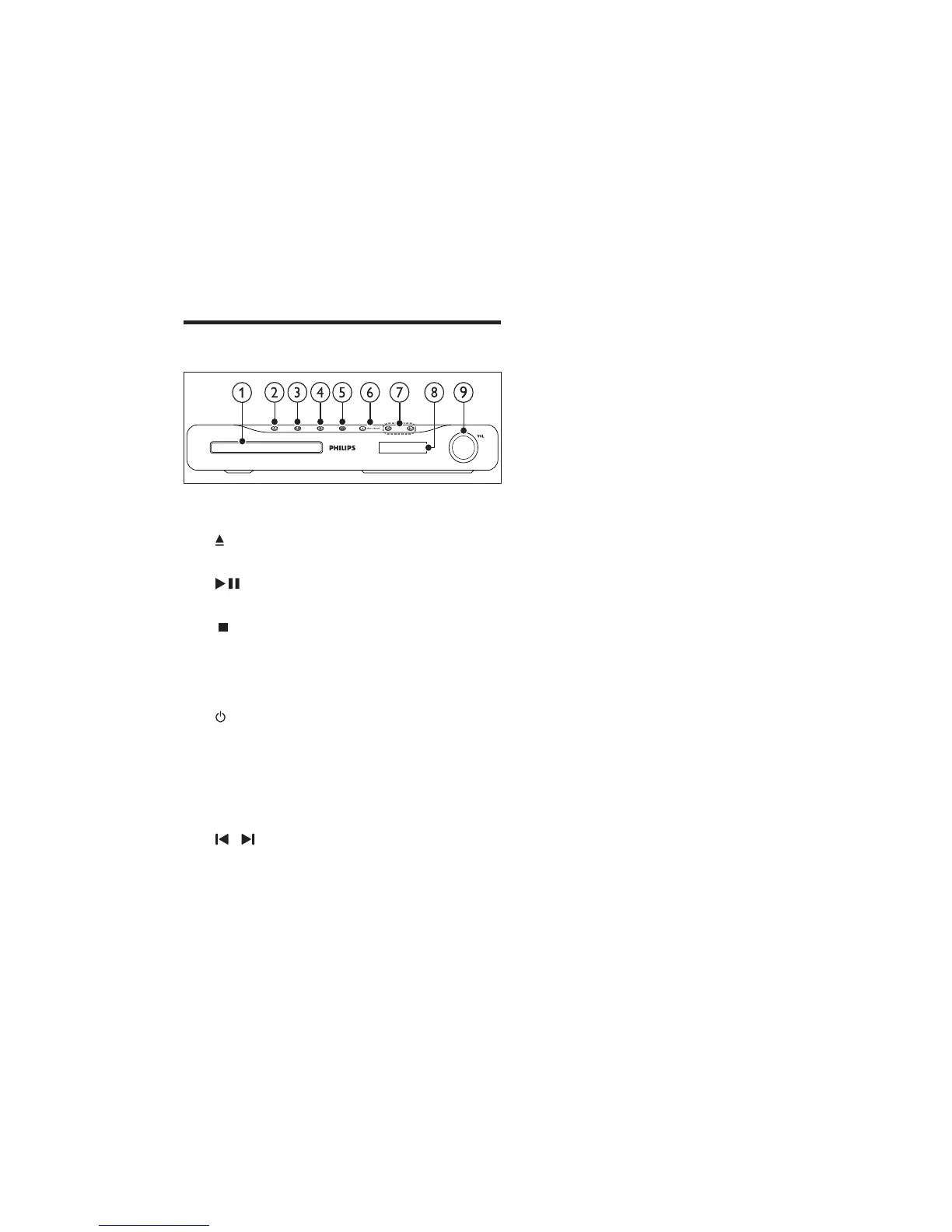
Main unit
a Disc compartment
b ( Open/Close )
Opens or closes the disc compartment.
c ( Play/Pause )
Starts, pauses or resumes play.
d ( Stop )
Stops play.
•
In radio mode, erases the current •
preset radio station.
e ( Standby-On )
Switches the home theater on or to
standby.
f SOURCE
Selects an audio/video source for the home
theater.
g /
Skips to the previous or next track,
•
chapter or fi le.
In radio mode, selects a preset radio
•
station.
h
Display panel
i Volume control wheel
2-14
HTS3510/93:



 To Next Page