11
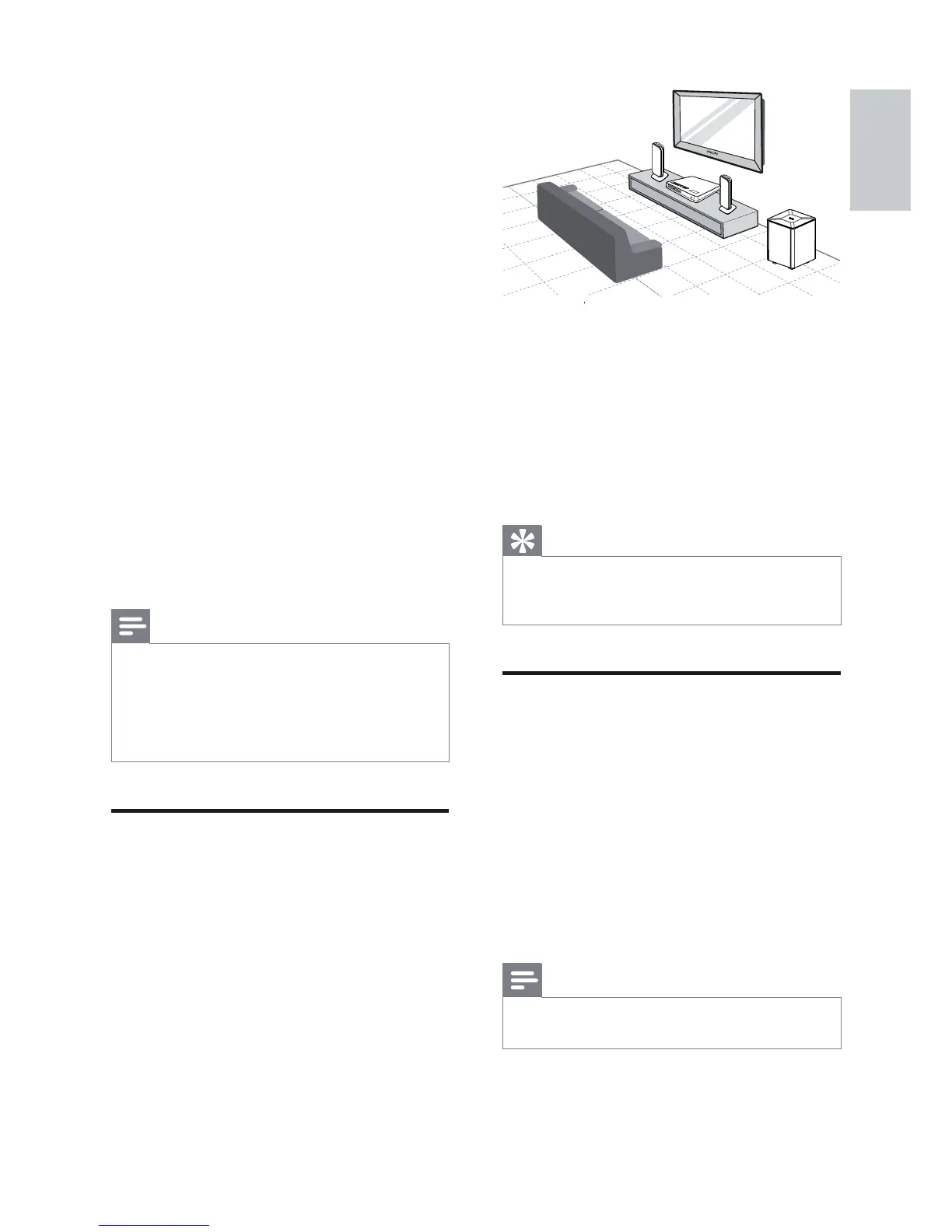
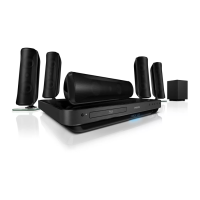
1 Place this Home Theatre System near to
the TV
2 Place the speakers system at normal
listening ear-level and directly parallel to
the listening area.
3 Place the subwoofer at the corner of the
room or at least 1 metre (3 feet) away
from the TV.
Tip
To avoid magnetic interference or unwanted •
noise, never place this home theatre too close
to any radiation devices.
Connect video cables
Connect this Home Theatre System to a TV to
view disc play. Select the best video connection
that the TV can support.
Option 1: Connect to the HDMI jack (for •
a HDMI, DVI or HDCP-compliant TV).
Option 2: Connect to the component •
video jacks (for a standard TV or
progressive scan TV).
Option 3: Connect to the video (CVBS) •
jack (for a standard TV).
Note
You must connect this Home Theatre System •
directly to a TV.
FRONT
RIGHT
FRONT
LEFT
SUBWOOFER
3 Connect
Make the following connections to use your
Home Theatre System. For a comprehensive
interactive guide, see www.connectivityguide.
philips.com.
Basic connections:
Video•
Speakers and subwoofer•
Power•
Optional connections:
Radio antenna•
Audio•
Audio from TV•
Audio from cable box/recorder/•
game console
Other devices•
Portable media player•
USB device•
LAN (Network)•
Note
Refer to the type plate at the back or bottom •
of the product for identifi cation and supply
ratings.
Before you make or change any connections,
•
ensure that all devices are disconnected from
the socket.
Place the product
Place the product where it cannot be •
pushed, pulled over or knocked down.
Do not place it in an enclosed cabinet.
Make sure that you have full access to the •
power cord for easy disconnection of the
product from the power supply.
English
EN



 To Next Page