20
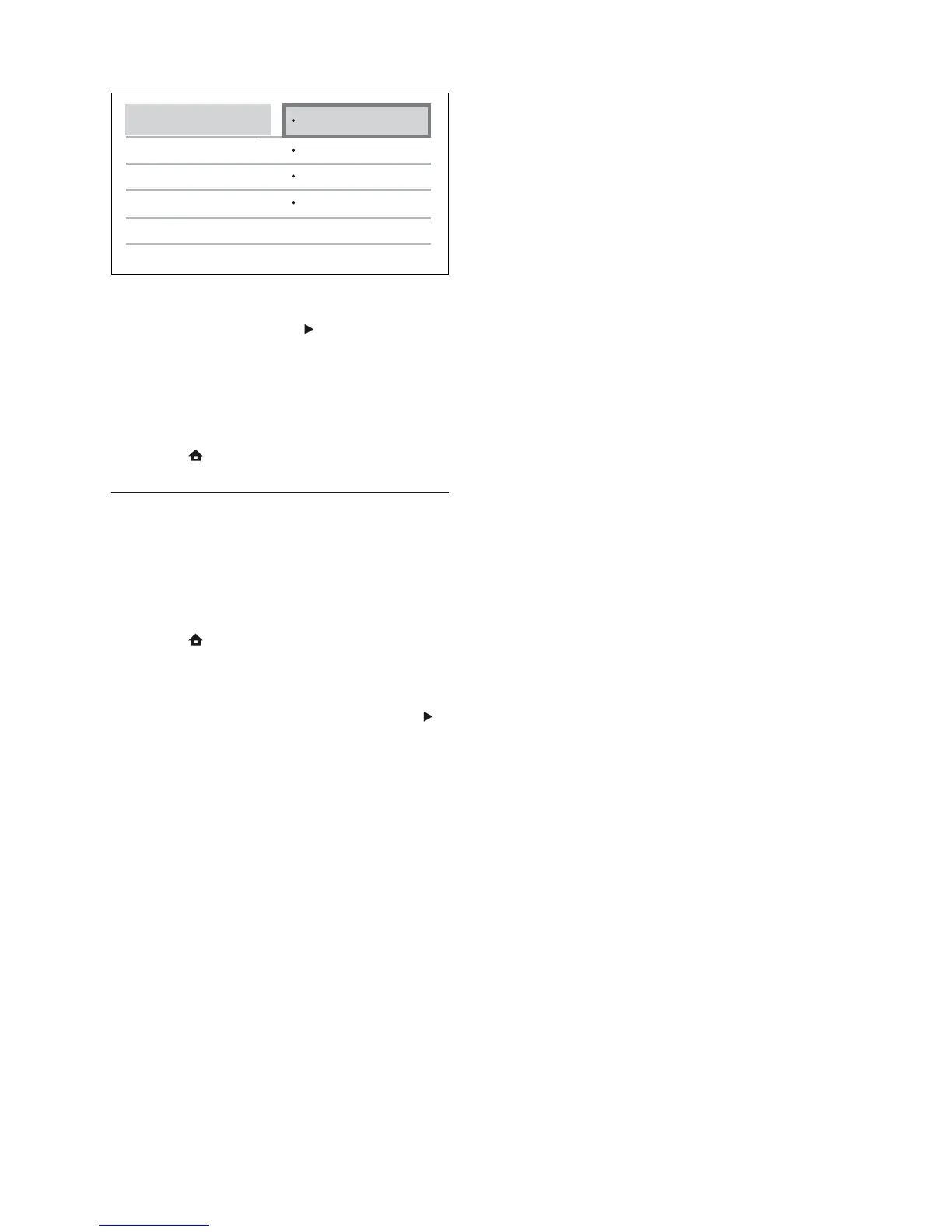
6 Select a connected device on the left of
the menu, then press
.
7 Select the connector that is used for the
device, then press OK.
Repeat steps 6–7 to map other »
devices.
8 Press to exit the menu.
Update audio mapping from
connected devices
If you have already mapped audio from
connected devices, you can use this procedure
to update your mapping.
1 Press , select [Settings], then press OK.
2 Select [EasyLink Setup] > [Audio Input
Mapping], then press OK.
3 Select a connected device, then press .
4 Select the connector that is used for the
device then press OK.
5 Repeat the steps 4–5 to map other
connected devices.
Aux2
Aux1
Coaxial
Optical
Philips TV
DVD player
Recorder
EN



 To Next Page