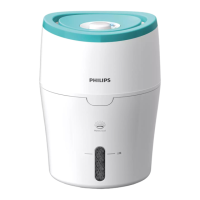
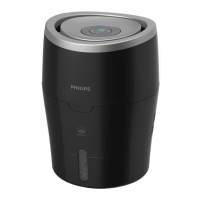
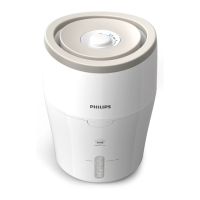
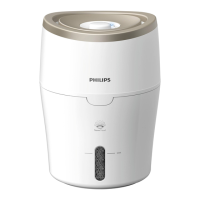
10
Switch the humidier on and
off
1
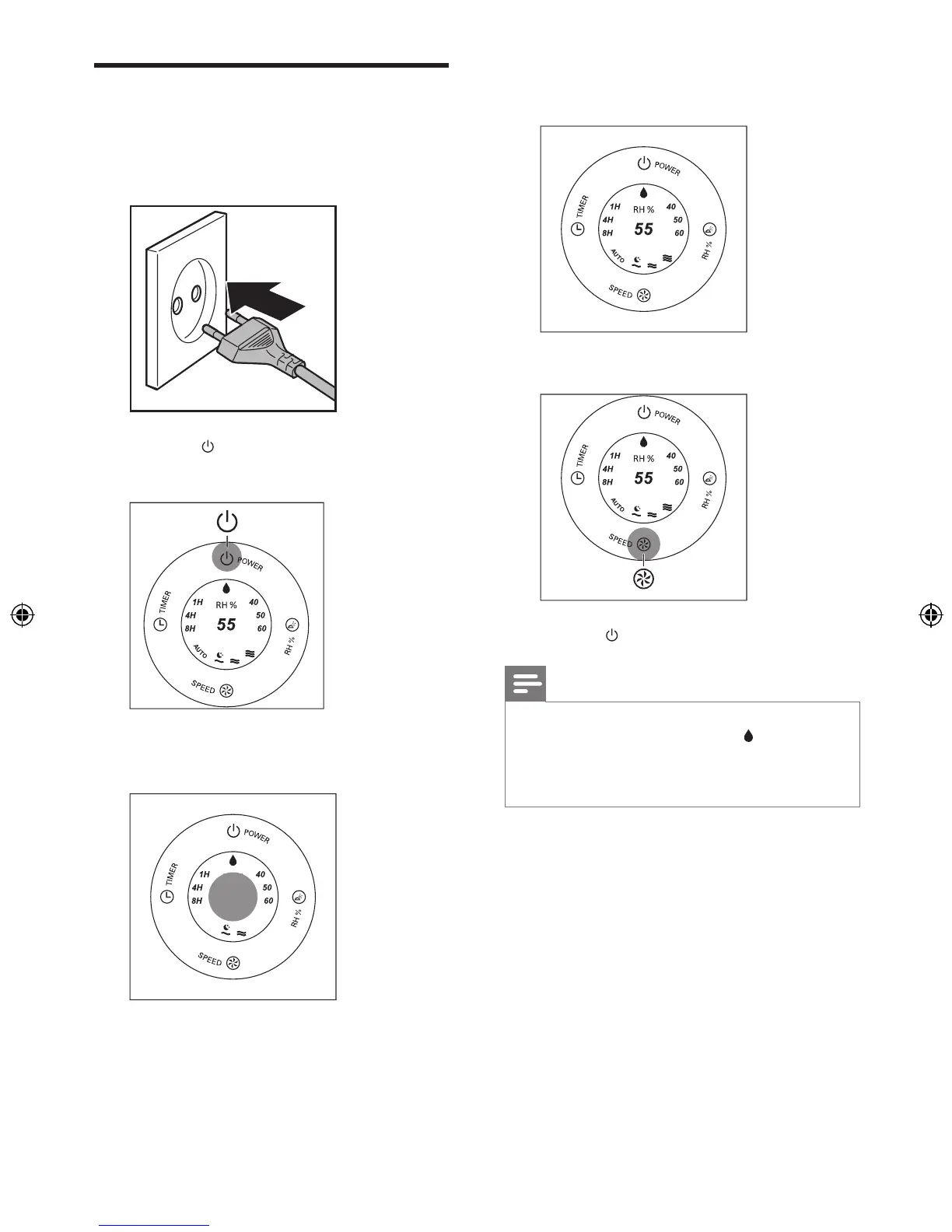
Plug the humidier into the power supply.
2 Press the
button to switch on the
humidier.
» For HU4802, the humidity indicator
light is on.
» For HU4803, the current humidity
level is shown.
» The current fan speed is shown.
3 Press the
button to switch off the humidier.
Note
•
If the water level in the tank is getting very low, the
humidier stops humidifying. The red
indicator light
rst starts blinking and then remains on.
• The humidier releases very ne invisible mist, so it is
normal that you cannot see the mist.


 To Next Page