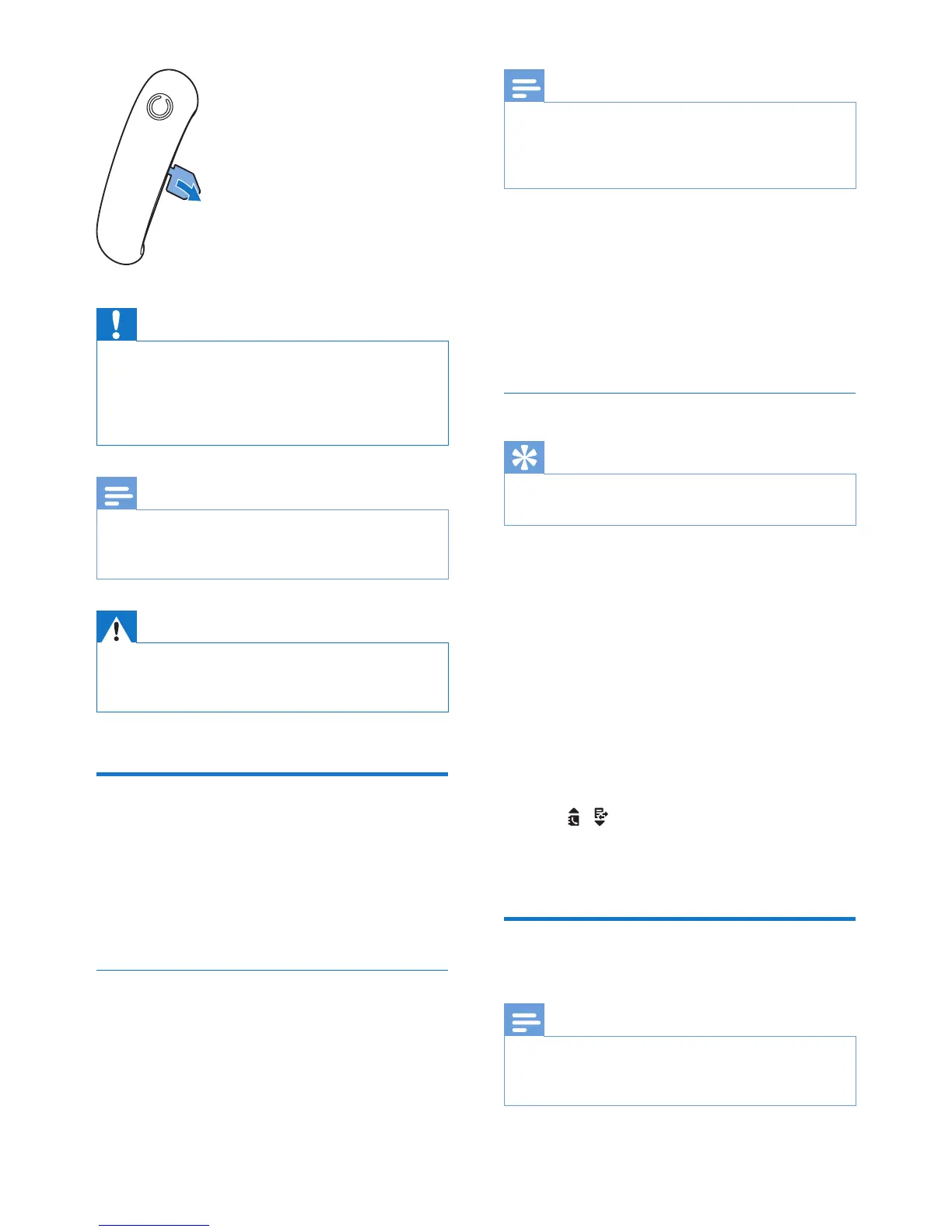
Caution
• Risk of explosion! Keep batteries away from heat,
sunshine or re. Never discard batteries in re.
• Use only the supplied batteries.
• Risk of decreased battery life! Never mix different
brands or types of batteries.
Note
• Charge the batteries for 8 hours before rst use.
• If the handset becomes warm when the batteries are
being charged, it is normal.
Warning
• Check the battery polarity when inserting in the
battery compartment. Incorrect polarity may damage
the product.
Congure your phone
(country dependent)
1 When using your phone for the rst time,
you see a welcome message.
2 Press MENU/OK.
Set the country/language
Select your country/language, then press
MENU/OK to conrm.
» The country/language setting is saved.
Note
• The country/language setting option is country
dependent. If no welcome message is displayed, it
means the country/language setting is preset for your
country. Then you can set the date and time.
To re-set the language, see the following steps.
1 Select [Phone setup] > [Language], then
press MENU/OK to conrm.
2 Select a language, then press MENU/OK
to conrm.
» The setting is saved.
Set the date and time
Tip
• To set the date and time later, press REDIAL/C to skip
this setting.
1 Press MENU/OK.
2 Select [Phone setup] > [Date & time],
then press MENU/OK to conrm.
3 Press the numeric buttons to enter the
date, then press MENU/OK to conrm.
» The time setting menu is displayed on
the handset.
4 Press the numeric buttons to enter the
time.
• If the time is in 12-hour format, press
/ to select [am] or [pm] (Country
dependent).
5 Press MENU/OK to conrm.
Change the remote access
PIN code
Note
• The default answering machine remote access PIN
code is 0000 and it is important to change it to ensure
the security.



 To Next Page