12 EN
You can select a subtitle language for a DVD or
DivX (Ultra) video.
During play, press
repeatedly.
Note
For some DVDs, the language can only be changed
from the disc menu. Press to access the
menu.
are copied onto a CD-R/RW, recordable DVD,
or USB storage device.
Note
You can only play DivX videos that are rented or
purchased with DivX® registration code of this unit.
(See "Setup" > "General setup" >
)
.sub, .ssa, .ass) are supported but not displayed in the
excluded).
under the same directory.
1 Press to select the source for USB
storage device.
Insert the USB storage device.
» The unit starts playing automatically.
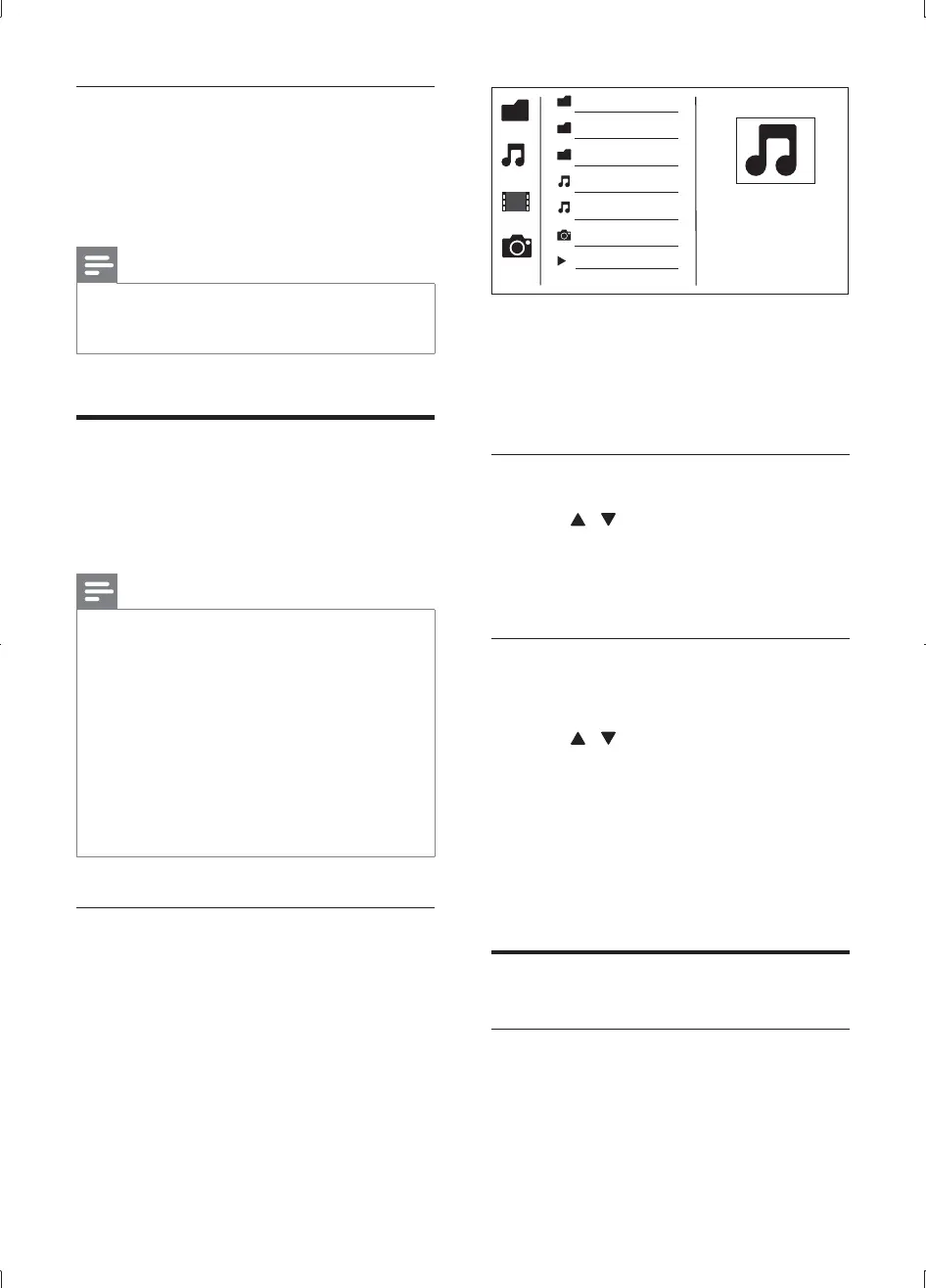
» The user interface is displayed.
On the left: the information source.
time elapsed, total time for the audio/video.
1 Press / to highlight the selected folder
name.
Highlight and press OK back to
the last-level menu.
1 Access the selected folder.
Press /
name.
Press OK
»
» The unit stops playing automatically
category.
Control the play
During play, press INFO to display play
information on the TV.
MP3
WMA
Picture
Title:
Artist:
Album:
00:13/ 01:19
000001
000002
000001
000022
MCD1065_51_UM_V1.0.indb 12 2012-2-27 17:43:14


 To Next Page