18 EN
1 Press to switch to standby mode.
Press
repeatedly to activate
or deactivate timer.
»
If timer is activated,
is displayed.
»
If timer is deactivated,
disappears.
Note
In MP3 link mode, the timer cannot be set.
If disc/USB source is selected and the audio cannot be
played, tuner is activated automatically.
This unit can switch to standby automatically
after a set period of time.
When the unit is turned on, press
repeatedly to select a set period of time
(in minutes):
» When sleep timer is activated,
is
displayed.
To deactivate sleep timer
Press repeatedly until [OFF
(off sleep) is displayed.
» When sleep timer is deactivated,
disappears.
You can also listen to an external audio device
through this unit.
1 Press to select the MP3 link
source.
Connect the supplied MP3 link cable to:
the
connector (3.5mm) on
the unit.
the headphone connector on an
external device.
Start to play the device (see user manual
of the device).
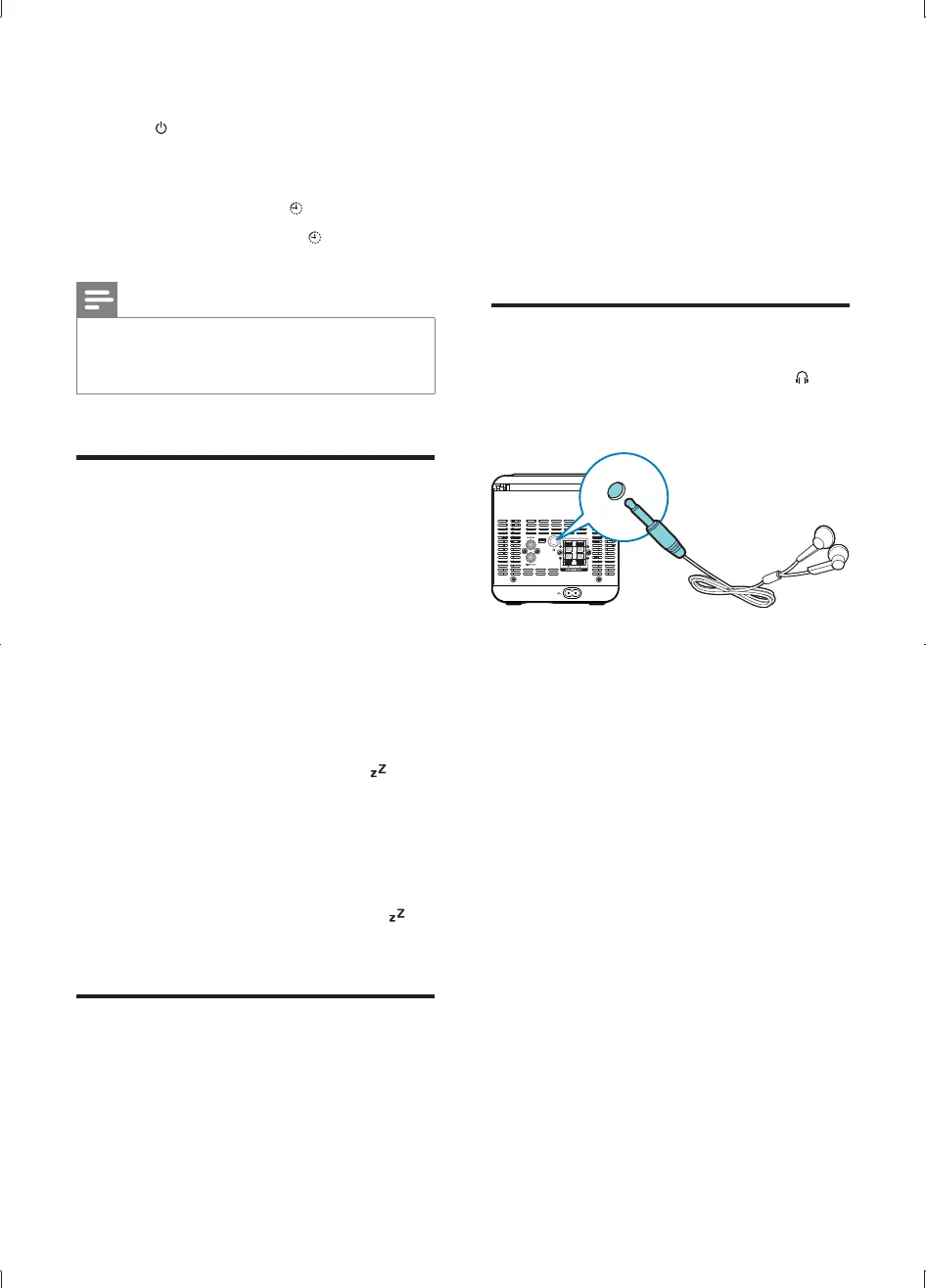
Headphone
Plug headphones (not supplied) into the
connector on the unit to listen through the
headphones.
MCD1065_51_UM_V1.0.indb 18 2012-2-27 17:43:23


 To Next Page