13EN
Control the play
Follow the instructions to control the play.
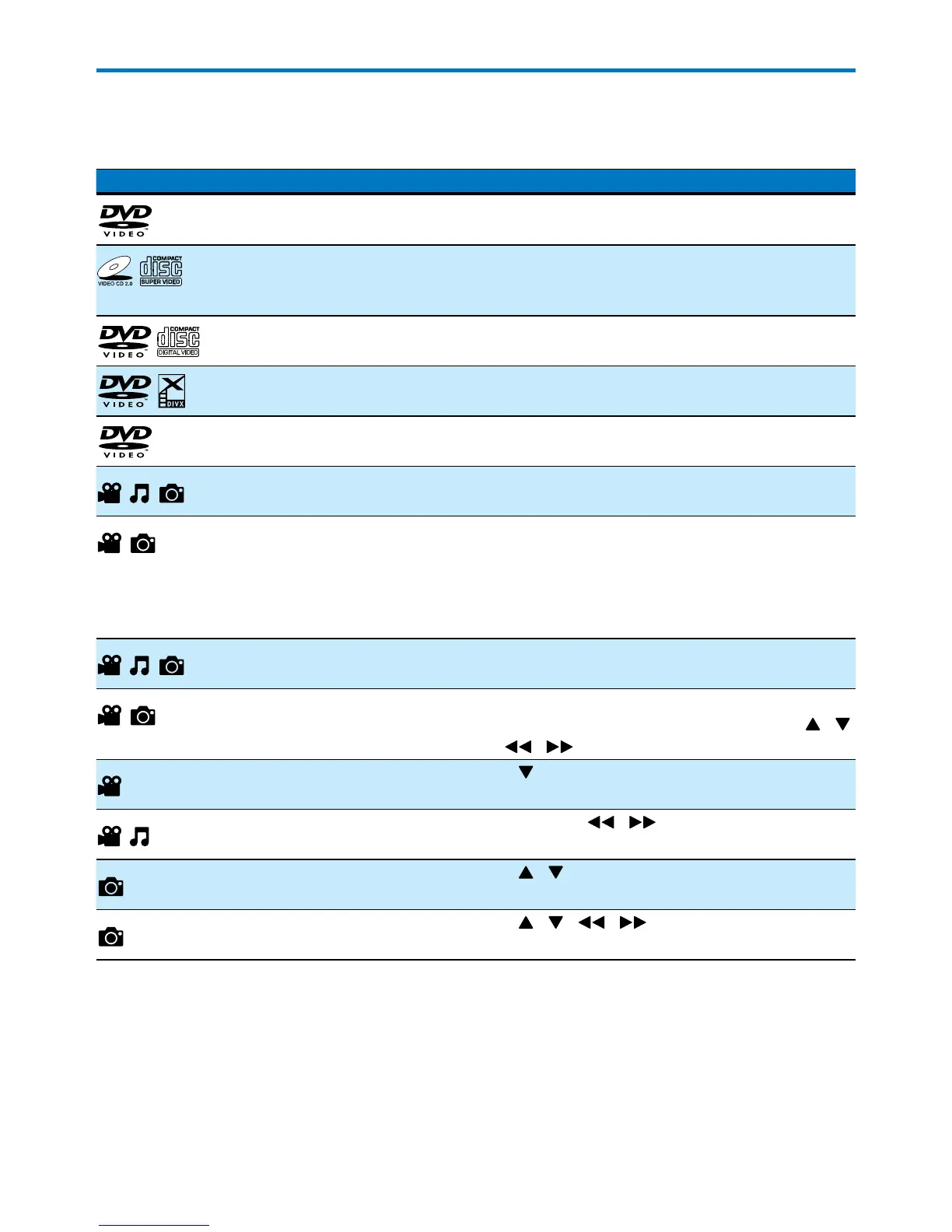
Media Function Action
Return to the disc menu Press DISC MENU repeatedly.
Enable/disable the PBC
(playback control) feature
Press DISC MENU repeatedly.
• Enable PBC to display the PBC menu, and then
use the numeric buttons to enter your choice.
Select an audio language or
audio channel
Press AUDIO repeatedly.
Select a subtitle language Press SUBTITLE repeatedly.
Select a camera angle Press ANGLE repeatedly.
Select a play mode (repeat and
random play)
Press MODE repeatedly.
Repeat a specic section within
a chapter or track
1) Press REPEAT A-B to select the start point.
2) Press REPEAT A-B again to select the end point.
» The selected section starts play repeatedly.
• To resume normal play, press REPEAT A-B until
[REP OFF] is displayed.
Display the play information Press DISPLAY.
Zoom in or out Press ZOOM repeatedly.
• To pan through an enlarged image, press
/
/ .
Slow down the play Press repeatedly to select a play speed.
Search backward or forward
fast
Press and hold / for 2 seconds to select a
speed.
Preview photos Press / to highlight a le name in the le list.
Rotate a photo Press / / / .


 To Next Page