2 DETT - Instructions for Use
10
The Menu
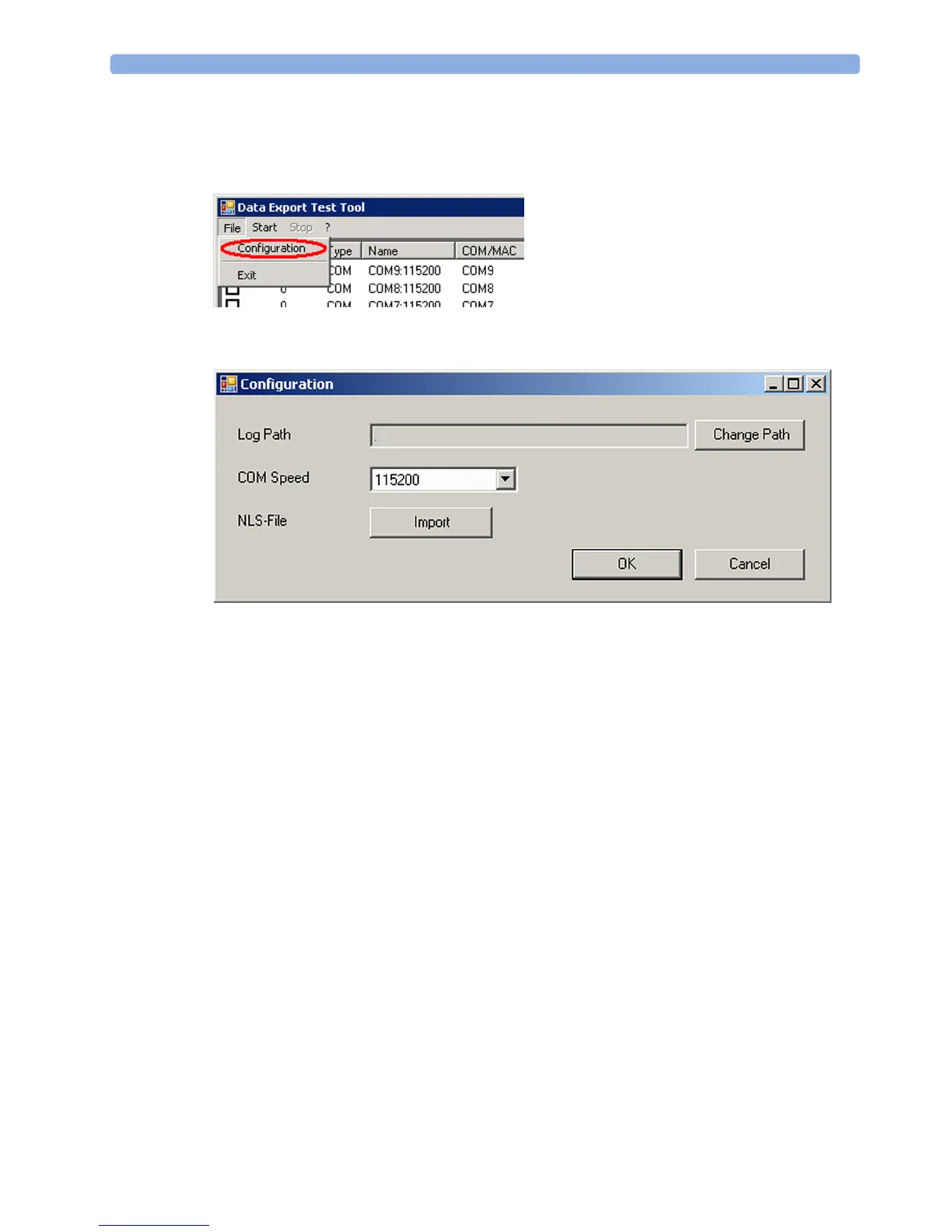
File -> Configuration
In the "File" pull down menu select "Configuration" to import a new NLS text catalog file, change the
default path for the log files or change the baud rate of the COM interface.
When selecting "Change path" the log file path can be adapted to any PC or network directory. The
default path for the log files is given by the installation path of the DETT.



 To Next Page