2 DETT - Instructions for Use
16
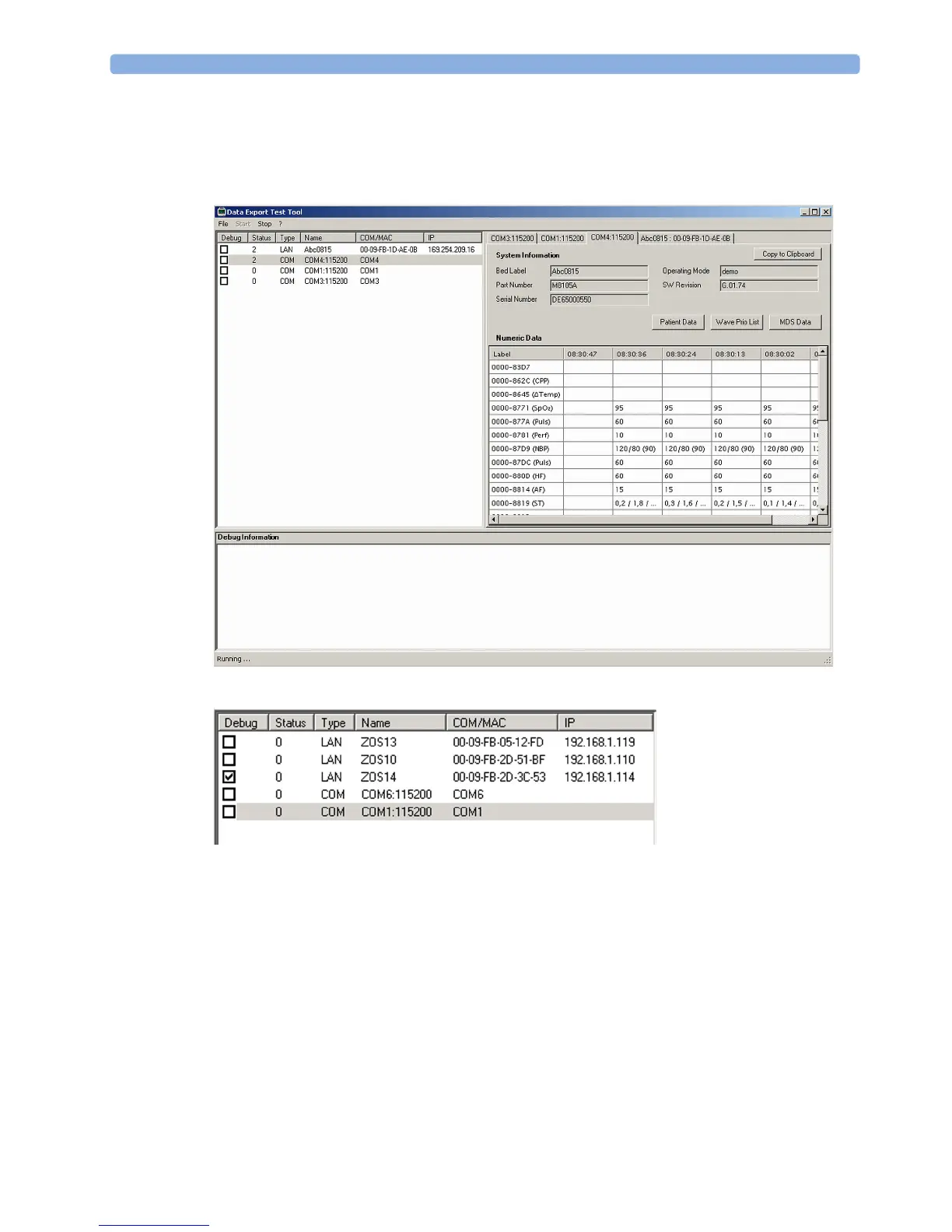
System List Window
After starting the DETT, the data export communication of the available patient monitor systems is
displayed in the system list window.
The system window provides the following information / selections.
Debug
This check box enables or disables the debugging feature of the data export protocol. For further
details refer to chapter "The debug Information".
Status
The status of the connected patient monitoring system is displayed. The following states are possible:
0 – Not connected (either LAN or COM)



 To Next Page