2 DETT - Instructions for Use
14
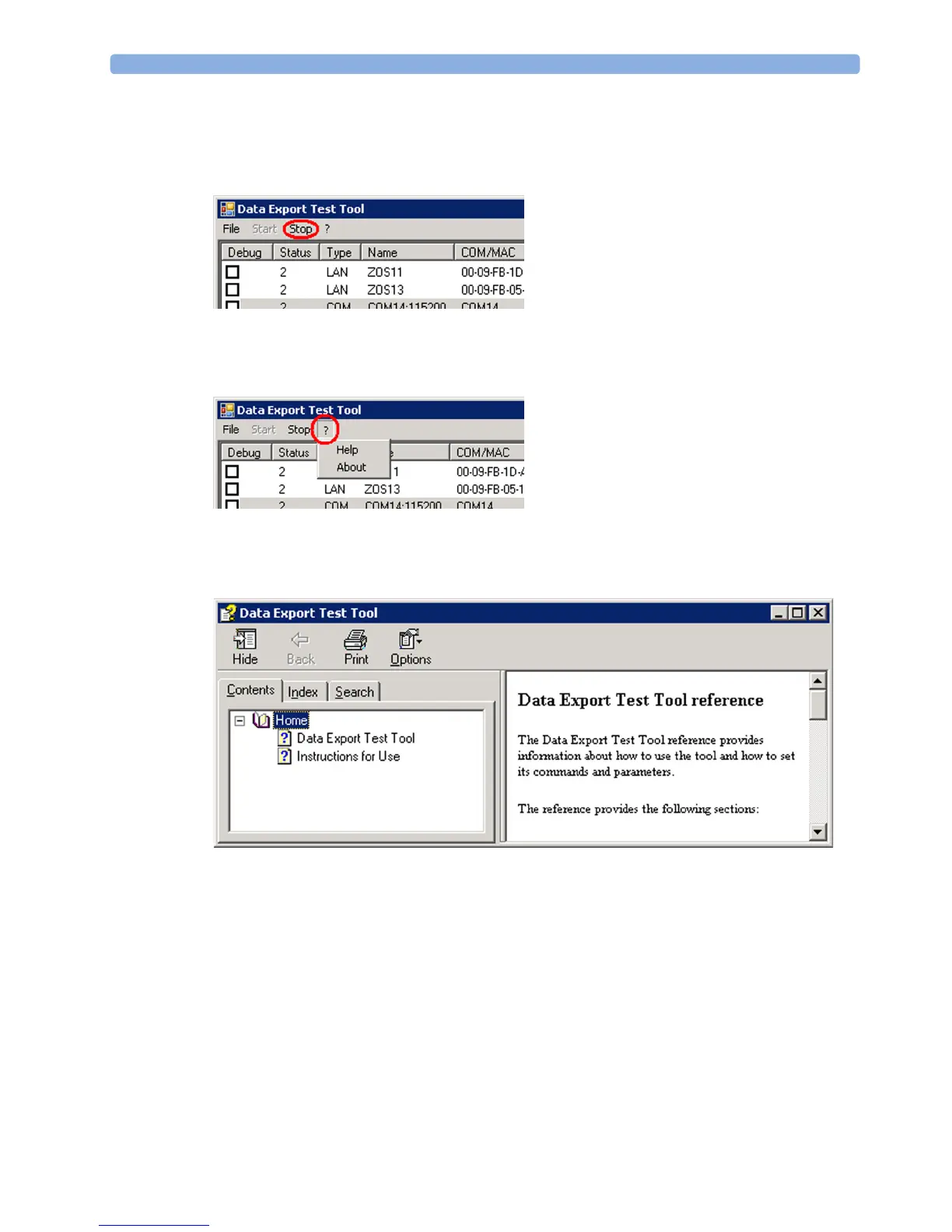
Stop
To stop the data export communication select "Stop" from the Menu.
The connection to all monitors is terminated. Logging is stopped as well.
? -> Help/About
In the "?" pull down menu, "Help" and "About" can be accessed.
Help
Select "Help" to open the main help file.
About
Select "About" to open the About box. The picture below shows an example of the "About" box. To
exit the About box select "OK".



 To Next Page