2 DETT - Instructions for Use
19
Selectable Buttons within a Tab
Copy to Clipboard
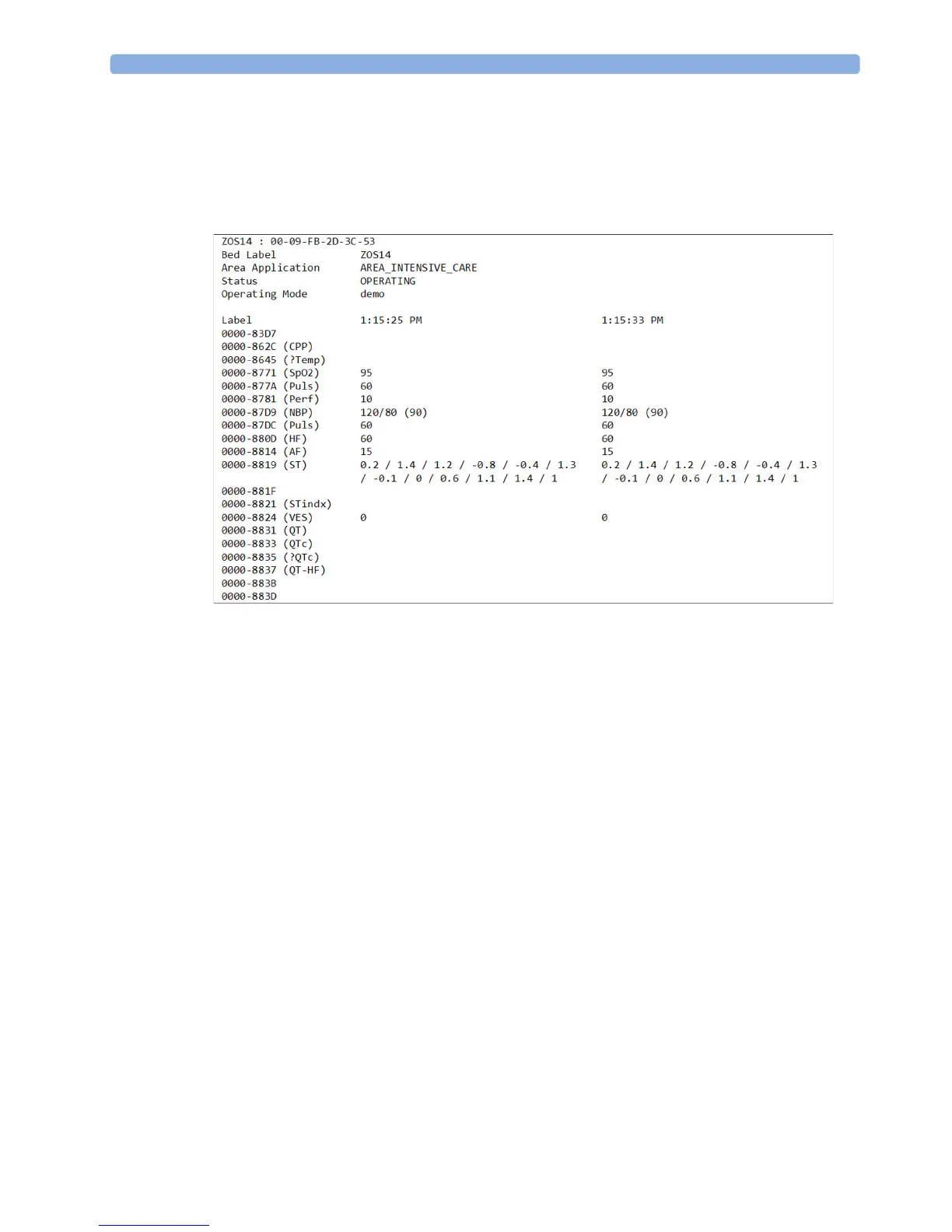
When selecting copy to clipboard, the system details (system information and numeric data) will be
copied to a clipboard. This allows export of data into e.g. MS Excel.
The following details are copied and transferred to a spreadsheet.
• Associated Name of the patient monitor system or the Interface.
•Bed label
• MAC Address (LAN connected monitor system)
• Area Application
•Status
• Operation Mode
• Label of the numeric attributes transmitted by the monitor device
• Respective value of numeric transmitted by monitor device
• System time (PC client time)



 To Next Page