Directions For Use
EN 8 DVDR615, MRV6403.
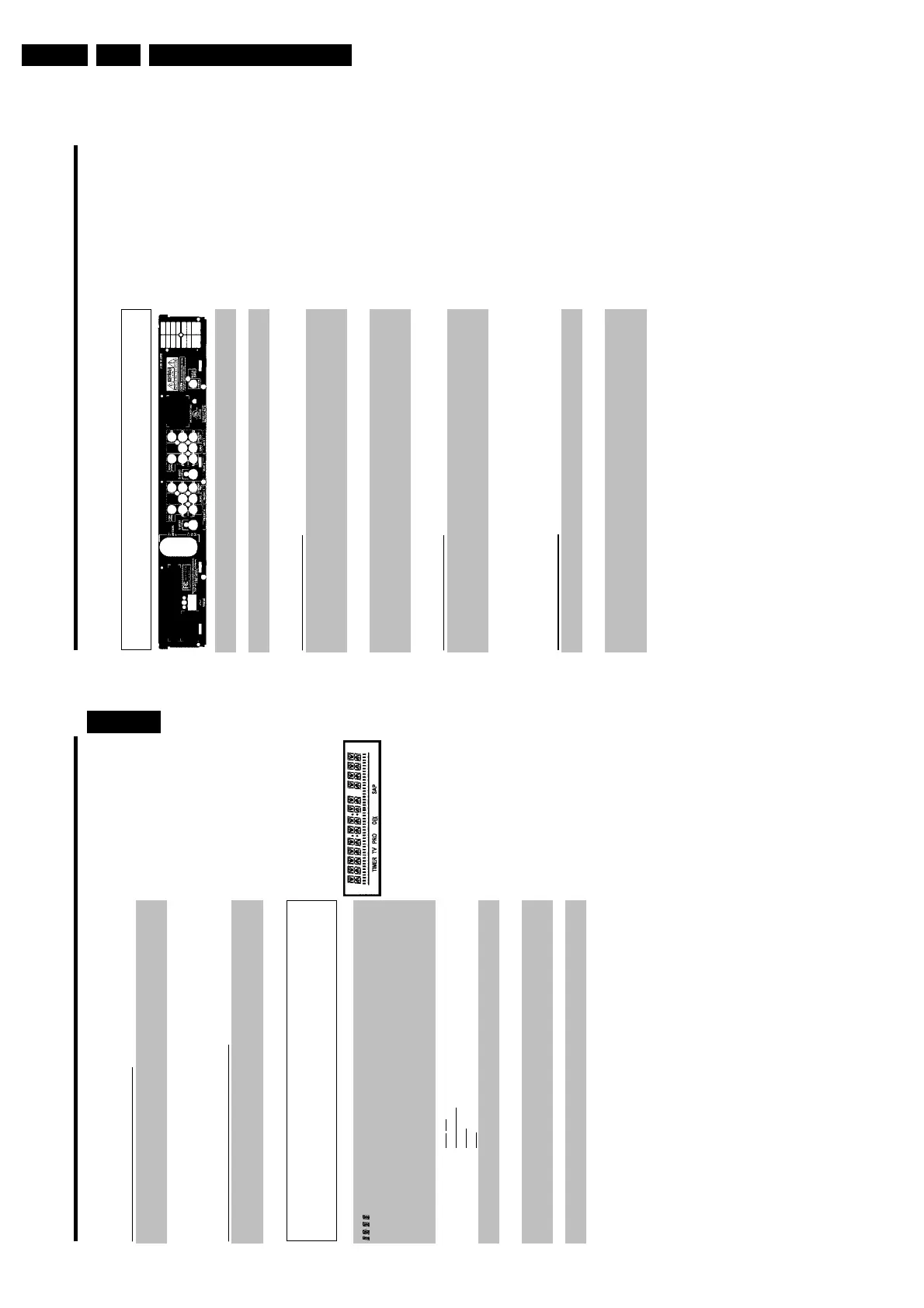
Back of the Recorder
4MAINS Power plug: Connection to the power outlet (110V/60Hz)
ANTENNA IN Antenna input: Connect your antenna or Cable TV signal here
TV OUT Antenna output: Connection to the TV
Input jacks (INEXT2)
S-VIDEO (Y/C) SVideo input: Connection for an additional device (channel number
'EXT2'). Switching between jack S-VIDEO (Y/C) and VIDEO
(CVBS) is done automatically.
VIDEO (CVBS) Video input (yellow jack): Connection for an additional device
(channel number 'EXT2')
L AUDIO R Analog audio input (red/white jack) underneath jack VIDEO
(CVBS) . Audio for jack VIDEO (CVBS) : Connection for an
additional device (channel number 'EXT2')
Input jacks (INEXT1)
AUDIO Analog audio input (red/white jack) next to jack COMPONENT
VIDEO Y PB PR : Connection for an additional device. Audio input for
component video (channel number 'EXT1')
COMPONENT
VIDEO Y PB PR
Component video input (red/blue/green jack): Connection for an
additional device with component video output (channel number
'EXT1')
Output jacks (OUT2)
S-VIDEO (Y/C) OUT SVideo output: Connection for a S-video-compatible TV
VIDEO (CVBS)
OUT
Video output (yellow jack): Connection to a TV with video input
(CVBS, Composite Video)
L AUDIO R OUT Analog audio output (red/white jack) underneath jack VIDEO
(CVBS) . Audio for jack VIDEO (CVBS) OUT : Connection for an
additional device
Output jacks (OUT1 480p/480i)
AUDIO OUT Analog audio output (red/white jack): Connection for an additional
device. Audio output for component video/progressive scan
COMPONENT
VIDEO Y PB PR
OUT
Component video output (red/blue/green jack): Connection for
an additional device with component video/progressive scan output
Output jack (DIGITAL AUDIO OUT)
DIGITAL AUDIO
OUT
Digital audio output: Connection for a digital audio device
(amplifier/receiver)
The symbols on your DVD Recorder
display
The following symbols may appear on your DVD Recorder display:
Multifunction display/text line
•) Clock
•) Disc/Title play time
•) OTR time
•) Title name
•) Display of the TV channel number / playing time / function.
•) Display of information, warnings
IIIIIIIIIIIIIII
Disc bar: Displays the current position on the disc (disc pointer).
Play/Record: single flashing segment at the current position.
Pause: flashing segment on both sides of the current position.
Stop: flashing segment at the current position.
TIMER
A recording (Timer) has been programmed
TV
Modulator is switched off . The antenna signal (RF signal) is only
connected to the TV when the modulator is switched off.
PRO
Component Video output set to 'Progressive Scan.' If this is not
displayed, the Component Video output is set to 'Interlaced.'
o(((
Remote control command has been sent
SAP
Second audio program from the tuner is selected
ENGLISH














 To Next Page