38
English
IMPORTANT!
– Make sure the FM and MW
antennas are connected.
– The TUNING button on the front
panel is used to toggle between
frequency tuning and preset tuning.
When in preset tuning mode,
pressing S / T buttons on the
front panel will change the preset
number. Otherwise, pressing
S / T will change the radio
frequency.
Tuning to radio stations
1
Press TUNER on the remote (or adjust
SOURCE control on front panel) to
select “FM TUNER” or “MW TUNER”.
2 Press and hold S / T on the
remote until the frequency indication
starts to change, then release.
➜ The next radio station will tune
automatically.
➜
lights up for FM stereo reception.
3 To tune a weak station, press S / T
briefly and repeatedly until an optimal
reception is found.
● If you use S / T on the front panel
for frequency tuning, make sure the
system is in frequency tuning mode.
If not, press TUNING.
➜ "FREQ MODE" appears.
Presetting radio stations
You can store up to 40 preset radio
stations in the memory, starting from FM
and followed by MW bands.
Helpful Hints:
– The system will exit presetting mode if no
button is pressed within 20 seconds.
– If no stereo frequency is detected during
Plug and Play, "CHECK ANTENNA"
appears.
Using the Plug and Play
Plug and Play allows you to store all
available radio stations automatically.
1 Connect the system to the power supply,
"AUTO INSTALL - PRESS PLAY"
appears.
OR
In Eco Power standby/standby mode,
press and hold ÉÅ on the front panel
until "AUTO INSTALL - PRESS
PLAY" appears.
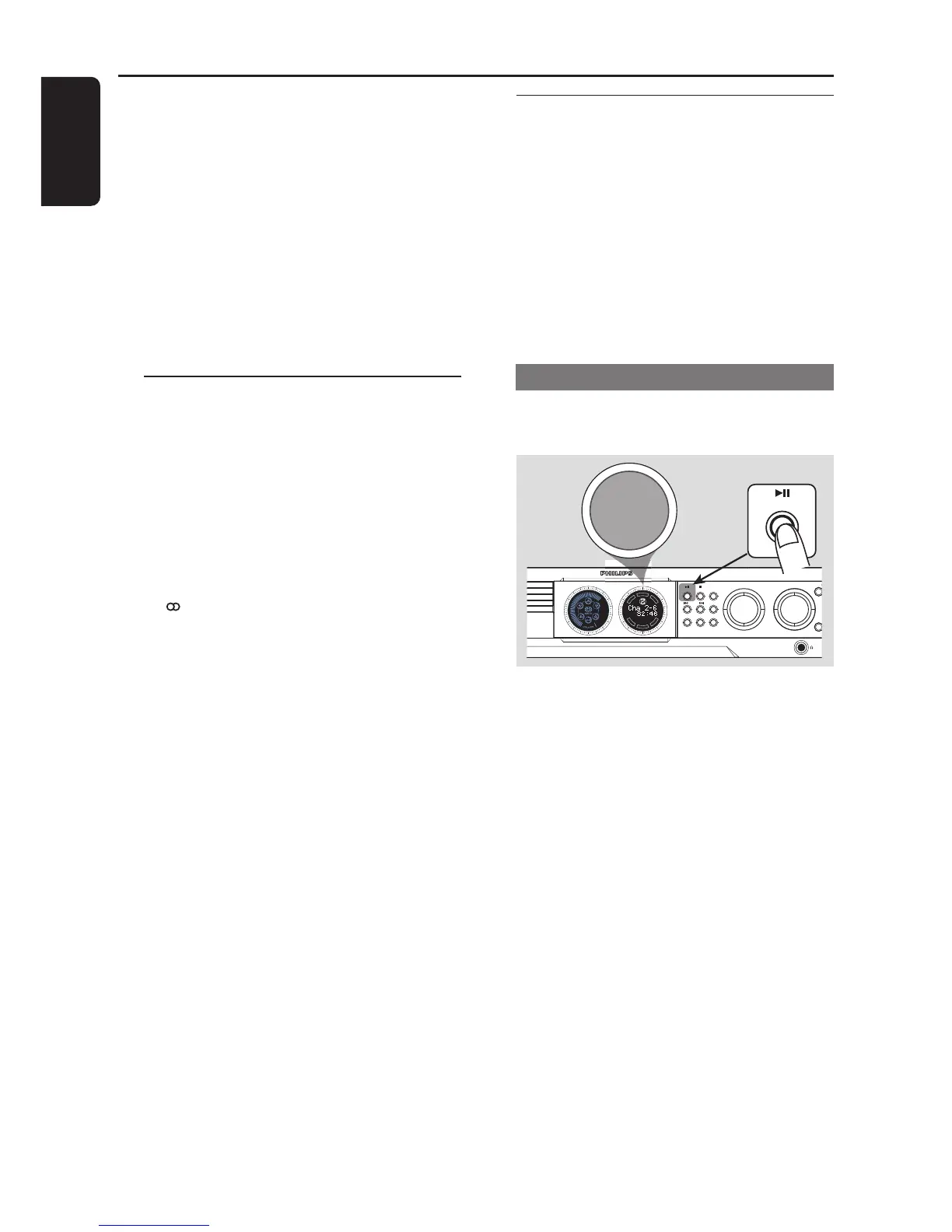
2 Press ÉÅ on the front panel to start
installation.
➜ "INSTALL TUNER" appears.
➜ All previously stored radio stations will
be replaced.
➜ Once completed, the last tuned radio
station will play.
Tuner Operations



 To Next Page