6 EN
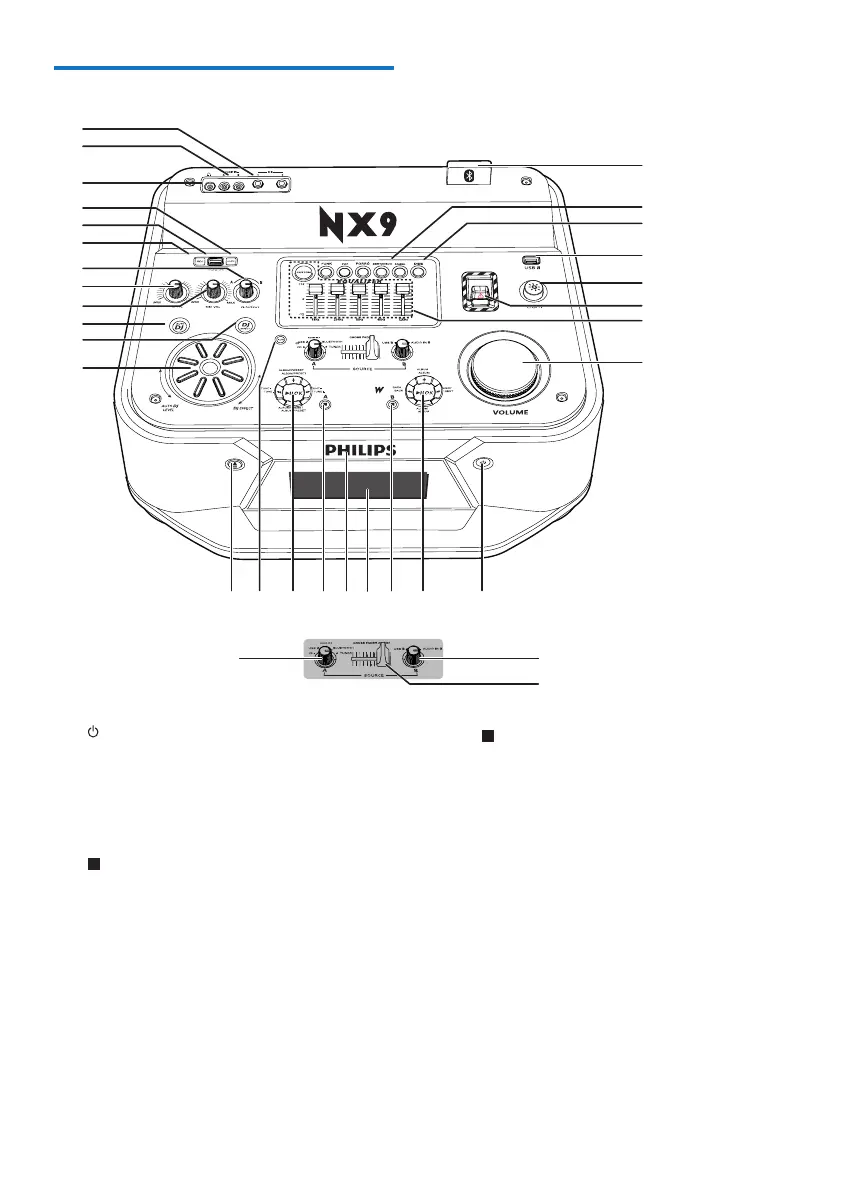
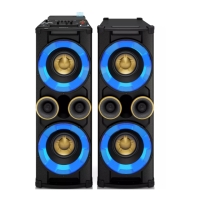
Overview of the main unit
a
• Power on the unit or switch to standby
mode.
b Control play panel(B)
• Control play for USB B mode.
c (B)
• In USB B mode, stop playing.
d Display panel
• Show status.
e Disc tray
bcdefhig
p
q
o
r
l
m
n
k
u
t
s
v
w
x
z
{
|
~
~
}
y
j
a
q
2900
f (A)
• In Disc or USB A mode, stop playing.
• In Disc or USB A mode, erase
programs.
• Exit the recording process.
• In tuner mode, switch between FM and
AM bands.
g Control play panel (A)
• Control play for Source A modes
(including Disc, USB A, Bluetooth, and
Tuner modes).
h AUX
• Select an audio source from an
external device: DVD, PC, TV or GAME
player.


 To Next Page