7 EN
Turn on
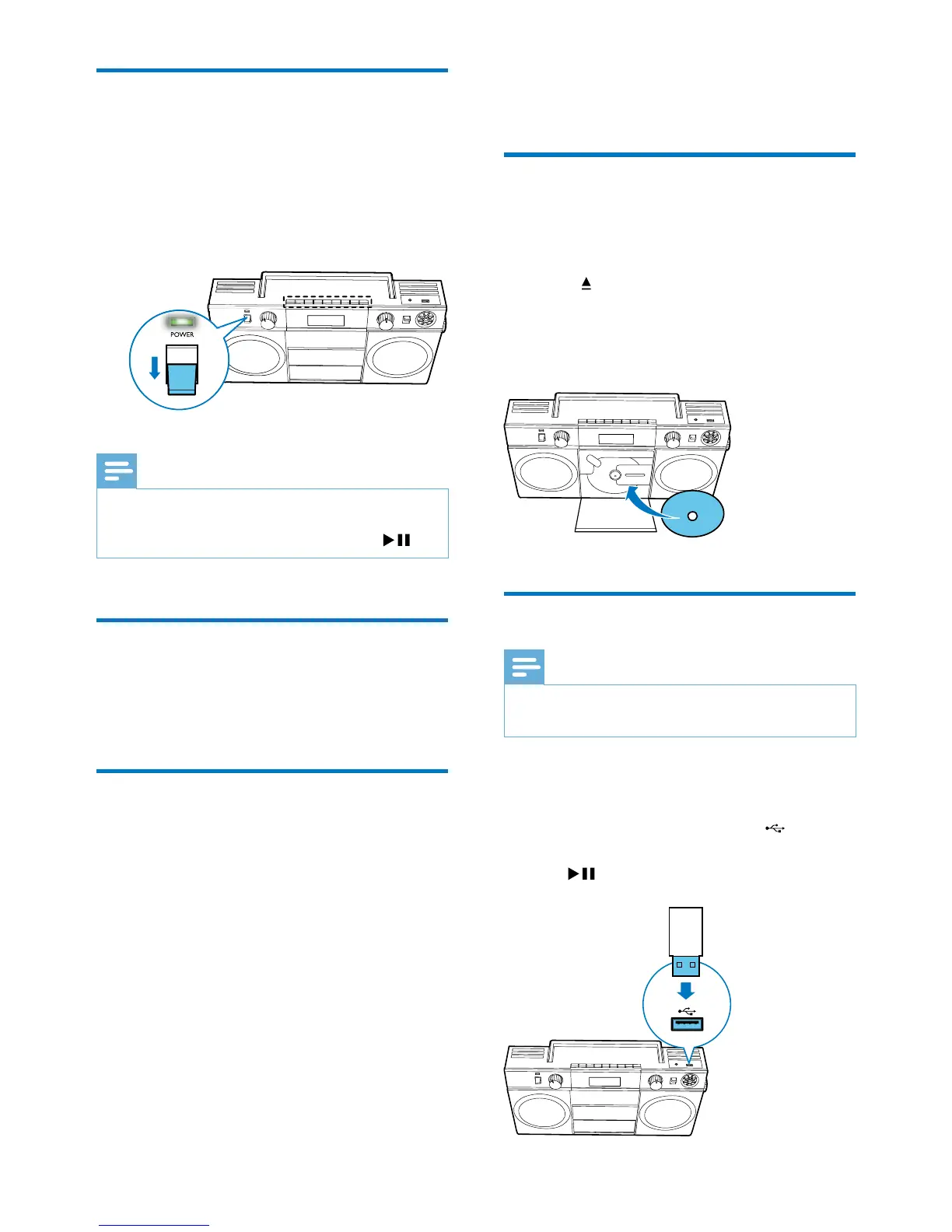
Switch the POWER slide to ON position.
» The CD Soundmachine switches to the last
selected source.
» The LED indicator turns on.
Note
•
In CD or USB mode, if the CD Soundmachine is
idle for 15 minutes, it switches to standby mode
automatically. To exit the standby mode, press
.
Turn off
Switch the POWER slide to OFF position.
» The LED indicator turns off.
Adjust display brightness
1
Press and hold MODE for 3 seconds.
2 Press ALB/PRESET -/+ repeatedly to adjust
the display brightness.
OFF
ON
4 Play
Play CD
1
Rotate the source selector to the CD
position.
2 Press to open the disc tray.
3 Insert a disc with the printed side facing
upward, then close the disc tray.
» Play starts automatically.
Play from USB devices
Note
•
Make sure that your USB device contains playable audio
content.
1 Rotate the source selector to the USB
position.
2 Insert the USB device into the socket.
» Play starts automatically. If not, press
.


 To Next Page