6 EN
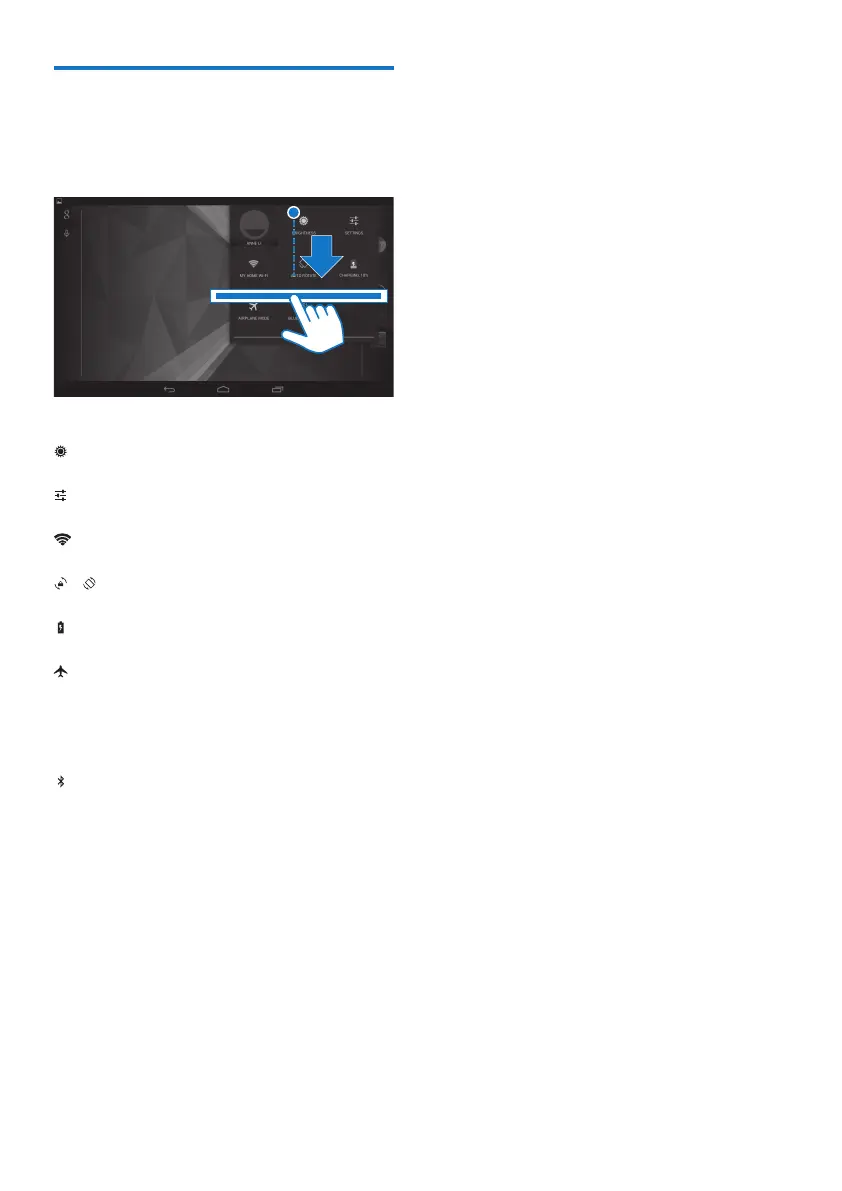
Use the drag-down menu of
setup options
1 Drag down the top bar as shown.
2 Tap the icon to select your options.
• Change the screen brightness
• Switch to the settings menu
• Switch on or off Wi-Fi
/
• Switch screen rotation on or off
• Battery charging underway
• Switch on or off the airplane mode.
When the airplane mode is on, the
access to wireless connection is
disabled.
• Switch on or off Bluetooth



 To Next Page