EasyManua.ls Logo

Philips PM 5390 - Performance Check; General Information; General Functional Test

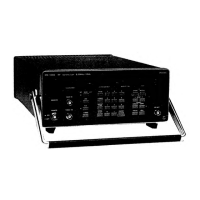
Philips PM 5390
88 pages
Print Icon
To Next Page IconTo Next Page
To Previous Page IconTo Previous Page
Loading...
5-1
5.
PERFORMANCE
CHECK
5.1,
GENERAL
INFORMATION
WARNING:
Before
switching on,
ensure that the
instrument
has been
installed in
accordance with
the
instructions
outlined
in
Section 2 of
the
Operating
Manual:
Installation
instructions.
This
procedure is
intended
to:
check
the
instrument's
specification
be
used
for
incoming
inspection to
determine the
acceptability
of
newly-purchased
instruments
and/or
recently-recalibrated
instruments.
check the
necessity
of
recalibration
after
the
recommended
recalibration
interval of
1
year.
ATTENTION:
The
procedure
does
not
check every
detail
of
the
instrument's
calibration;
rather,
it Is
concerned prima-
rily
with
those
parts
of the
instrument
which
are
essential to
measurement
accuracy and
correct
opera-
tion.
Removing
the
instrument
covers is
not
necessary
to
perform
this
procedure. All
checks
are
made
from
the front
panel.
If
this
test is
started
within
a short
period
after
switching on,
bear
in mind that
steps may
be
out
of
specification,
due to
insufficient
warming-up
time. To
avoid this situation,
allow
the
specified warming-
up
time
of 30
min.
5.2.
GENERAL
FUNCTIONAL
TEST
Immediately
after
power being
switched on a
selftest
routine
is
performed under
which
ROM
and RAIVI
are
tested.
If
a fault
is
detected a
single
numeric digit
in
the first place
of
the
frequency
field on
the
display
indicates
the
location
of the fault.
The rest
of
the display remains
dark.
The numeric
digits
are
assigned
to
the
memories as
follows.
1
ROM
2
RAM
3
CMOS-RAM
After
this ail
segments
and
decimal points of
the display
and all LEDs
—only the 'REMOTE' LED
ex-
cepted—
are
switched
on
for about 3 seconds
for
testing.
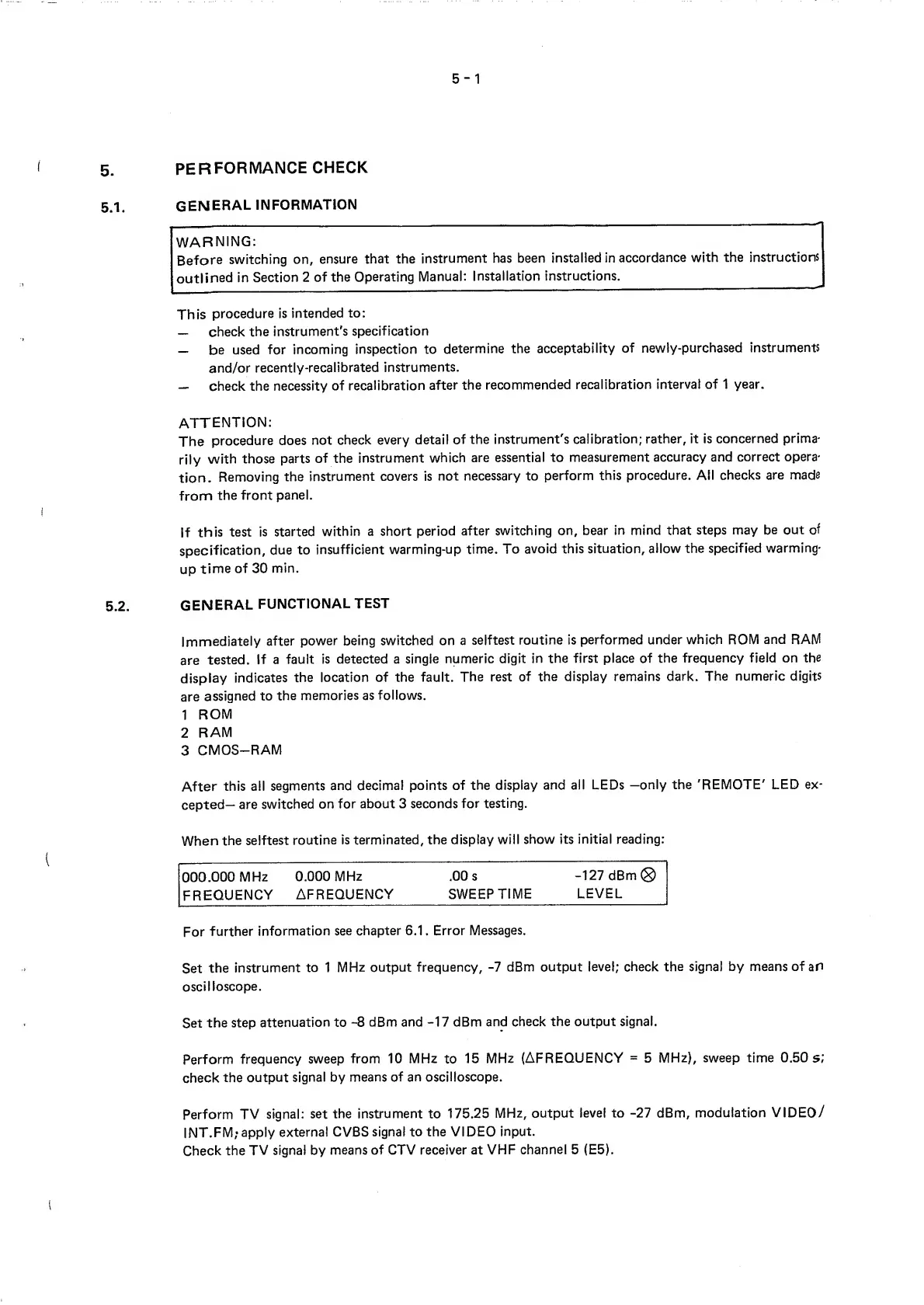
When
the
selftest
routine
is terminated, the
display
will
show
its initial reading:
000.000
MHz
0.000
MHz
.00 s
-127
dBm®
FREQUENCY
AFREQUENCY
SWEEP
TIME LEVEL
For
further
information see
chapter 6.1
.
Error
Messages.
Set
the
instrument
to
1
MHz output
frequency,
-7
dBm
output level; check
the signal
by means of
an
oscilloscope.
Set
the step
attenuation to
-8
dBm and
-17
dBm
and check
the output
signal.
Perform
frequency
sweep
from
10 MHz
to
15
MHz
(AFREQUENCY
=
5
MHz),
sweep time 0.50
5
;
check
the
output
signal by
means of an oscilloscope.
Perform
TV
signal:
set the instrument to
175.25
MHz, output
level to
-27
dBm,
modulation
VIDEO/
INT.FM,
‘apply
external
CVBS
signal
to the VIDEO
input.
Check
the
TV
signal by
means
of CTV receiver at
VHF
channel
5
(E5).

Table of Contents