2. Monitor installation
2. MONITOR INSTALLATION
WARNING: Sufficient expertise is required to install this equipment. All devices and
complete setup must be tested before taking into operation.
2.1 In stallation procedure
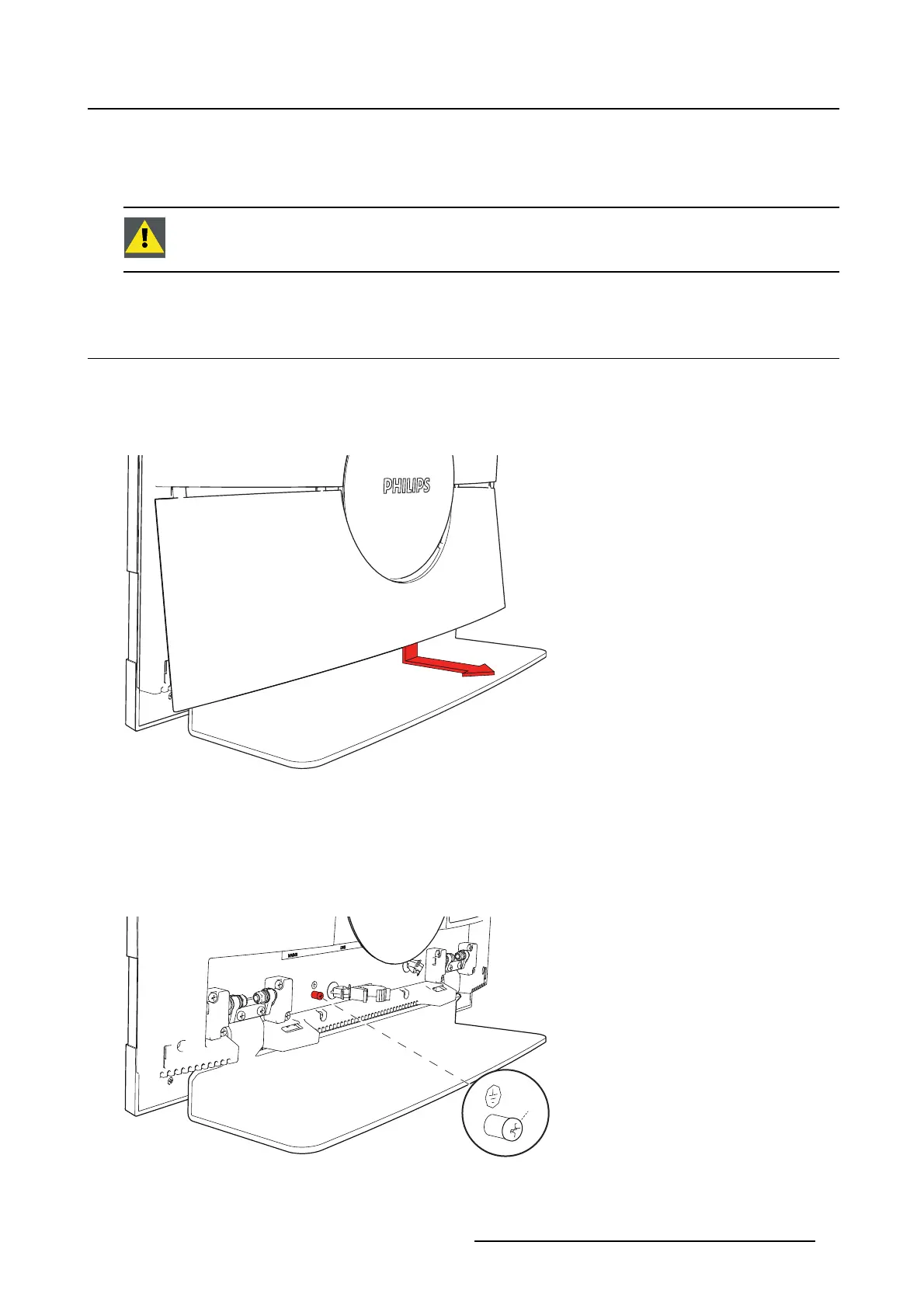
Remove cable cover
To get access to the connectors, the cable cover should be removed.
1. Grab the middle bottom of the cable cover and pull it away from the monitor.
Image 2-1
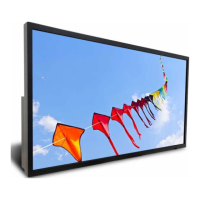
Earth monitor
1. Optionally: For additional grounding, earth the monitor by connecting the protective earth pin to a
grounded outlet by means of a wire with at minimum AWG18 size (according to national Regulation re-
quirements regarding maximum admitted cable length). Use the included M4 screw to attach the wire
to the protective earth pin.
M4
Image 2-2
K5902096 (451920611523) PS24FHDCR 08/03/2018 7


 To Next Page