14
9. Accessing the setup
menu
The following remote control commands
apply to Philips Commercial Solutions TV
products. These can be used for setup and
configuration purposes.
Accessing TV Setup Menu
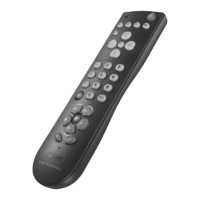
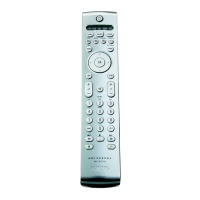
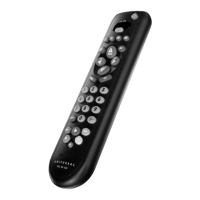
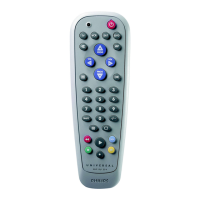
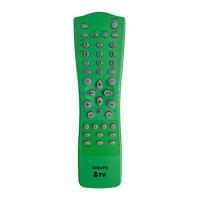
using the Remote Control
(RC2573GR)
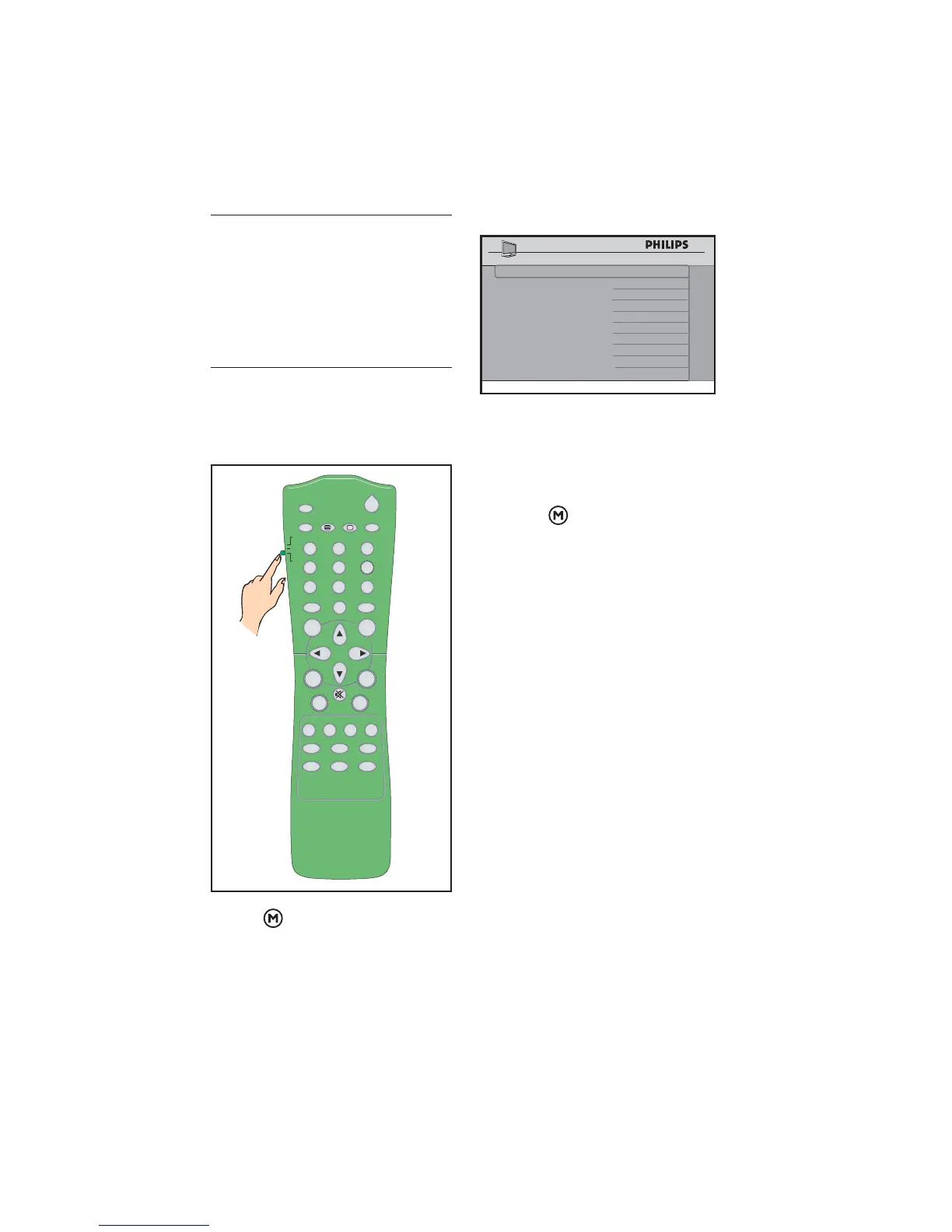
Slide the button to the 1. Setup location.
POWER
SLEEP
GUIDE
CH
CC
RESET
CLOCK A / V
SMART
GUEST
DCM
SETUP
TEXT
RECALL
M
A
EFG
DBC
A/CH
VOL CH
1
4
7
8
0
9
2
56
3
+
++
__
_
Press2.
on the remote control to
access the Setup Menu.
SETUP
LANGUAGE ENGLISH
COMMUNICATION >
CHANNEL INSTALL >
AUTO INSTALL TV >
CABLE TUNING NO
USE CHANNEL TABLE NO
CURRENT RING RING1
DIGITAL SETUP >
CONFIGURATION >
To scroll through the menu:
Press • Î or ï on the remote control
to a highlight a menu item.
Press • Æ to modify the setting of the
highlighted menu item.
Press •
to exit the setup menu.







 To Next Page