23
Selecting and confi guring 10.9
settings and options
The CONFIGURATION menu allows
you to select and configure the settings and
options for:
SWITCH ON / OSD•
PICTURE / SOUND•
SECURITY•
CONTROL•
VIDEO ADJUSTMENTS (only •
available on certain models)
FEATURES•
CC / V - CHIP•
AMBILIGHT (only available on certain •
models)
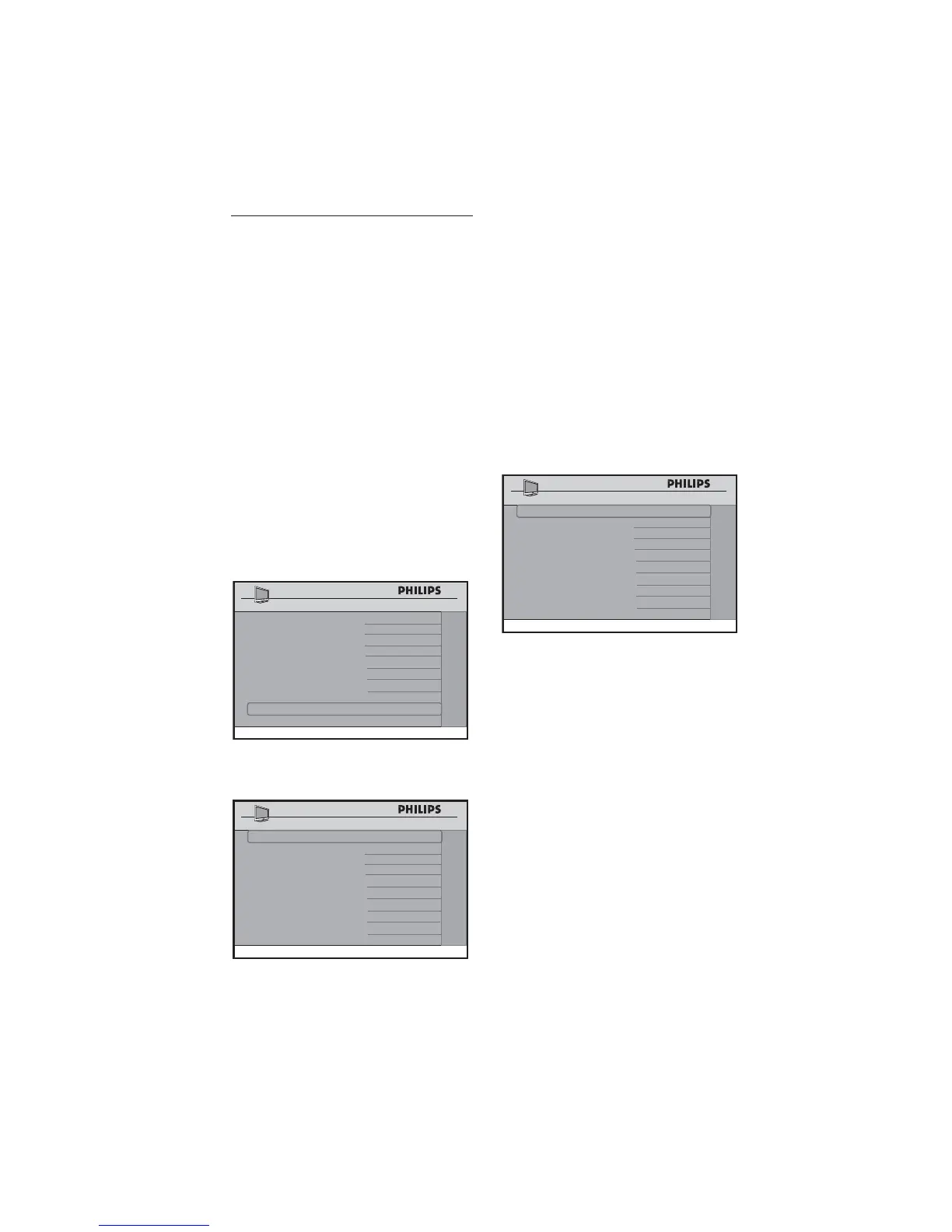
Press • Æ to enter the
CONFIGURATION menu.
CHANNEL INSTALL
SETUP
LANGUAGE ENGLISH
COMMUNICATION >
CHANNEL INSTALL
>
AUTO INSTALL TV >
CABLE TUNING YES
USE CHANNEL TABLE YES
CURRENT RING RING1
DIGITAL SETUP >
CONFIGURATION >
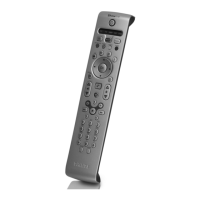
Press • Î ï to select the item you want
to configure.
CHANNEL INSTALL
CONFIGURATION
SWITCH ON / OSD >
PICTURE / SOUND >
SECURITY
>
CONTROL
>
VIDEO ADJUSTMENTS
>
FEATURES >
CC / V-CHIP >
AMBILIGHT >
Specifying the confi guration when
switching on TV
The SWITCH ON / OSD menu allows
you to select and configure the settings and
options for:
WELCOME MESSAGE•
SWITCH ON CHANNEL•
SWITCH ON VOLUME•
SWITCH ON PICTURE FORMAT•
POWER ON•
VOLUME INDICATOR•
CHANNEL DISPLAY•
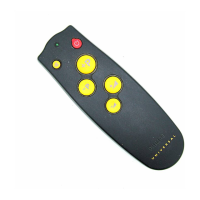
CHANNEL INSTALL
SWITCH ON / OSD
WELCOME MESSAGE >
SWITCH ON CHANNEL TV 2
SWITCH ON VOLUME
30
SWITCH ON PIC FMT WIDESCREEN
POWER ON LAST STATUS
VOLUME INDICATOR YES
CHANNEL DISPLAY ALL
Press • Î or ï to select the item you
want to configure.
Press • Í Æ or 0 - 9 to make
adjustments or select options.
WELCOME MESSAGE• : key in a
welcome message.
SWITCH ON CHANNEL• : set a
channel which you want the TV to
always tune to at startup.
Note: D If STANDARD is selected in the
SWITCH ON CHANNEL feature,
the TV will switch to the last viewed
channel upon start-up.
SWITCH ON VOLUME• : specify the
volume setting at startup.
SWITCH ON PIC FMT• : select
your preferred picture format at
startup (AUTO, 4:3, ZOOM 14:9,









 To Next Page