22
Selecting the Digital Closed Caption
options
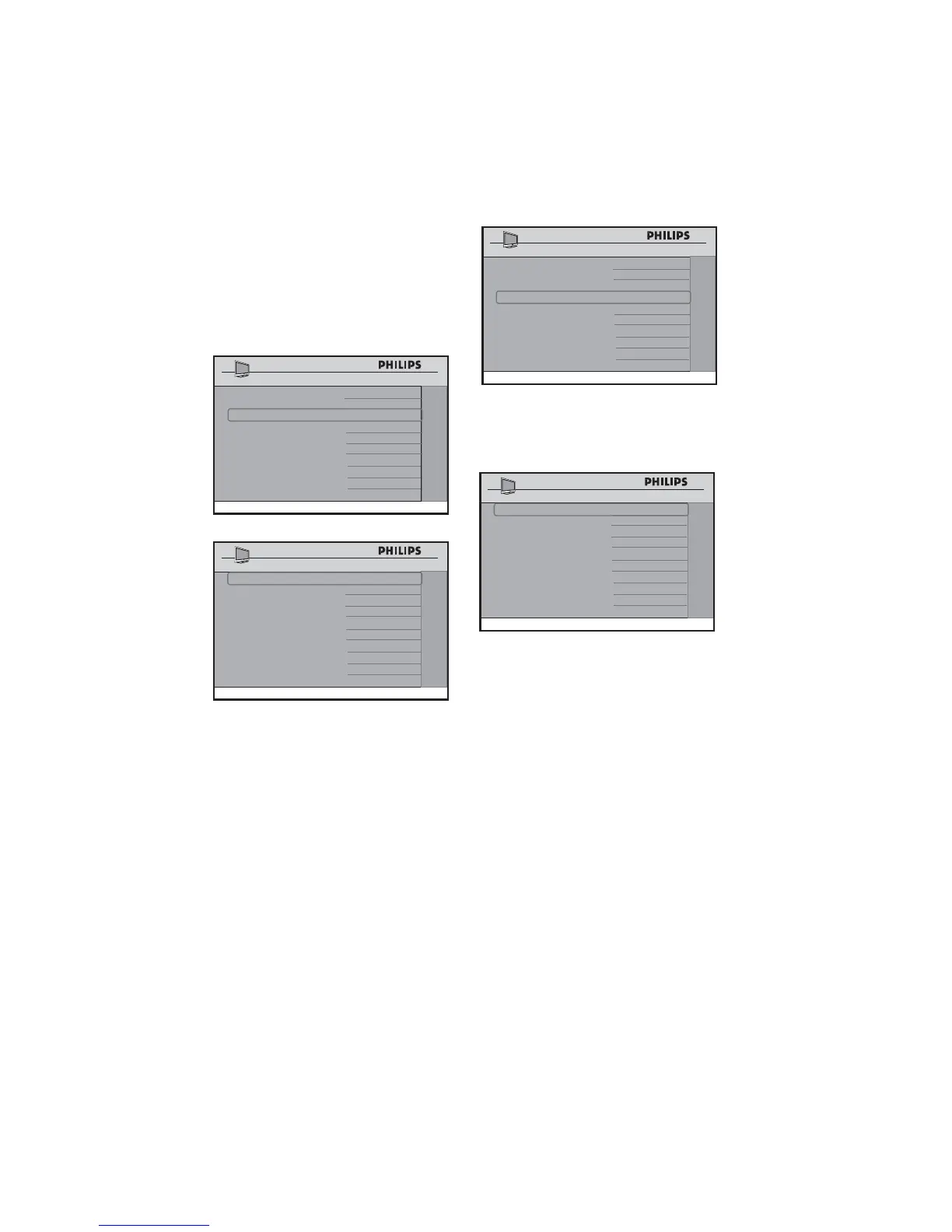
DIGITAL CLOSED CAPTION SETUP
allows you to select the default Closed
Captioning option and also configure the
digital text / background properties of digital
CC.
CHANNEL INSTALL
DIGITAL SETUP
CHANNEL SETUP >
AUDIO
>
DIGITAL CC SETUP >
EMERGENCY ALERT >
DIGITAL CC
CAPTION OPTION ON
CAPTION TEXT >
CAPTION BACKGROUND >
Press • Æ to enter the DIGITAL CC
SETUP menu and select your default
Closed Captioning option and also
configure the digital text background
properties of digital CC.
Activating the Emergency Alert
Use this option to enable or disable
MEDIUM to LOW alert.
Press • Æ to enter the EMERGENCY
ALERT menu and select MEDIUM or
LOW.
CHANNEL INSTALL
DIGITAL SETUP
CHANNEL SETUP >
AUDIO >
DIGITAL CC SETUP
>
EMERGENCY ALERT >
•
Press the • Î ï buttons to select
MEDIUM or LOW.
Press • Í Æ to select ON or OFF.
CHANNEL INSTALL
EMERGENCY ALERT
MEDIUM ON
LOW OFF
Select ON option to enable EMERGENCY
ALERT.
Note: HIGH D EMERGENCY ALERT
cannot be disabled.















 To Next Page