8
Basic TV 4.
connections
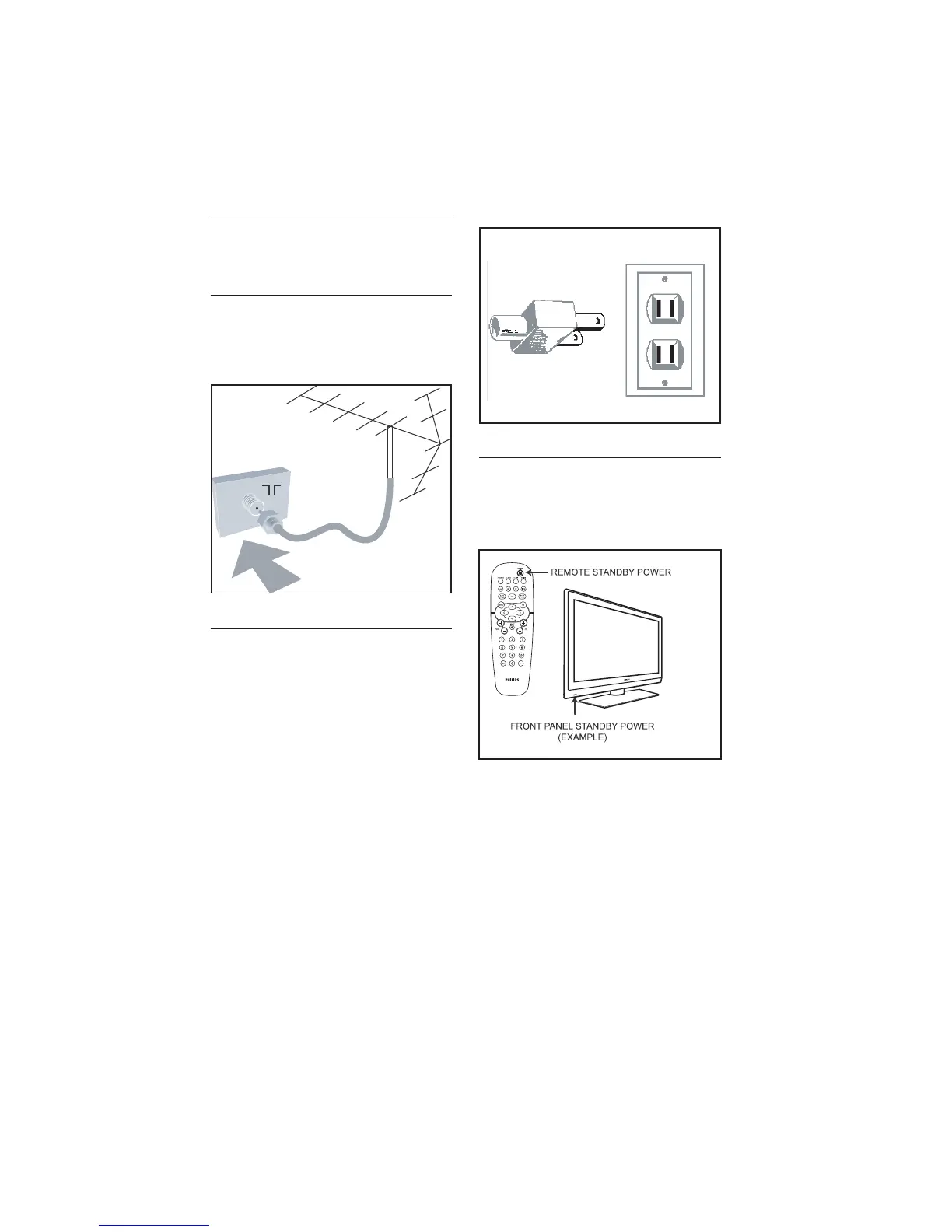
4.1 Antenna connection
Connect the antenna or RF cable signal to
the 75 Ω RF ‘:’ connector socket located
on the TV.
4.2 Mains connection
Ensure that the mains voltage and frequency
are correct. Refer to the product labelling
and documentation.
Note: D The power button . on the TV
does not disconnect the television from
the AC mains. It toggles the TV between
on and stand-by mode. To completely
turn off the TV you must unplug the AC
mains plugs from the wall socket.
4.3 Switching on the TV
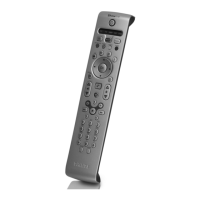
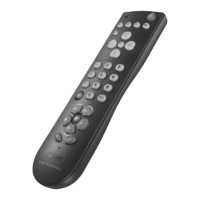
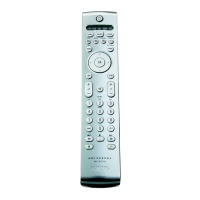
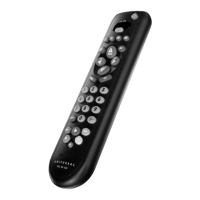
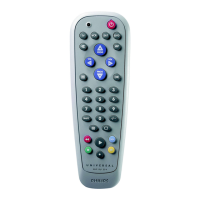
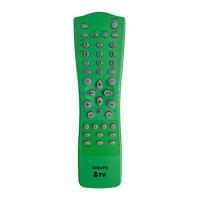
Press . on the TV or on one of the
optional remote controls to switch the TV
set on.







 To Next Page