15
Installation10.
Selecting the language10.1
You can select ENGLISH, ESPANOL or
FRANCAIS as your preferred language.
Press • Æ repeatedly to select your
preferred language.
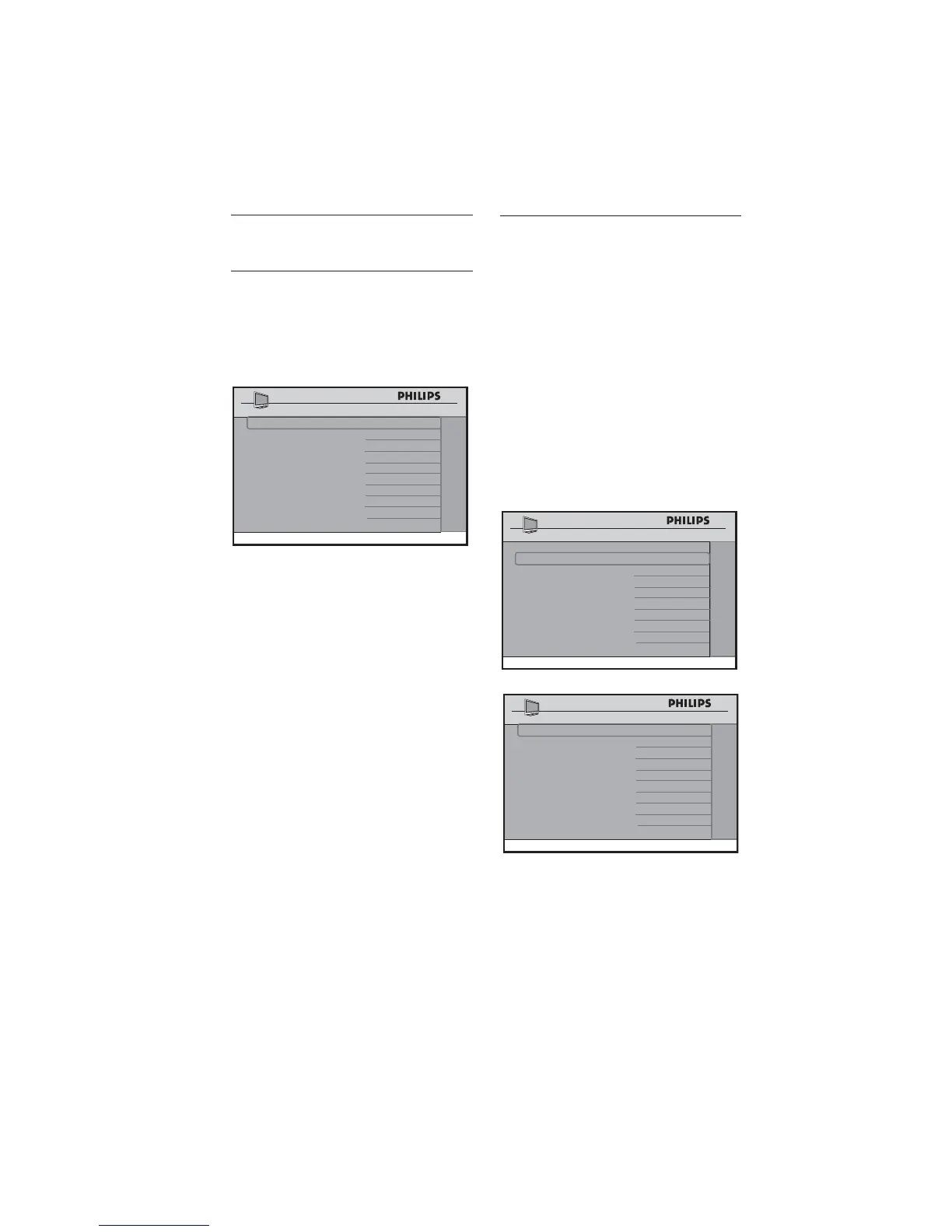
SETUP
LANGUAGE ENGLISH
COMMUNICATION >
CHANNEL INSTALL >
AUTO INSTALL TV >
CABLE TUNING NO
USE CHANNEL TABLE NO
CURRENT RING RING1
DIGITAL SETUP >
CONFIGURATION >
Selecting the 10.2
communication source
The following options are available in the
COMMUNICATION menu
SP - SPI•
SP - I2C•
SERIAL XPRESS•
MULTI RC•
SMART RC•
OFF•
The factory default (SP-SPI) is correct for
most systems.
SETUP
LANGUAGE ENGLISH
COMMUNICATION >
CHANNEL INSTALL
>
AUTO INSTALL TV >
CABLE TUNING NO
USE CHANNEL TABLE NO
CURRENT RING RING1
DIGITAL SETUP >
CONFIGURATION >
COMMUNICATION SP - SPI
STORE >
DCM TYPE >
COMMUNICATION
To identify a connection link between •
the TV display and the setup box, select
SP - SPI, SP - I2C or
SERIAL XPRESS.
For SP - SPI D and SP - I2C: if the set-
top box requires a source switch, select
GENERIC under DCM TYPE.







 To Next Page