16
To use the specified color code to •
correspond to the remote control select
MULTI RC (see Appendix A on page
38 ).
Select • SMART RC to access the
SMOOVIE
TM
functionality on this TV
set.
Select • STORE and store all your
selections.
10.3 Changing the settings of a
channel
This feature allows you to change the
settings for a particular channel.
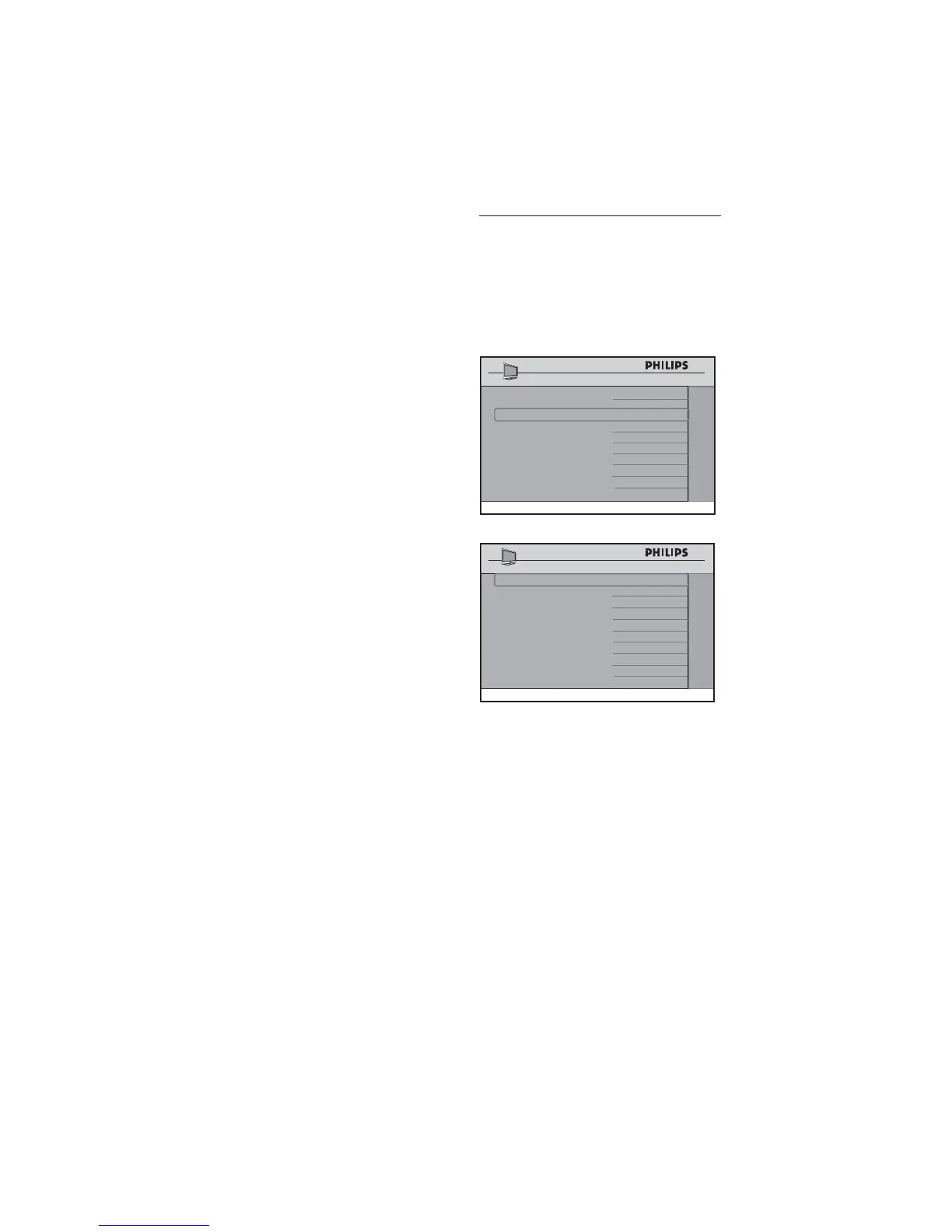
Press Æ to enter the CHANNEL
INSTALL menu.
SETUP
LANGUAGE ENGLISH
COMMUNICATION >
CHANNEL INSTALL >
AUTO INSTALL TV >
CABLE TUNING
NO
USE CHANNEL TABLE NO
CURRENT RING RING1
DIGITAL SETUP >
CONFIGURATION >
CHANNEL INSTALL
CHANNEL TV 2
INPUT TUNER
DIGITAL NO
RINGS
(1 ) (2 ) (3 ) (4 )
LABEL (
) >
MUTE NONE
CHANNEL INSTALL
Select a Channel
• Press 0 - 9 on the remote control to
select a channel.
For • Cable mode, select 01 - 250.
For • Antenna mode, select 02 - 250.
Note: D To input a three digit channel,
confi gure the TV to allow 3-digit channel
entry. (see Confi guring the control options
on page 27 )







 To Next Page