27
Using V-Track to watermark
NOTE: The VTRACK menu will not be displayed unless COMMUNICATION is set to OFF.
VTRACK allows you to activate the
watermarking functionality of the TV.
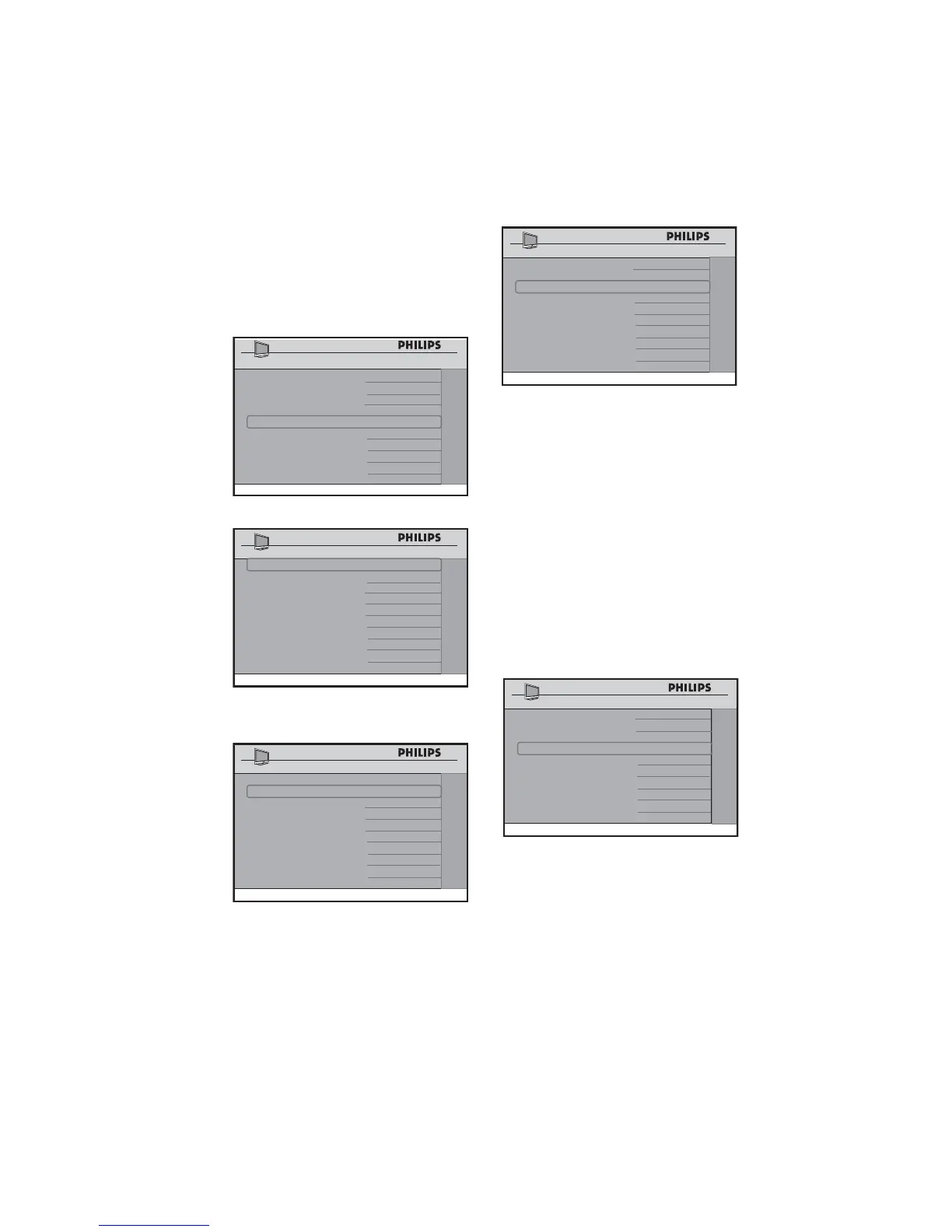
Press • Æ to enter the VTRACK menu.
CHANNEL INSTALL
SECURITY
SECURITY STANDARD
KEYBOARD LOCK ALL
REMOTE CONTROL LOCK YES
DECRYPTION CONTROL >
VTRACK >
Press • Æ to select YES, so that
watermarking is turned on.
CHANNEL INSTALL
VTRACK
VTRACK YES
TIME SETTING 12:00
DOWNLOAD CHANNEL TV2
The • TIME SETTING option allows
you to manually enter the time.
CHANNEL INSTALL
VTRACK
VTRACK YES
TIME SETTING 12:00
DOWNLOAD CHANNEL TV2
The • DOWNLOAD CHANNEL
option allows you to select a channel
from where the time is retrieved.
CHANNEL INSTALL
VTRACK
VTRACK YES
TIME SETTING 12:00
DOWNLOAD CHANNEL TV2
Confi guring the control options
The CONTROL menu allows you to select
and configure the settings and options for:
ESP (Energy Saving Programmability)•
DIGIT TIMEOUT•
3 DIGIT ENTRY•
SOURCE MENU ITEM•
CHANNEL GUIDE•
MIN VOLUME (Minimum volume)•
MAX VOLUME (Maximum volume)•
Press • Æ to enter the CONTROL menu.
CHANNEL INSTALL
CONFIGURATION
SWITCH ON / OSD >
PICTURE / SOUND >
SECURITY >
CONTROL >
VIDEO ADJUSTMENTS >
FEATURES >
CC / V-CHIP >
AMBILIGHT >
Press • Î ï to select the item you want
to configure.















 To Next Page