33
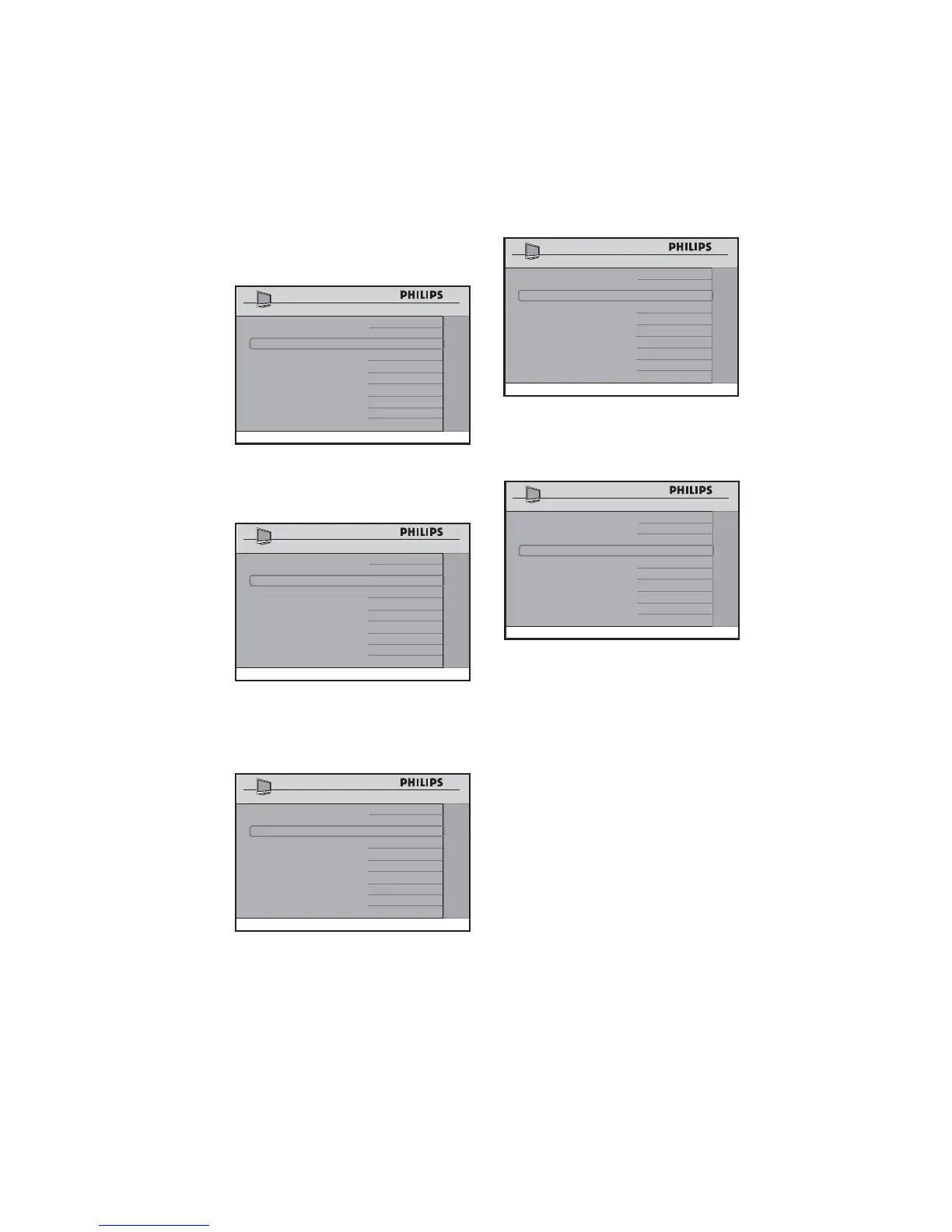
If • SSB FIRMWARE is selected, the
digital module software, including MPEG
2 and MPEG 4, is updated from the USB
device.
SOURCE USB
DIRECTION DOWNLOAD
SW TYPE SSB FIRMWARE
START >
SW DOWNLOAD
If • STANDBY FIRMWARE is selected,
the startup data is updated from the
USB device.
SOURCE USB
DIRECTION DOWNLOAD
SW TYPE STANDBY FIRMWARE
START >
SW DOWNLOAD
If • IBOARD NVM is selected, the TV
settings are updated from the USB
device.
SOURCE USB
DIRECTION DOWNLOAD
SW TYPE IBOARD NVM
START >
SW DOWNLOAD
If • IBOARD FIRMWARE is selected,
the iboard software is updated from the
USB device.
SOURCE USB
DIRECTION DOWNLOAD
SW TYPE IBOARD FIRMWARE
START >
SW DOWNLOAD
After all the selections for the • SW
DOWNLOAD have been completed,
select START.
SOURCE USB
DIRECTION DOWNLOAD
SW TYPE IBOARD FIRMWARE
START >
SW DOWNLOAD
Press • Æ to start. The TV will start to
perform the SW download. Upon
successful downloading, the TV will shut
down and re-start automatically.
Note: D It is strongly recommended in
the SW TYPE to select ALL. This
ensures all available software upgrades
are installed.
RF Source
*Only available on certain models.
If • RF is selected in the SOURCE
option, only downloading can be
performed.







 To Next Page