EasyManua.ls Logo

Philips RC369 - Initial Settings

Philips RC369
23 pages
Print Icon
To Next Page IconTo Next Page
To Previous Page IconTo Previous Page
Loading...
INITIAL
SETTINGS
It
is
possible
to
modify
many
of
the
set's
initial
settings
according
to
your
preferences.
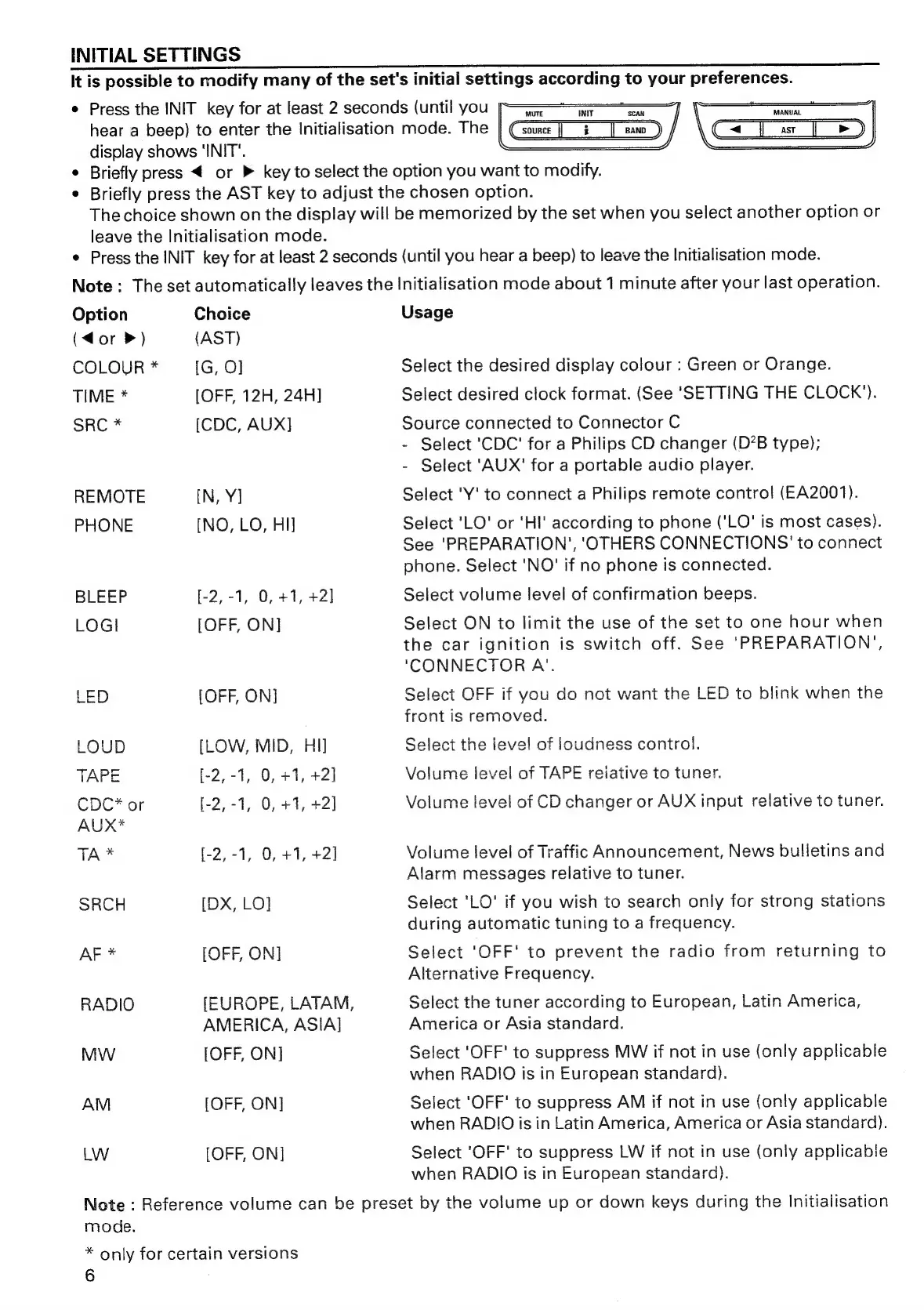
Press
the
INIT
key
for
at
least
2
seconds
(until
you
_
=
=
aan
hear
a
beep)
to
enter
the
Initialisation
mode.
The
||
Csource
|
¢
_[|
eano_)
C=
J
ar
[|
Pe)
display
shows
‘INIT’.
Briefly
press
<
or
»
key
to
select
the
option
you
want
to
modify.
Briefly
press
the
AST
key
to
adjust
the
chosen
option.
The
choice
shown
on
the
display
will
be
memorized
by
the
set
when
you
select
another
option
or
leave
the
Initialisation
mode.
Press
the
INIT
key
for
at
least
2
seconds
(until
you
hear
a
beep)
to
leave
the
Initialisation
mode.
Note:
The
set
automatically
leaves
the
Initialisation
mode
about
1
minute
after
your
last
operation.
Option
Choice
Usage
(dor
>)
(AST)
COLOUR
*
[G,
O]
Select
the
desired
display
colour
:
Green
or
Orange.
TIME
*
[OFF,
12H,
24H]
Select
desired
clock
format.
(See
‘SETTING
THE
CLOCK’).
SRC
*
[CDC,
AUX]
Source
connected
to
Connector
C
-
Select
'CDC'
for
a
Philips
CD
changer
(D’B
type);
-
Select
'AUX'
for
a
portable
audio
player.
REMOTE
[N,
Y]
Select
'Y'
to
connect
a
Philips
remote
control
(EA2001).
PHONE
[NO,
LO,
HI]
Select
'LO'
or
‘HI'
according
to
phone
('LO'
is
most
cases).
See
'PREPARATION’,
'OTHERS
CONNECTIONS
'
to
connect
phone.
Select
'NO'
if
no
phone
is
connected.
BLEEP
[-2,-1,
0,
+1,
+2]
Select
volume
level
of
confirmation
beeps.
LOGI
[OFF,
ON]
Select
ON
to
limit
the
use
of
the
set
to
one
hour
when
the
car
ignition
is
switch
off.
See
‘PREPARATION’,
‘CONNECTOR
A’.
LED
[OFF,
ON]
Select
OFF
if
you
do
not
want
the
LED
to
blink
when
the
front
is
removed.
LOUD
[LOW,
MID,
HI]
Select
the
level
of
loudness
control.
TAPE
[-2,-1,
0,
+1,
+2]
Volume
level
of
TAPE
reiative
to
tuner.
CDC*
or
[-2,-1,
0,
+1,
+2]
Volume
level
of
CD
changer
or
AUX
input
relative
to
tuner.
AUX*
TA
*
[-2,-1,
0,
+1,
+2]
Volume
level
of
Traffic
Announcement,
News
bulletins
and
Alarm
messages
relative
to
tuner.
SRCH
[DX,
LO]
Select
'LO'
if
you
wish
to
search
only
for
strong
stations
during
automatic
tuning
to
a
frequency.
AF
*
[OFF,
ON]
Select
'OFF'
to
prevent
the
radio
from
returning
to
Alternative
Frequency.
RADIO
[EUROPE,
LATAM,
Select
the
tuner
according
to
European,
Latin
America,
AMERICA,
ASIA]
America
or
Asia
standard.
MW
[OFF,
ON]
Select
'OFF'
to
suppress
MW
if
not
in
use
(only
applicable
when
RADIO
is
in
European
standard).
AM
[OFF,
ON]
Select
'OFF'
to
suppress
AM
if
not
in
use
(only
applicable
when
RADIO
is
in
Latin
America,
America
or
Asia
standard).
LW
[OFF,
ON]
Select
'OFF'
to
suppress
LW
if
not
in
use
(only
applicable
when
RADIO
is
in
European
standard).
Note
:
Reference
volume
can
be
preset
by
the
volume
up
or
down
keys
during
the
Initialisation
mode.
*
only
for
certain
versions
6

Related product manuals